


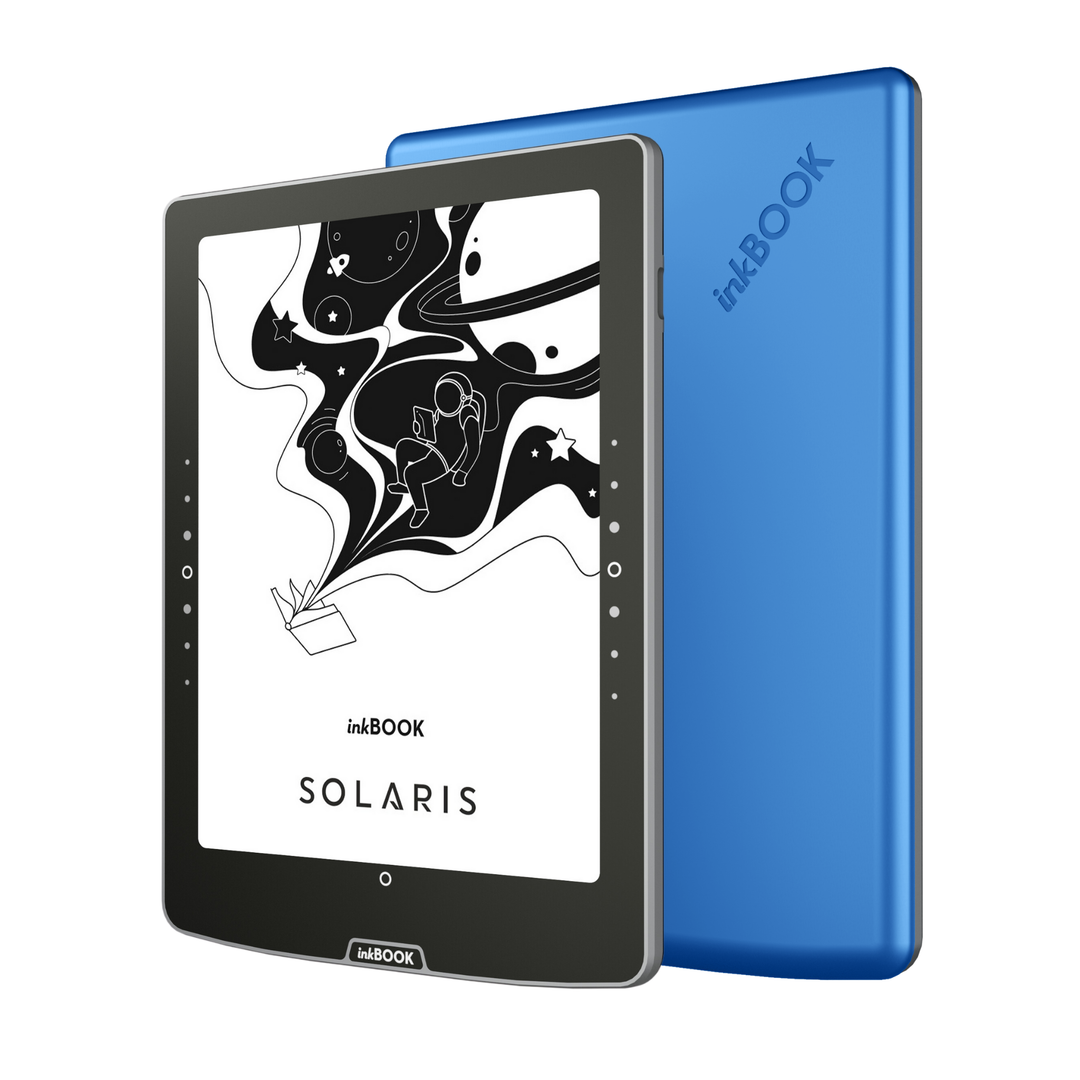


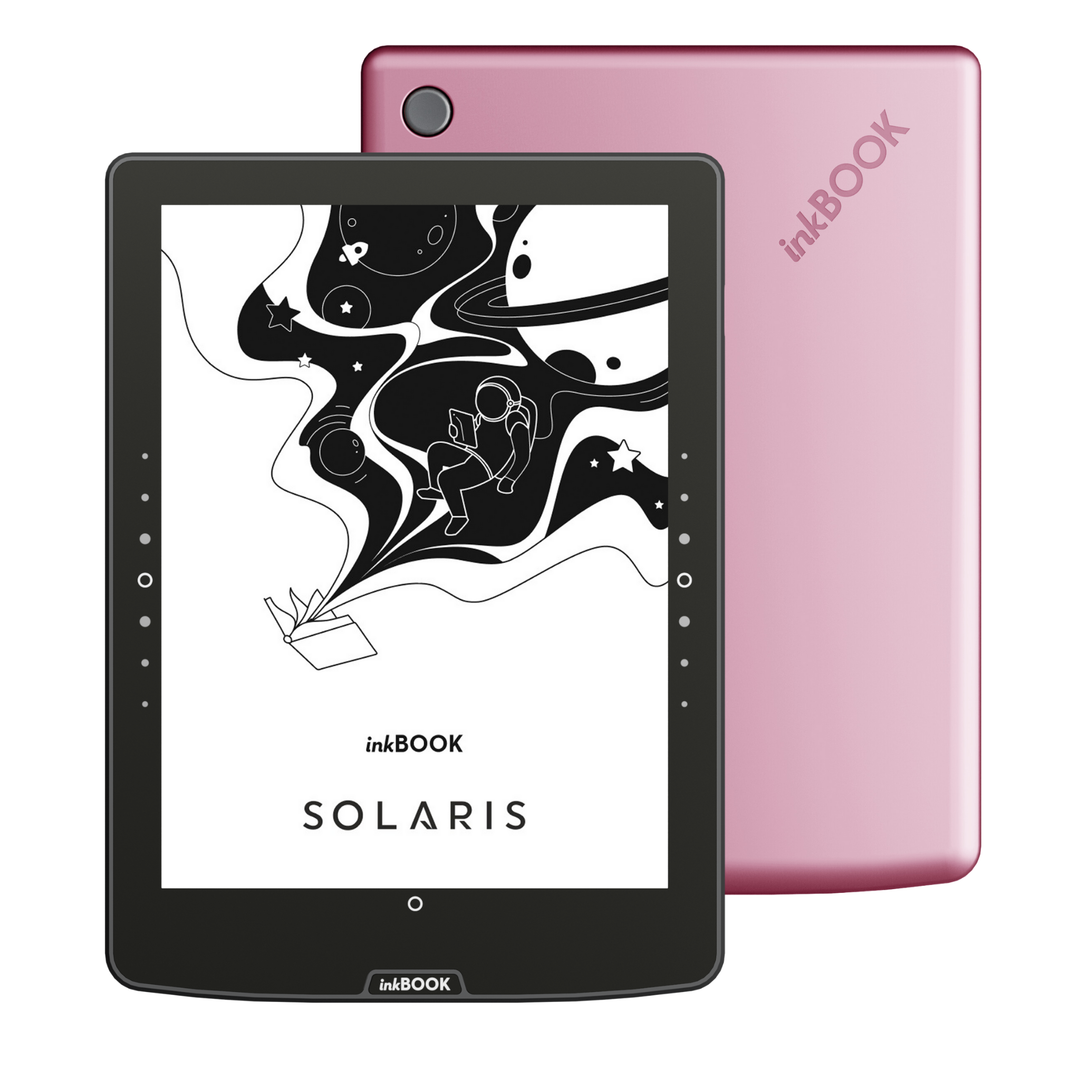


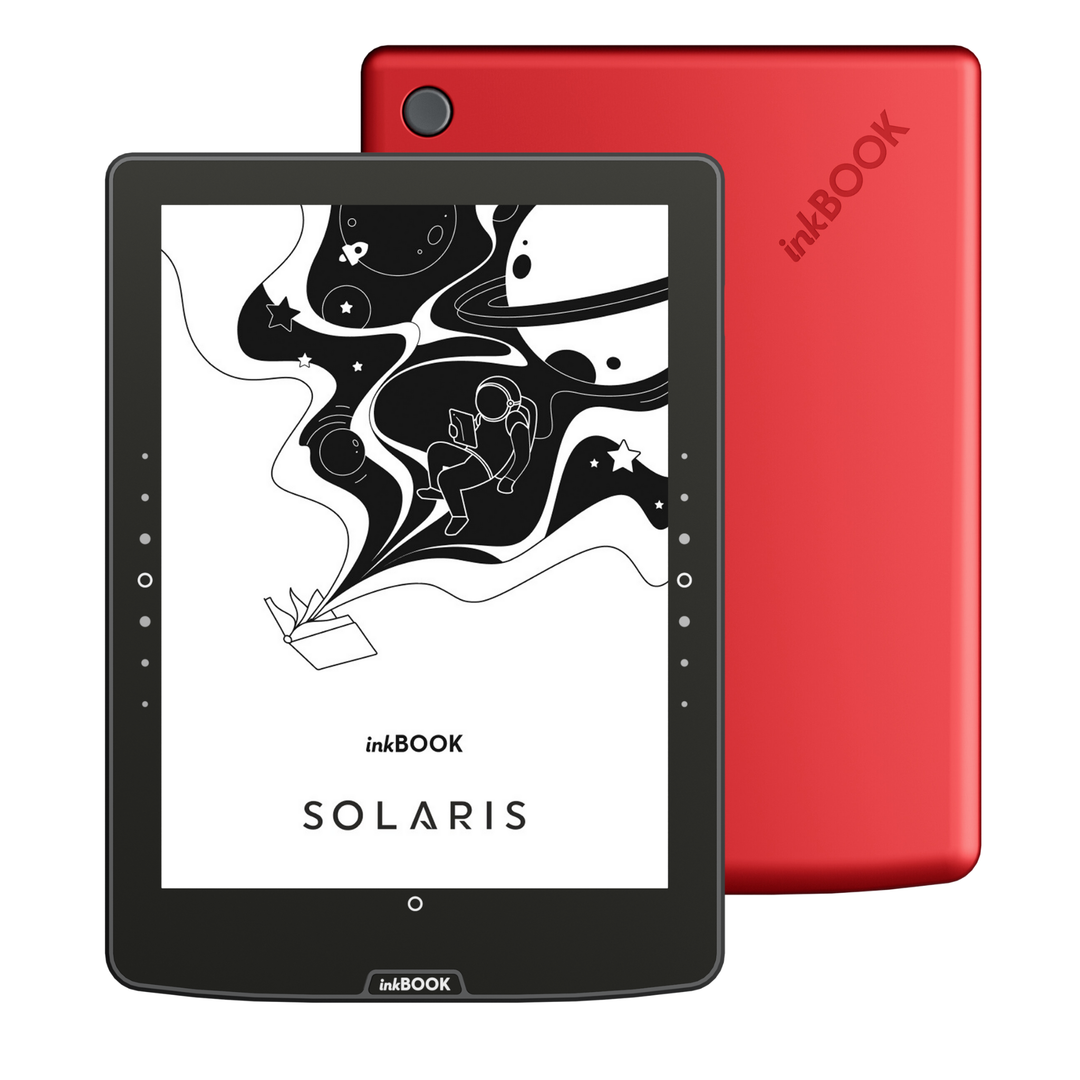
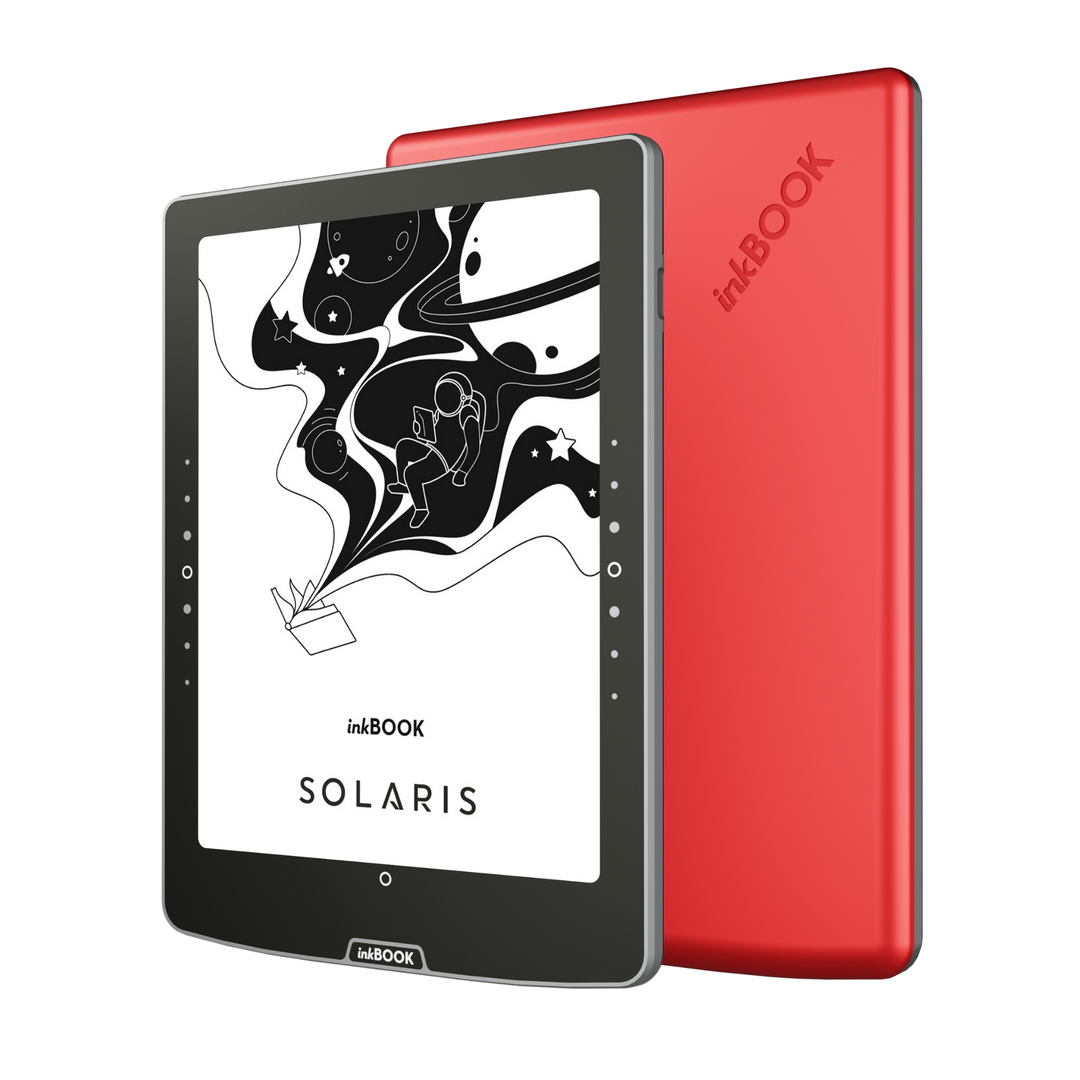





Empieza tu fantástica aventura de lectura
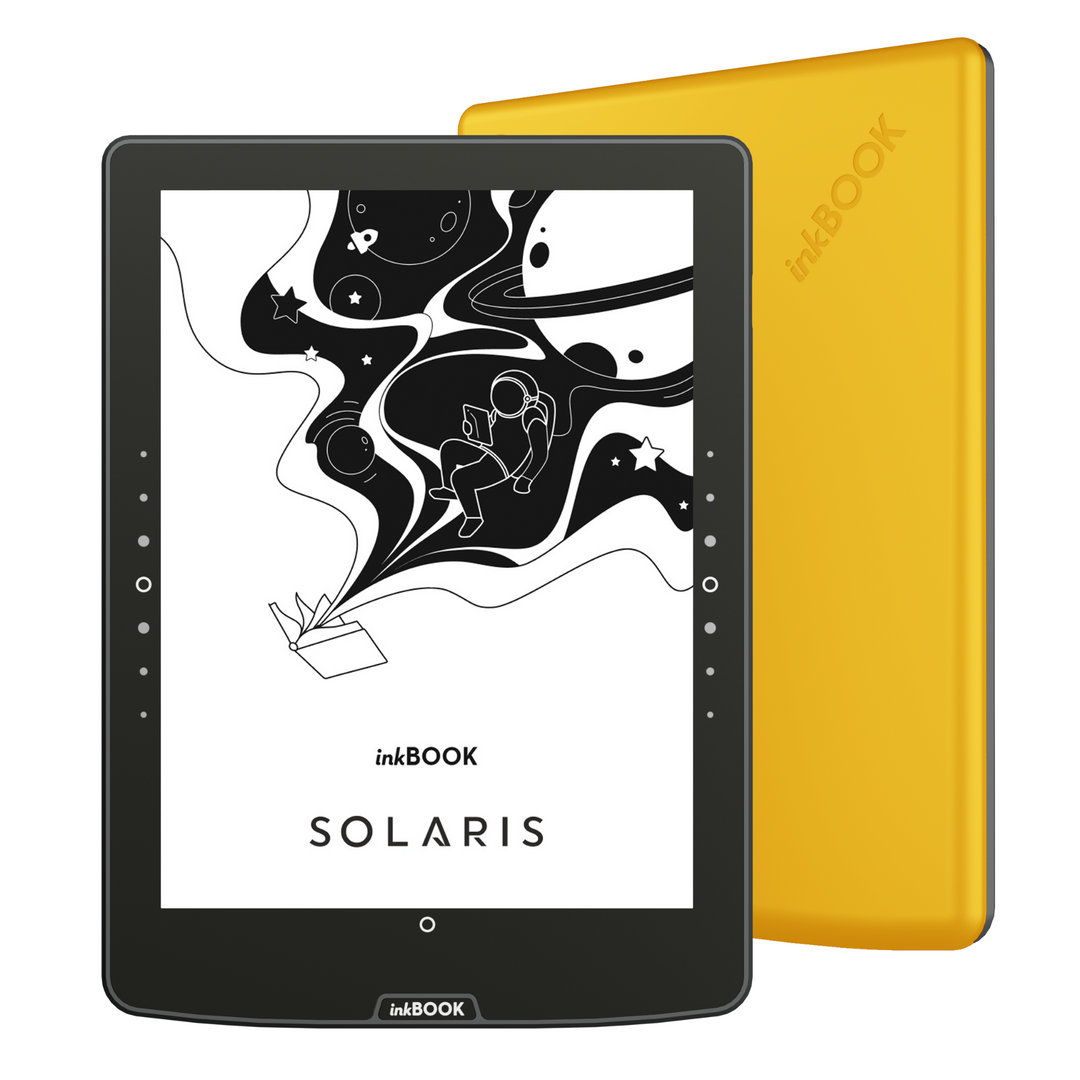
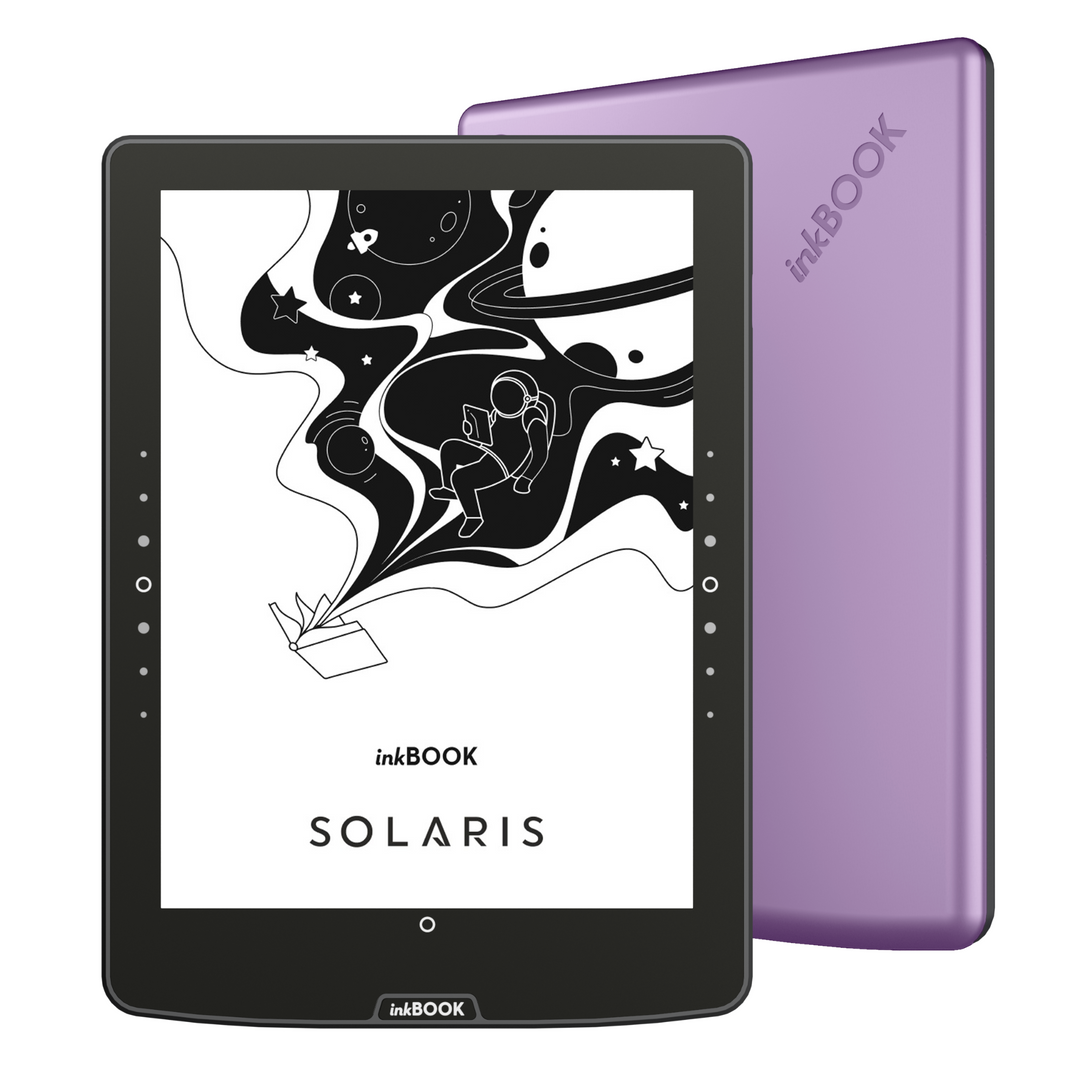
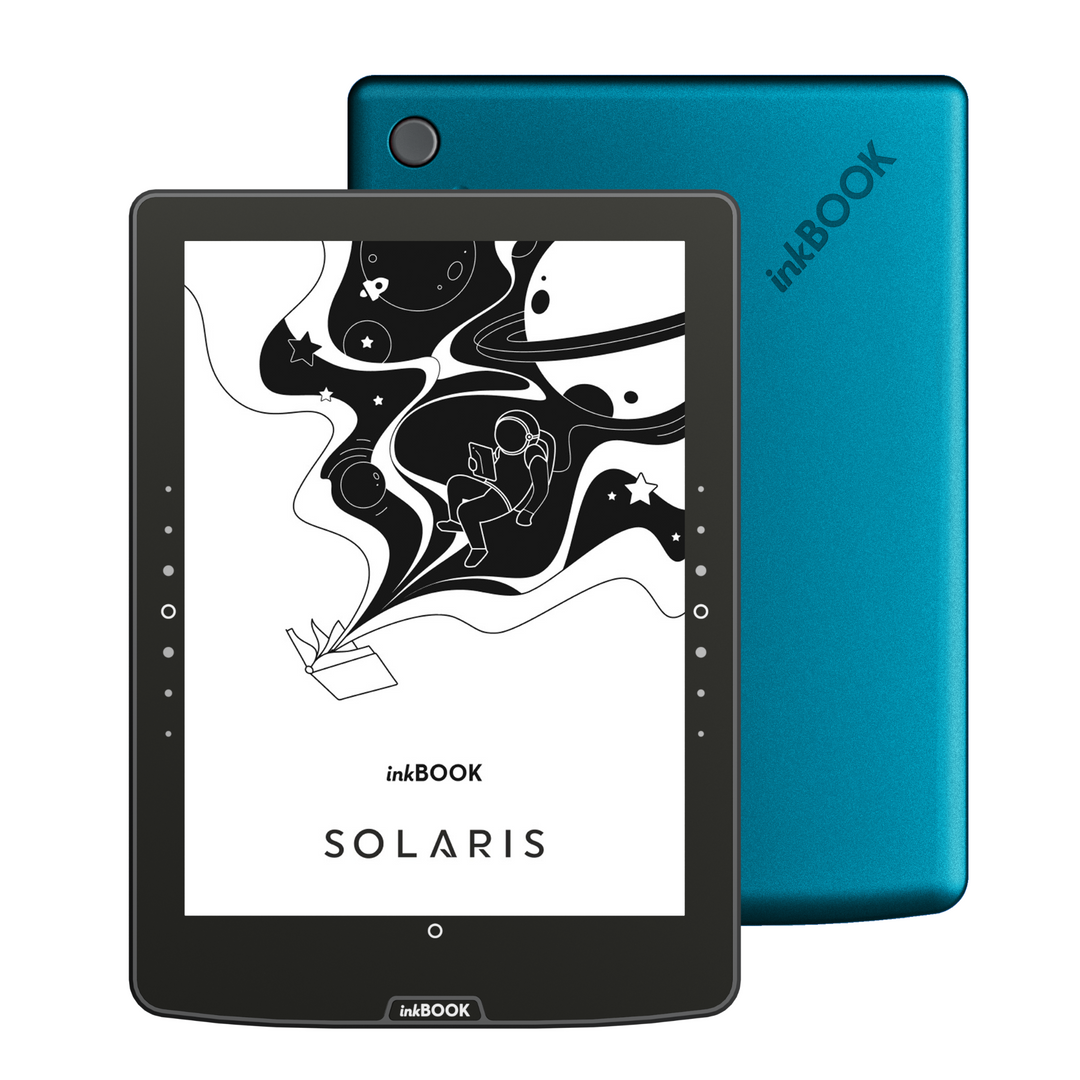
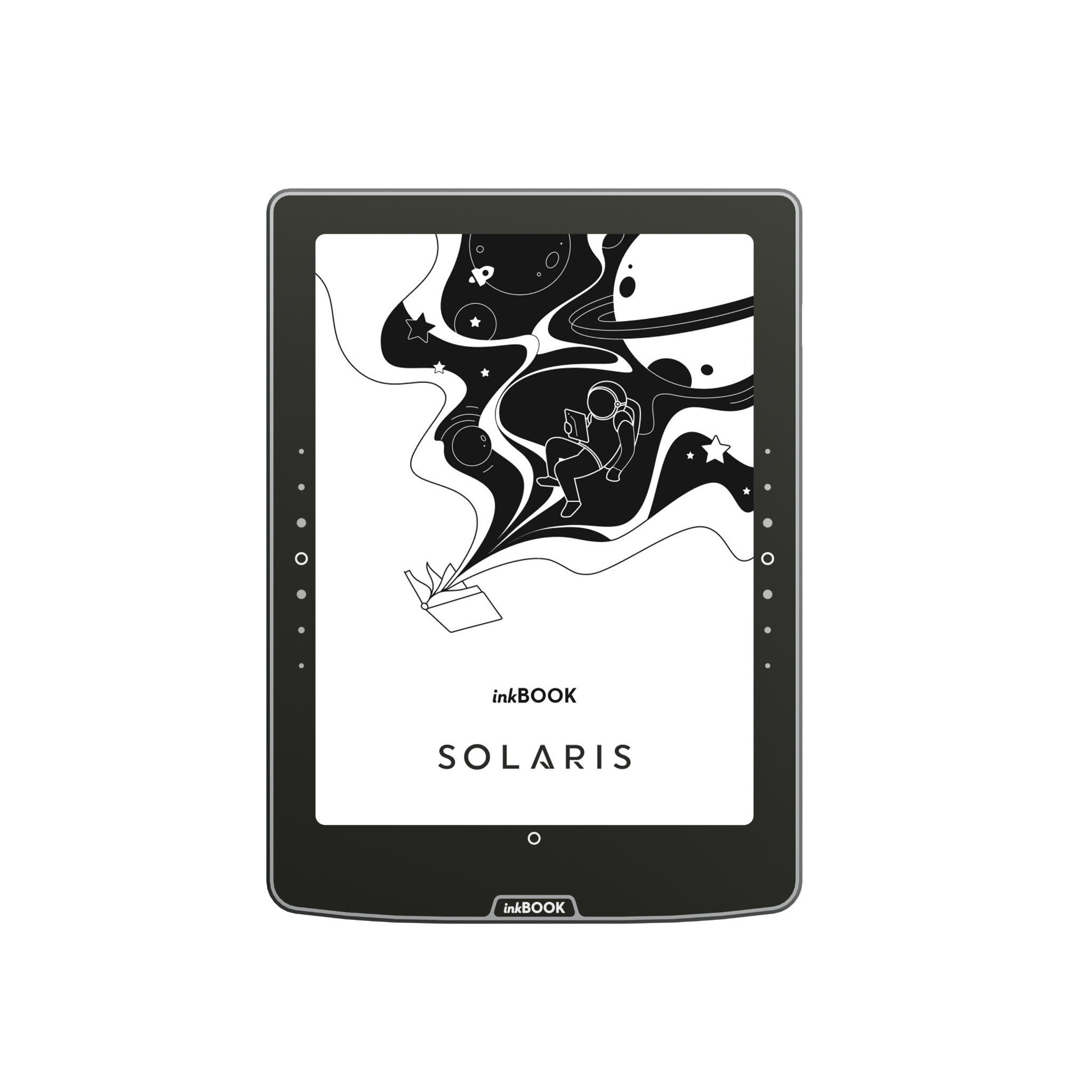
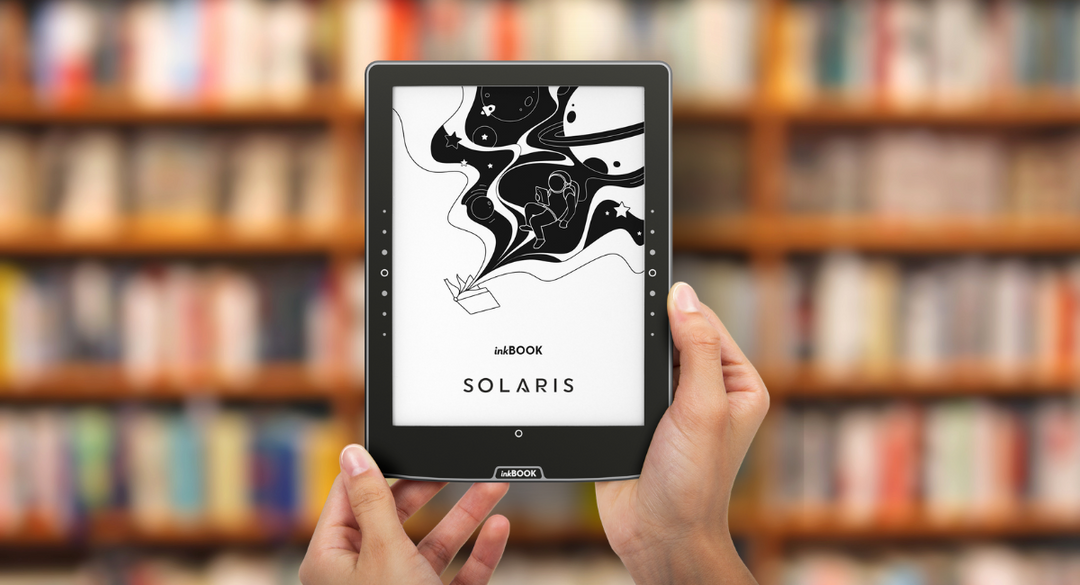
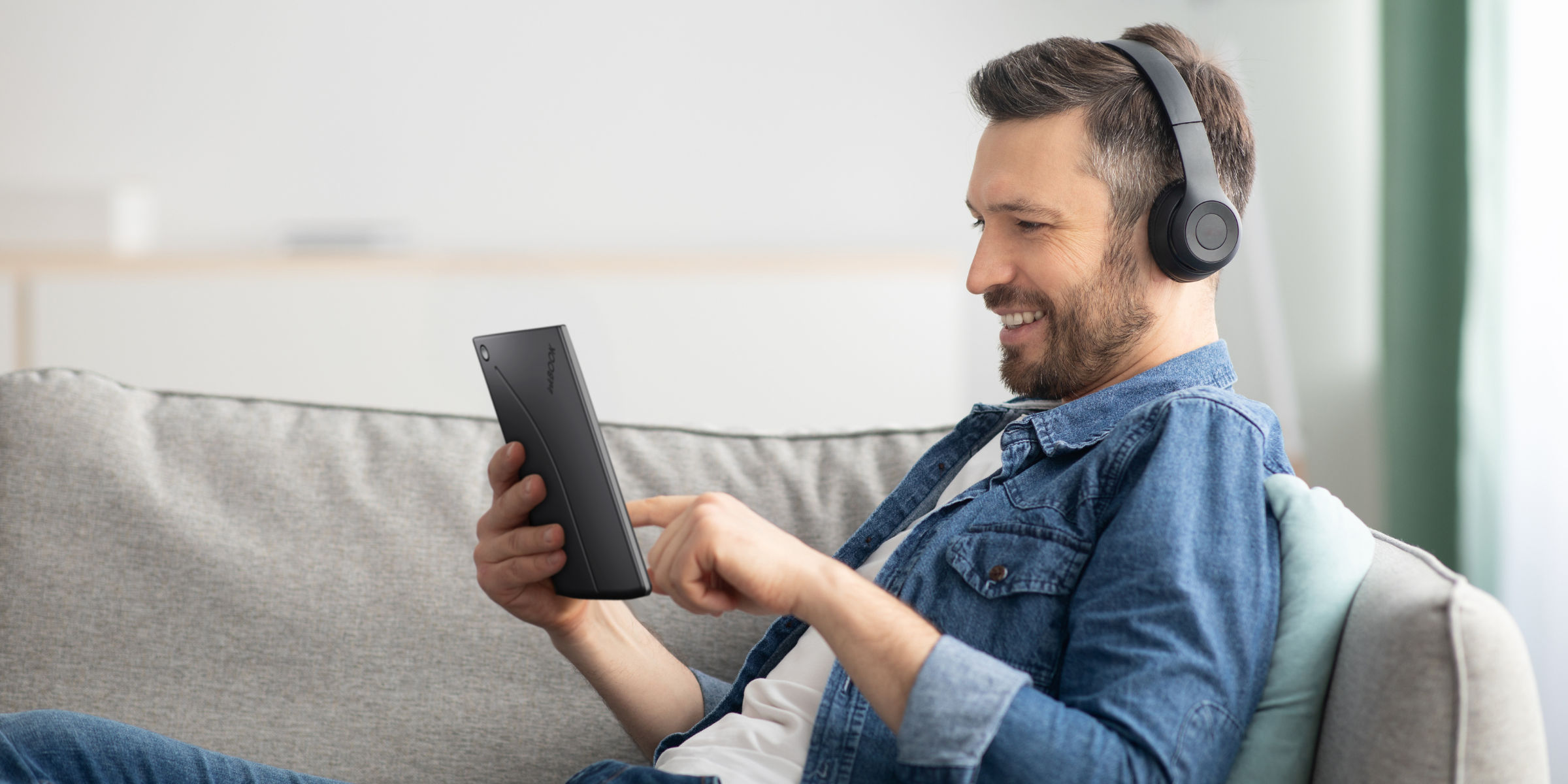
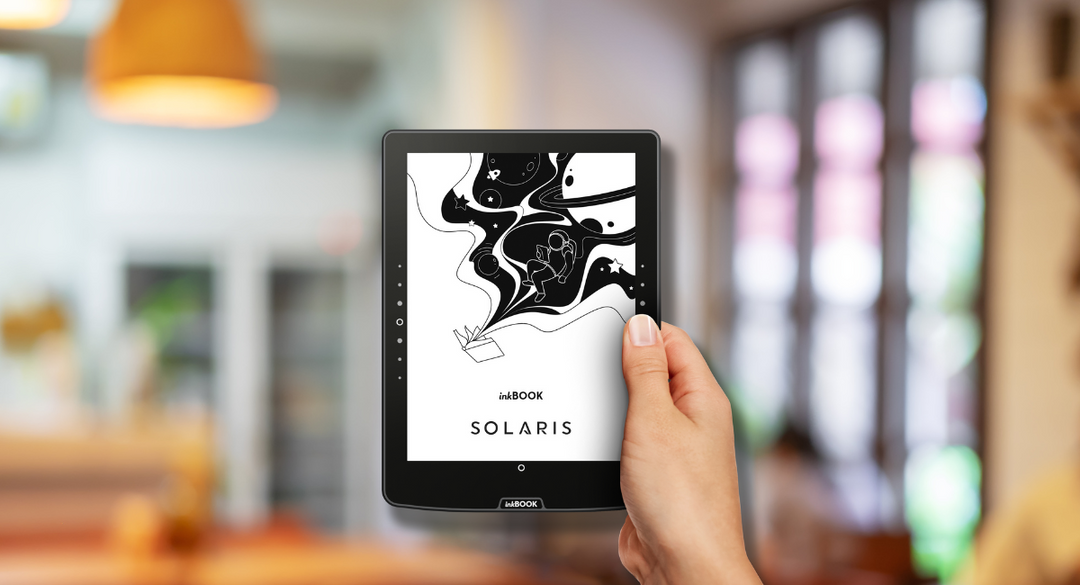
Lleva contigo tú lector electrónico inkBOOK Solaris y sentirás cómo incluso el viaje más corto se convertirá en una aventura literaria. Los bestsellers, las novedades y los clásicos están a tu disposición, siempre que los necesites.

Lee cómodamente durante horas

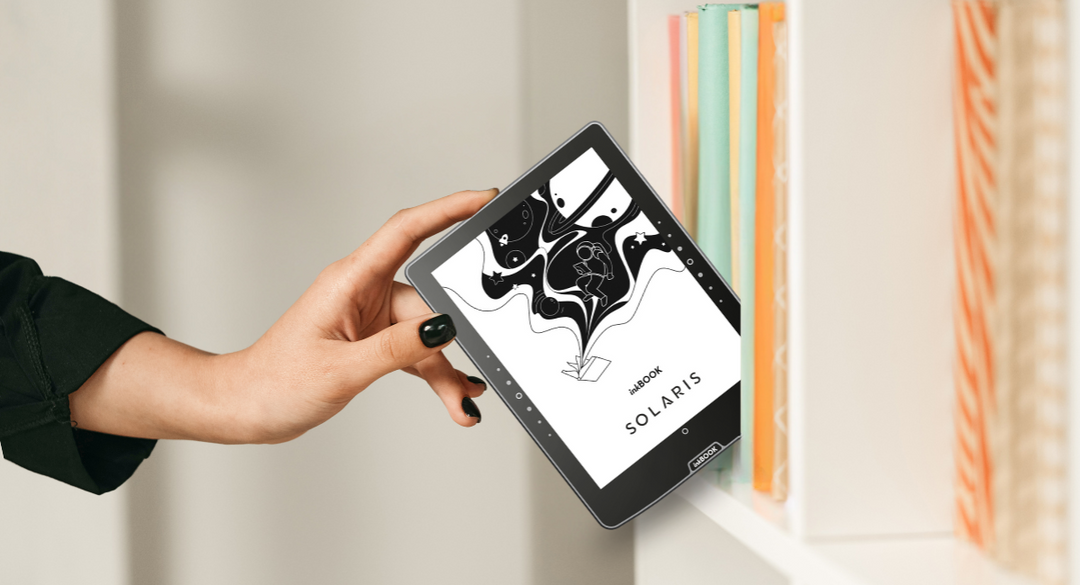
Di adiós a los libros pesados

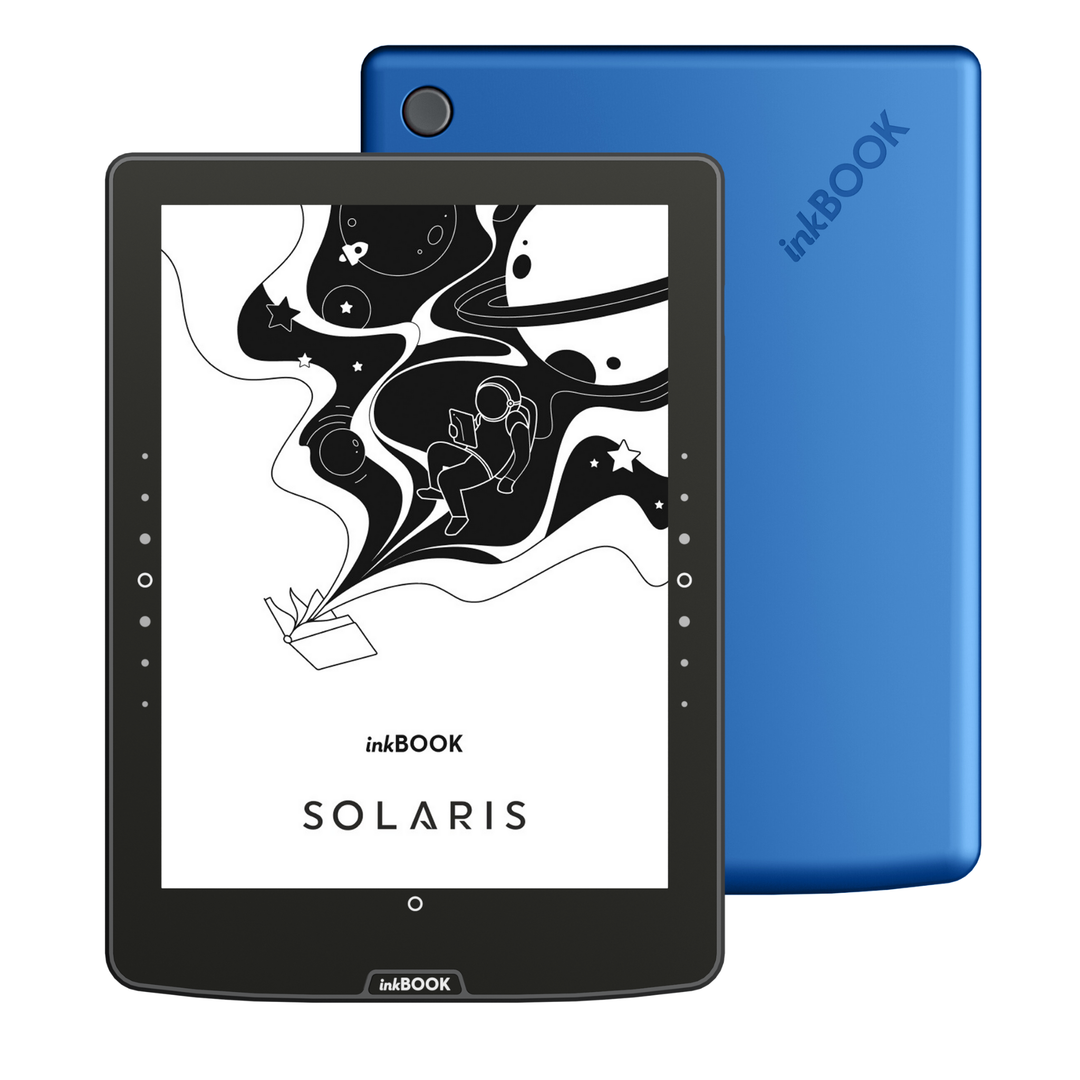
Elegante y a prueba de salpicaduras
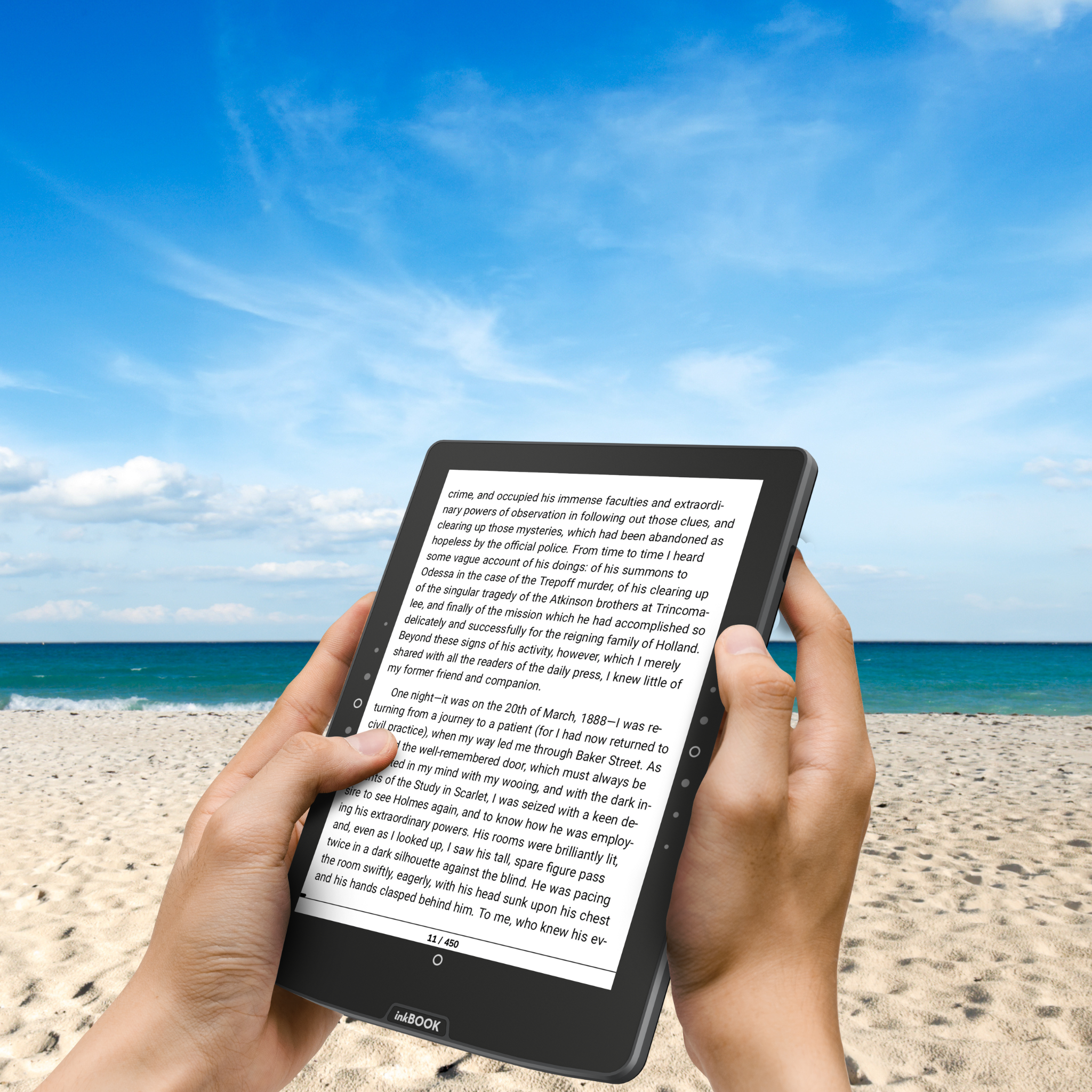
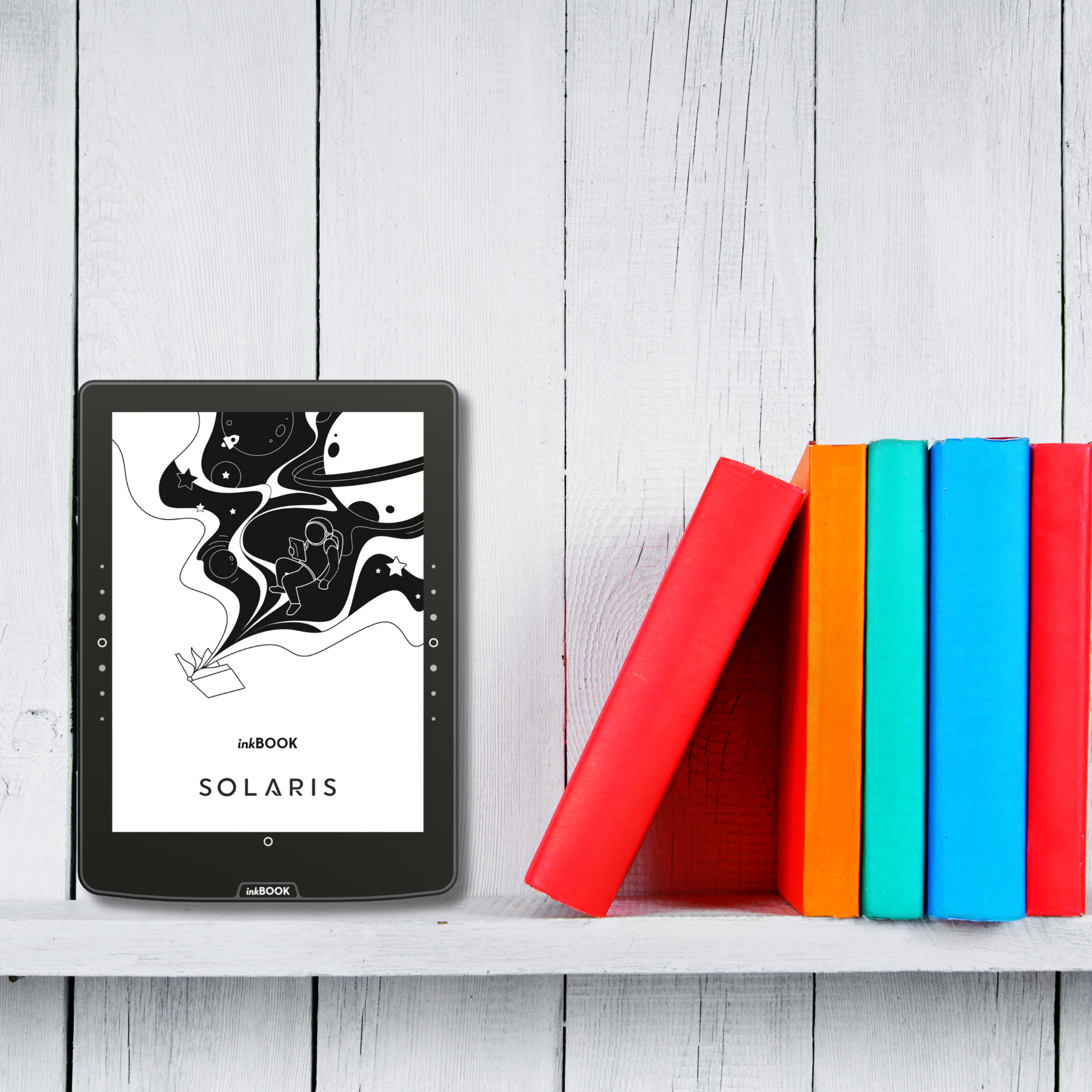
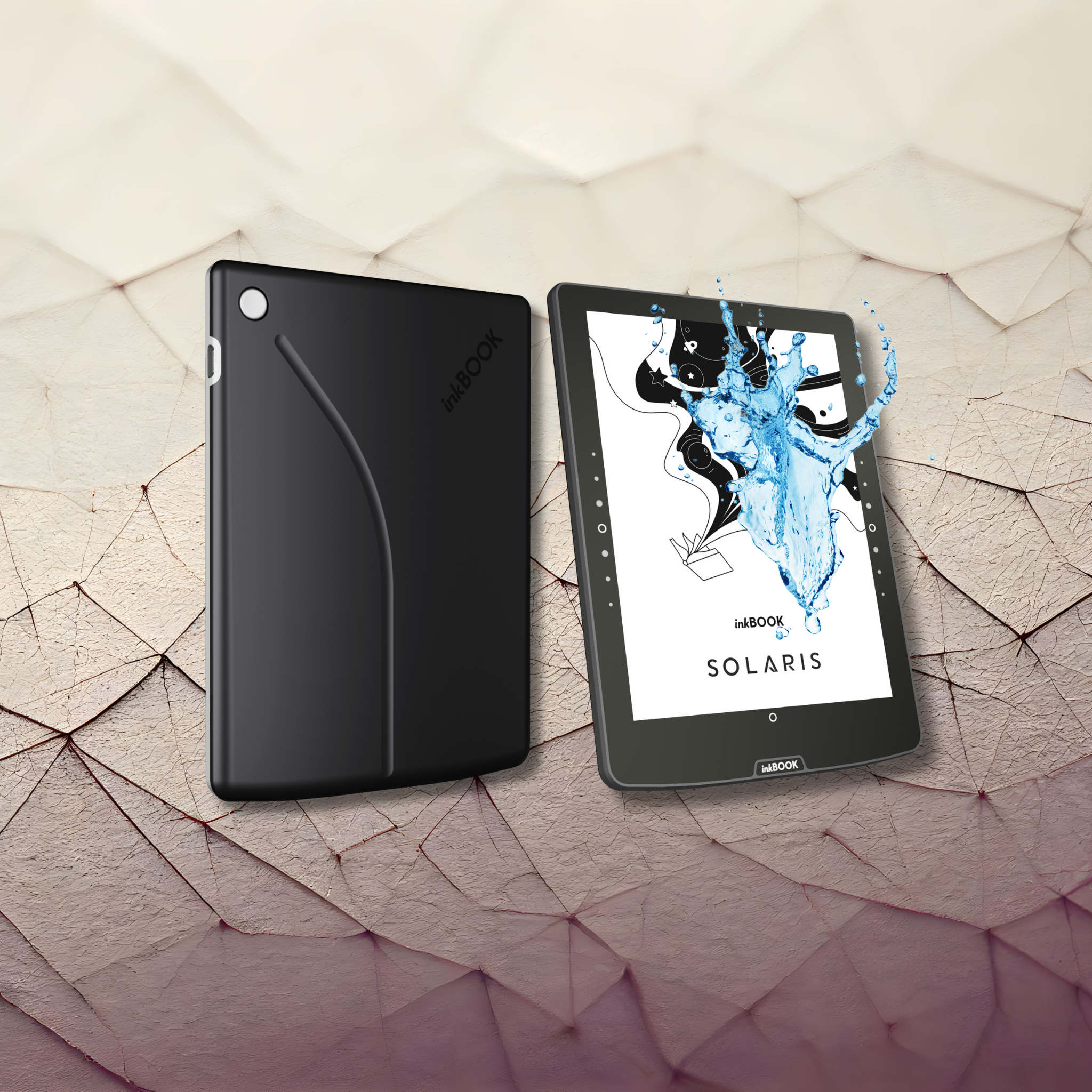
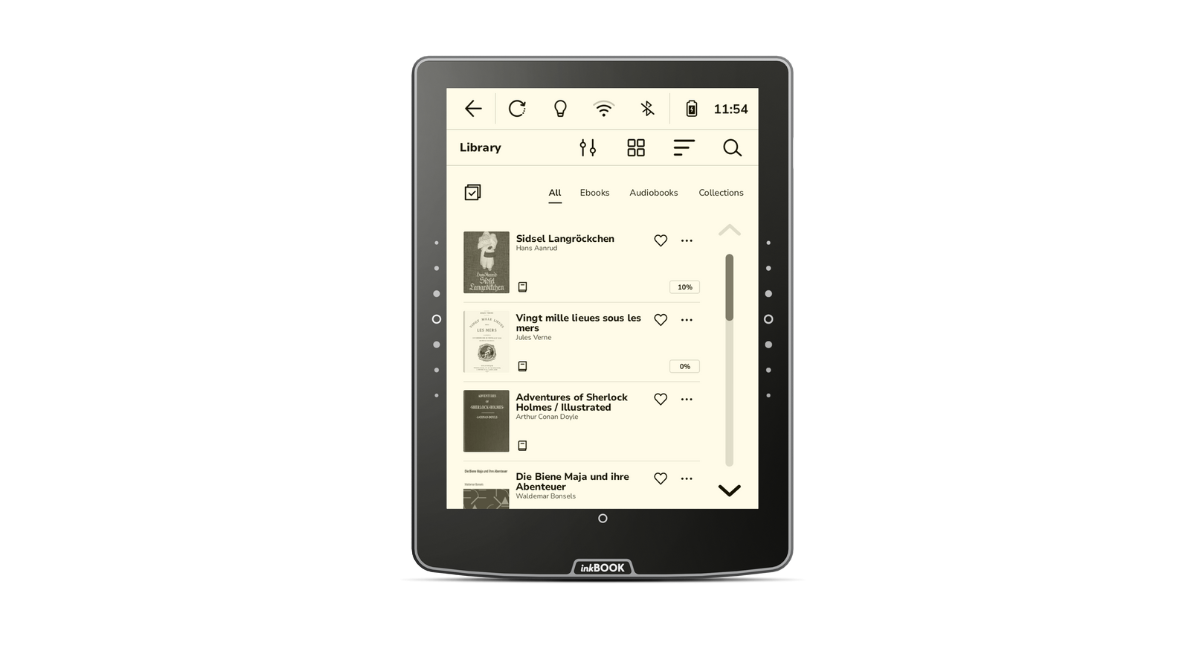
La iluminación de la pantalla está especialmente diseñada para que el usuario se concentre únicamente en la página, lo que garantiza una experiencia de lectura agradable, sin distracciones y sin cansar la vista, perfecta para largas tardes de relax.
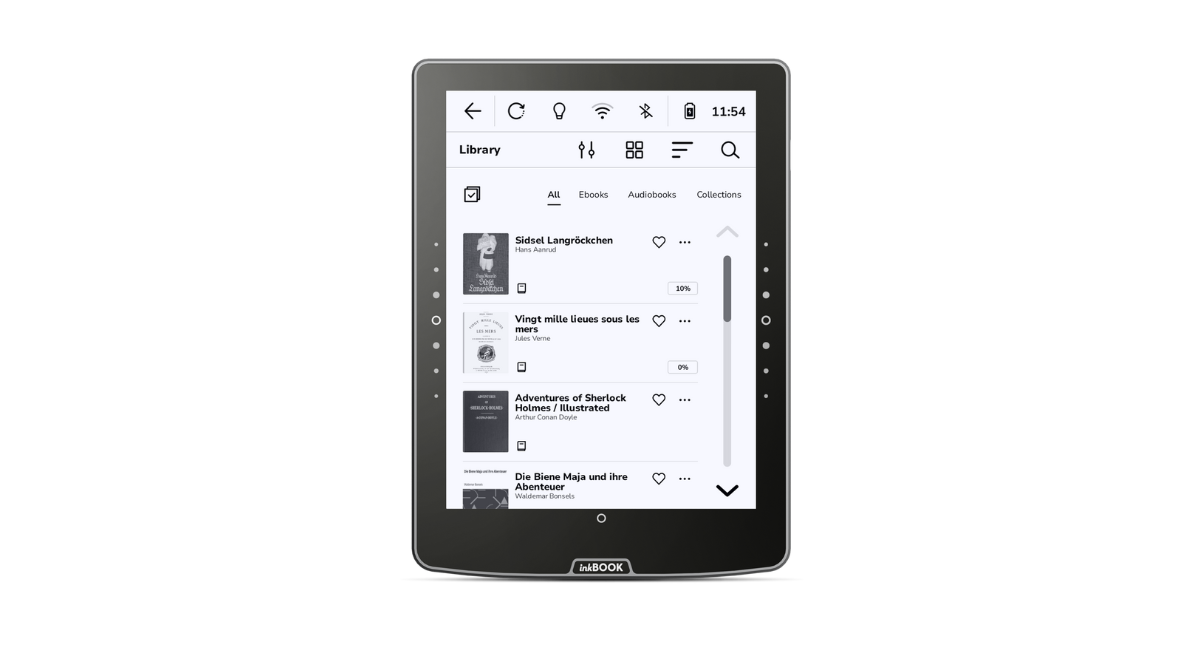
MÁXIMA VERSATILIDAD
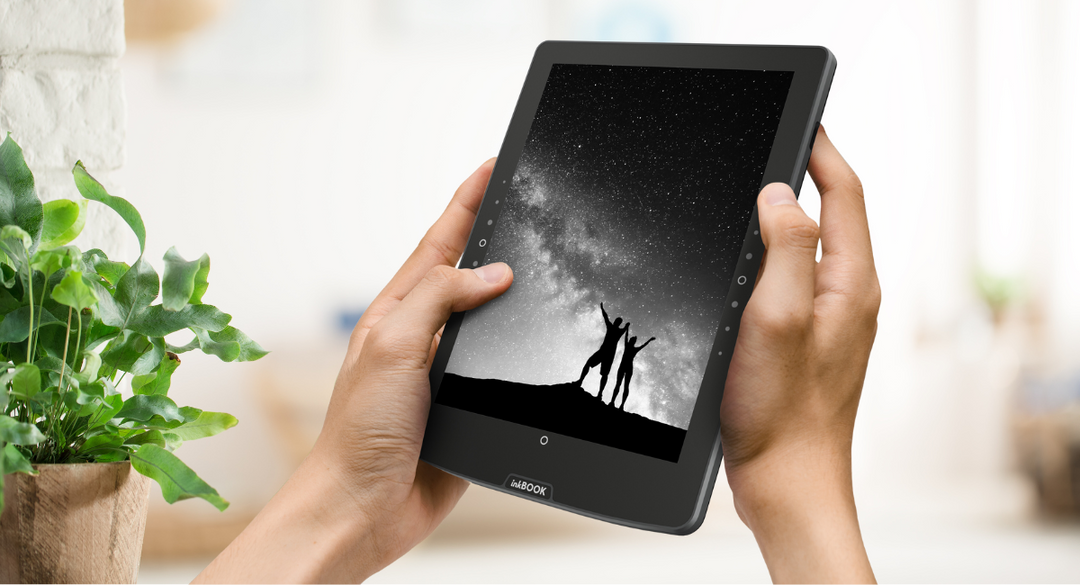
Se acabó pasar las páginas por accidente y las interrupciones de tu lectura. A diferencia de una pantalla, los botones no son muy sensibles al tacto por lo que hay que pulsarlos de forma deliberada.
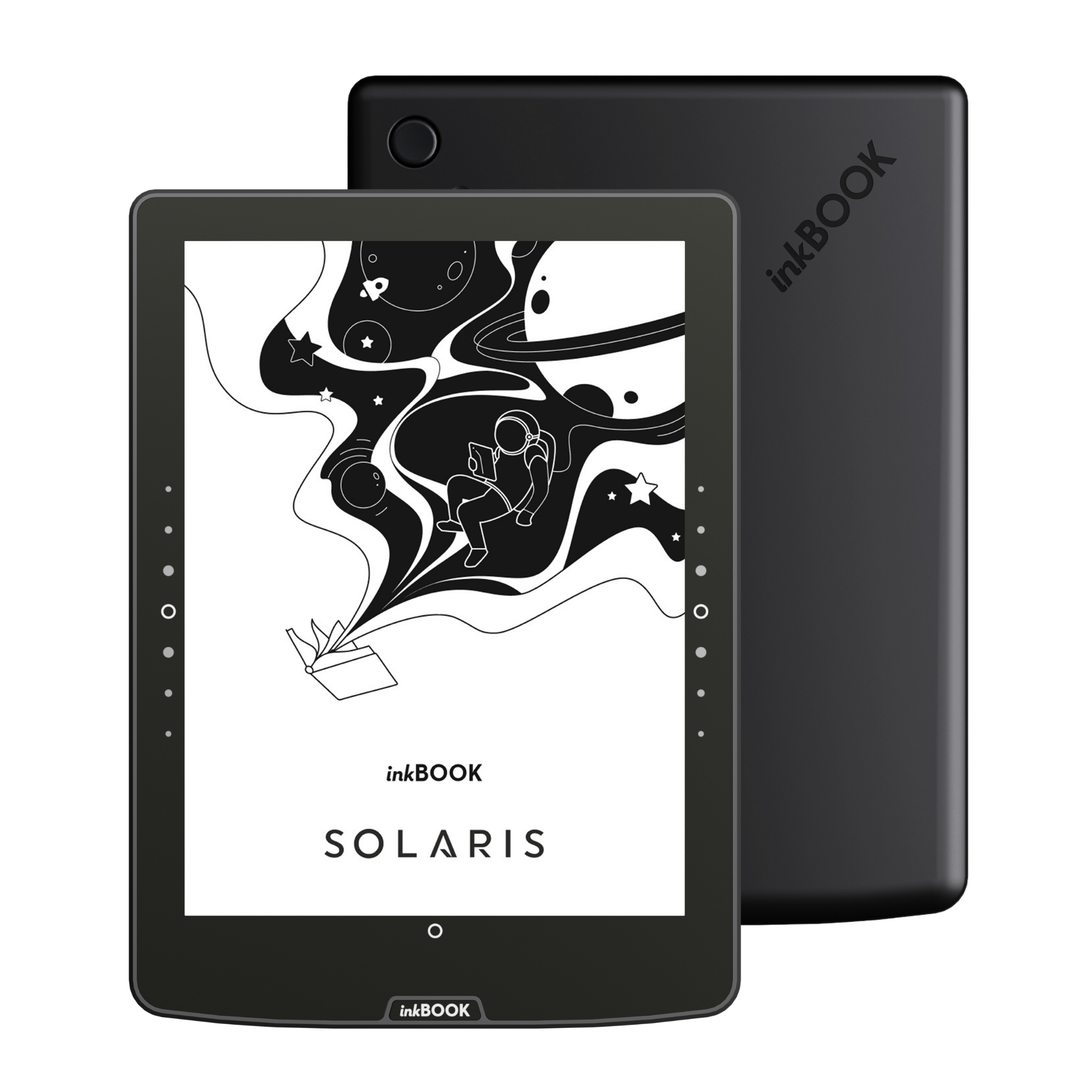
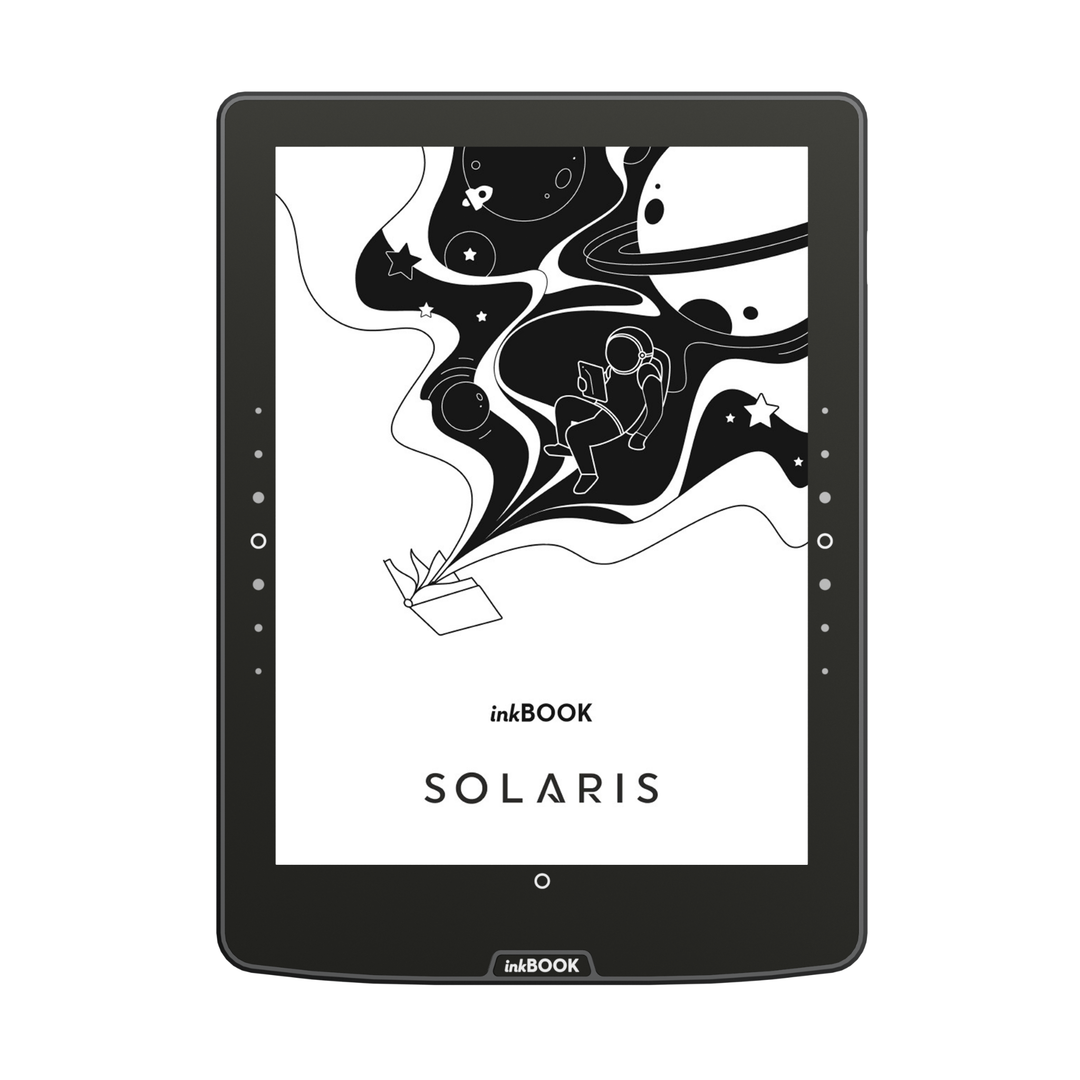
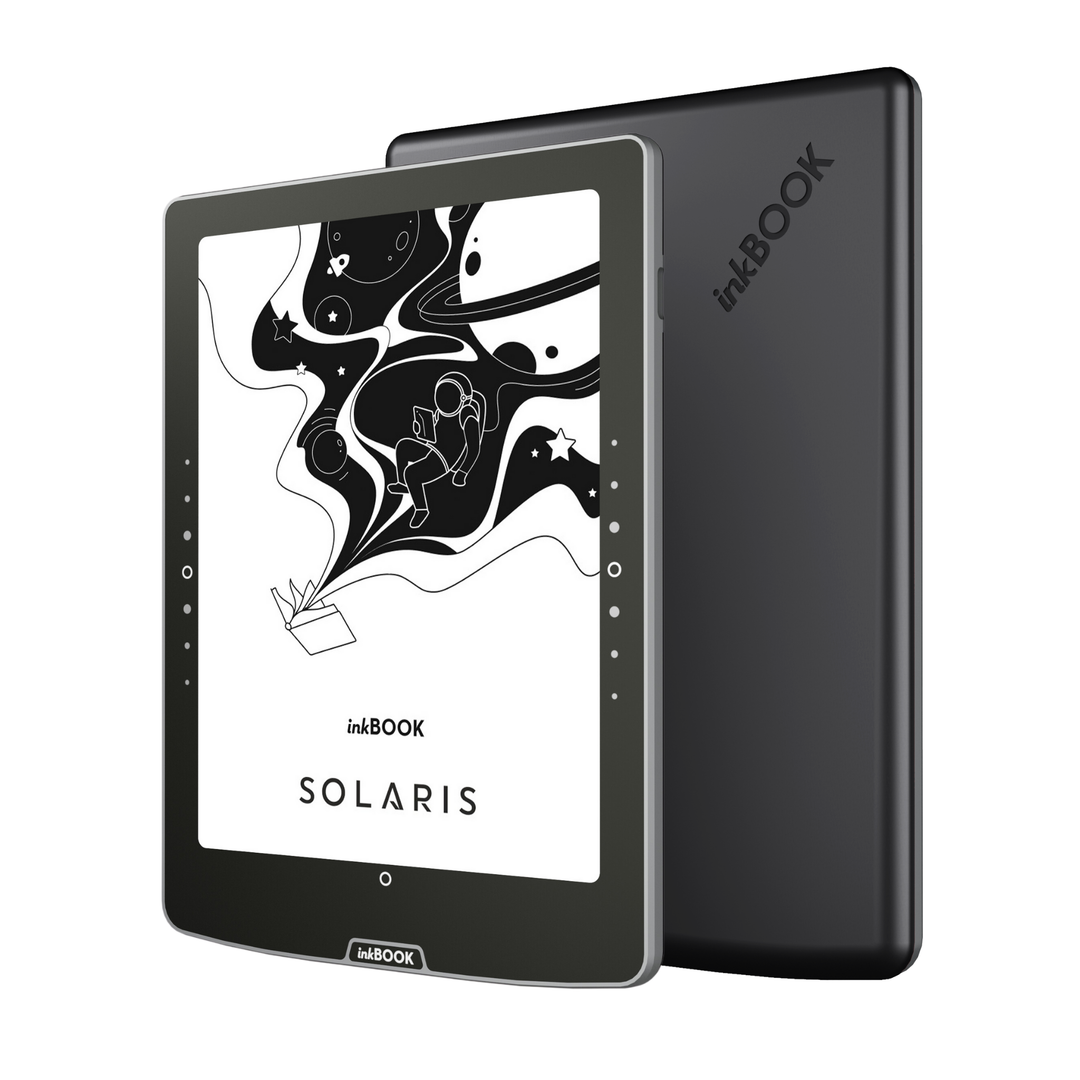
En el inkBOOK Solaris, los botones físicos se han integrado en el panel frontal para lograr un aspecto más limpio y un funcionamiento más fluido.
También hemos ampliado su espacio de trabajo, para que puedas pasar las páginas cómodamente, independientemente de cómo sostengas el lector.
The inkBOOK Solaris battery lasts up to 4 weeks, based on 30 minutes of daily reading with Wi-Fi and Bluetooth turned off, the frontlight set to minimum, and using light mode.Please note that using third-party applications can significantly affect battery life.
Yes, inkBOOK Solaris handles PDF files perfectly and features an advanced PDF Reflow function. This feature intelligently "extracts" plain text from a PDF document and fits it to the screen as if it were a standard e-book. As a result, reading articles or academic papers no longer requires tedious zooming and panning.
Yes, the inkBOOK Solaris supports TTS (Text-to-Speech), which allows you to convert e-book text into speech. This is one of the accessibility features provided alongside Voice Over UI and TalkBack. You can use the built-in narrator option or install external speech synthesis apps. Once headphones or a speaker are connected via Bluetooth, the reader can read your favorite e-books aloud: perfect for driving, cooking, or for individuals with visual impairments.
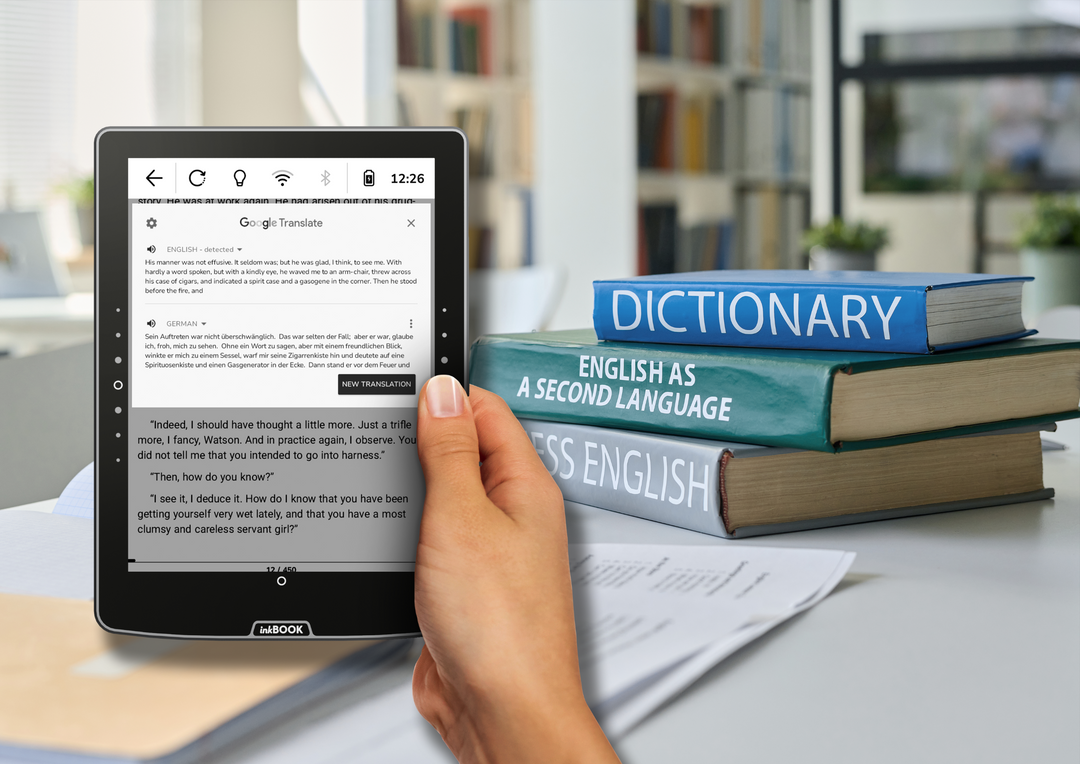
Yes, inkBOOK Solaris user interface supports multiple languages. You can easily set the system menu to English, German, Spanish, French, Italian, Portuguese, Dutch, Polish, and several other languages during the initial setup or anytime in the device settings.
Yes, inkBOOK Solaris supports both audiobooks and Bluetooth headphones. You can easily connect wireless headphones or a speakers to the e-reader via Bluetooth. Audiobooks can be played by manually transferring them to the device's internal memory in ZIP format (containing MP3 files) or by streaming directly through popular apps like Audible or Storytel.
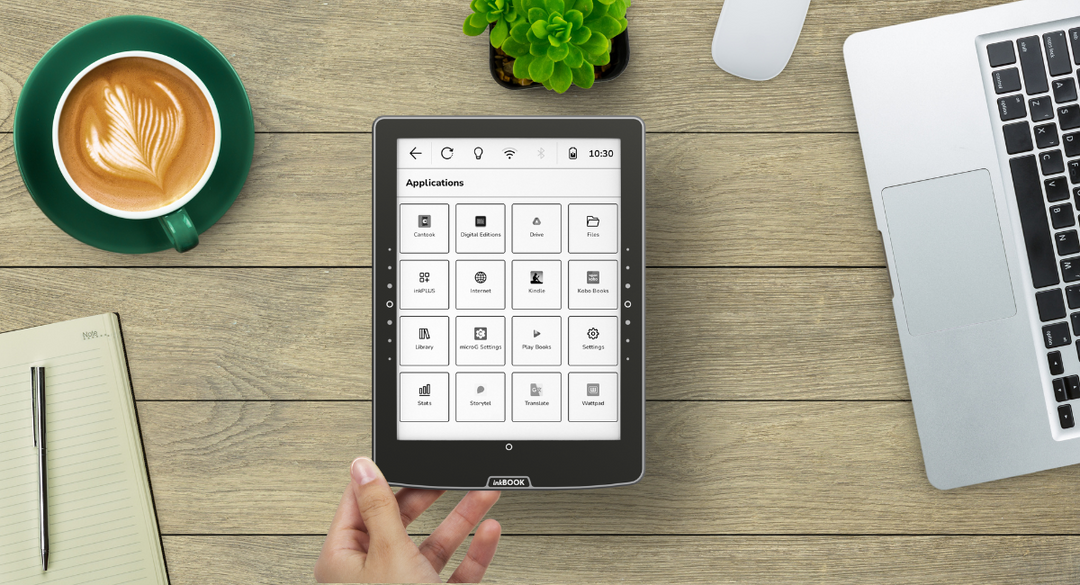
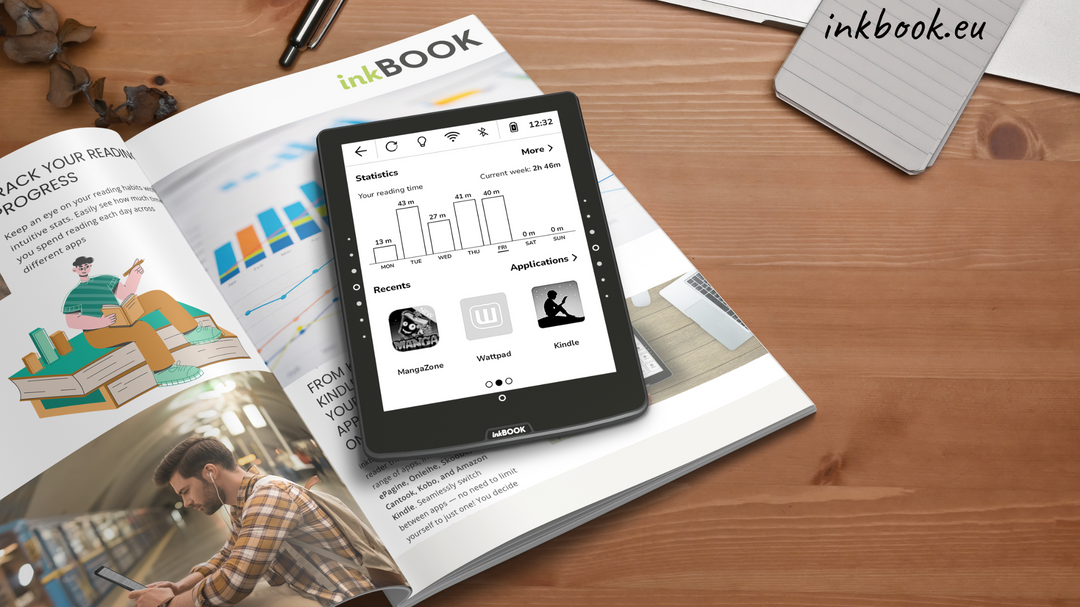
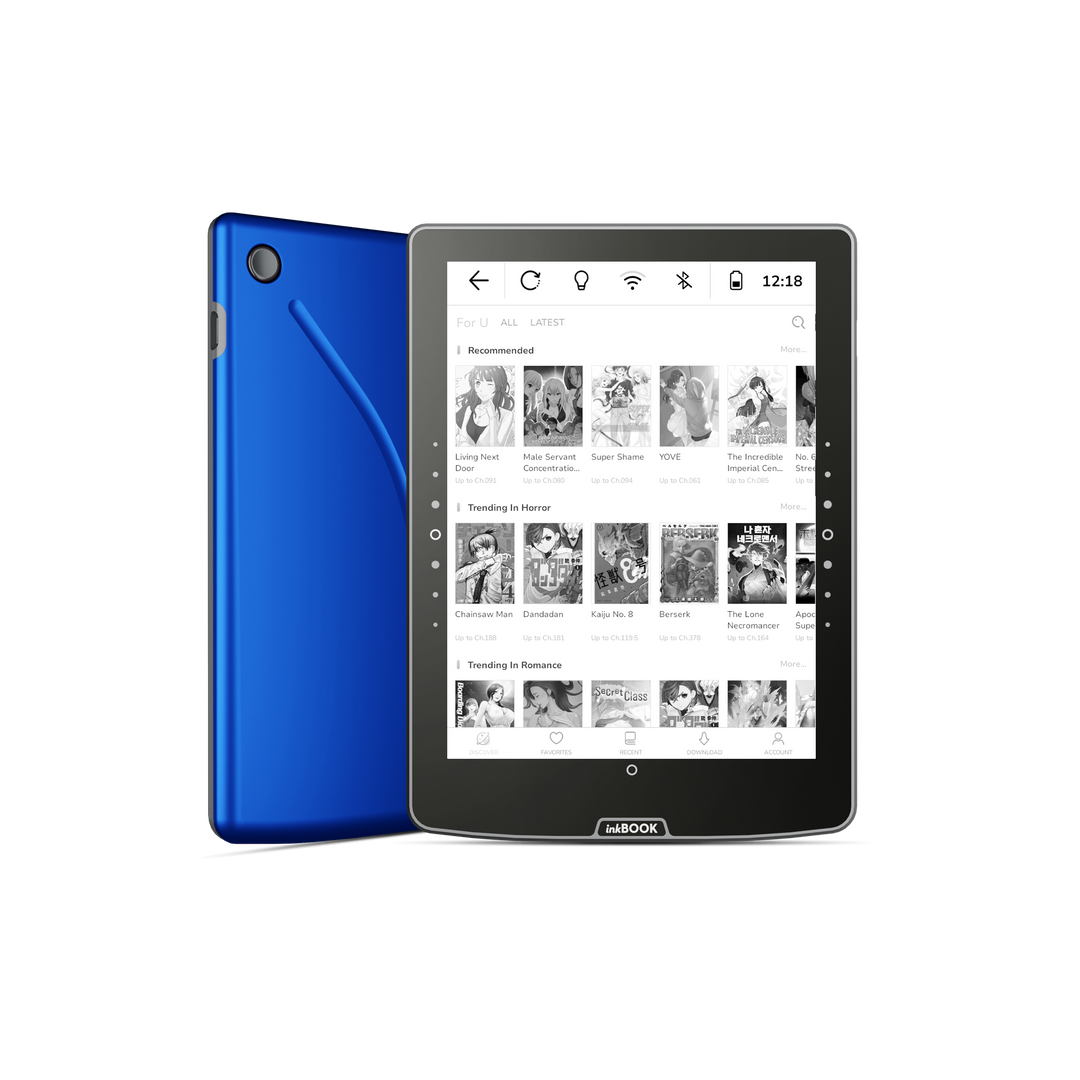
Yes, inkBOOK Solaris is an excellent gift choice for any book lover. Its incredible versatility stems from its support for popular reading apps (like Wattpad, Audible, or Storytel), a user-friendly menu, and an elegant design. It is an ideal gift for seniors, thanks to the adjustable font enlargement feature, as well as for school children and students who need lightweight access to thousands of textbooks and required school readings.
Yes, inkBOOK Solaris allows for wireless file transfers via the "send2inkBOOK" feature. Each reader has a dedicated email address to which you can send e-books (e.g., in EPUB or PDF format), and they will appear in your library shortly after via Wi-Fi. Additionally, you can use cloud storage services such as Google Drive.
Yes, the physical side buttons on the inkBOOK Solaris are fully customizable to suit your reading preferences. In the device settings, you can adjust their button sensitivity and vibration feedback, as well as change their specific actions for turning pages. This ergonomic design makes the e-reader exceptionally comfortable for both right- and left-handed users, offering complete navigation personalization without needing to touch the screen.
Safety Information
Manufacturer
inkBOOK EUROPE SP. Z O.O.
ul. Ostrowskiego 7, 53-238 Wrocław, Poland