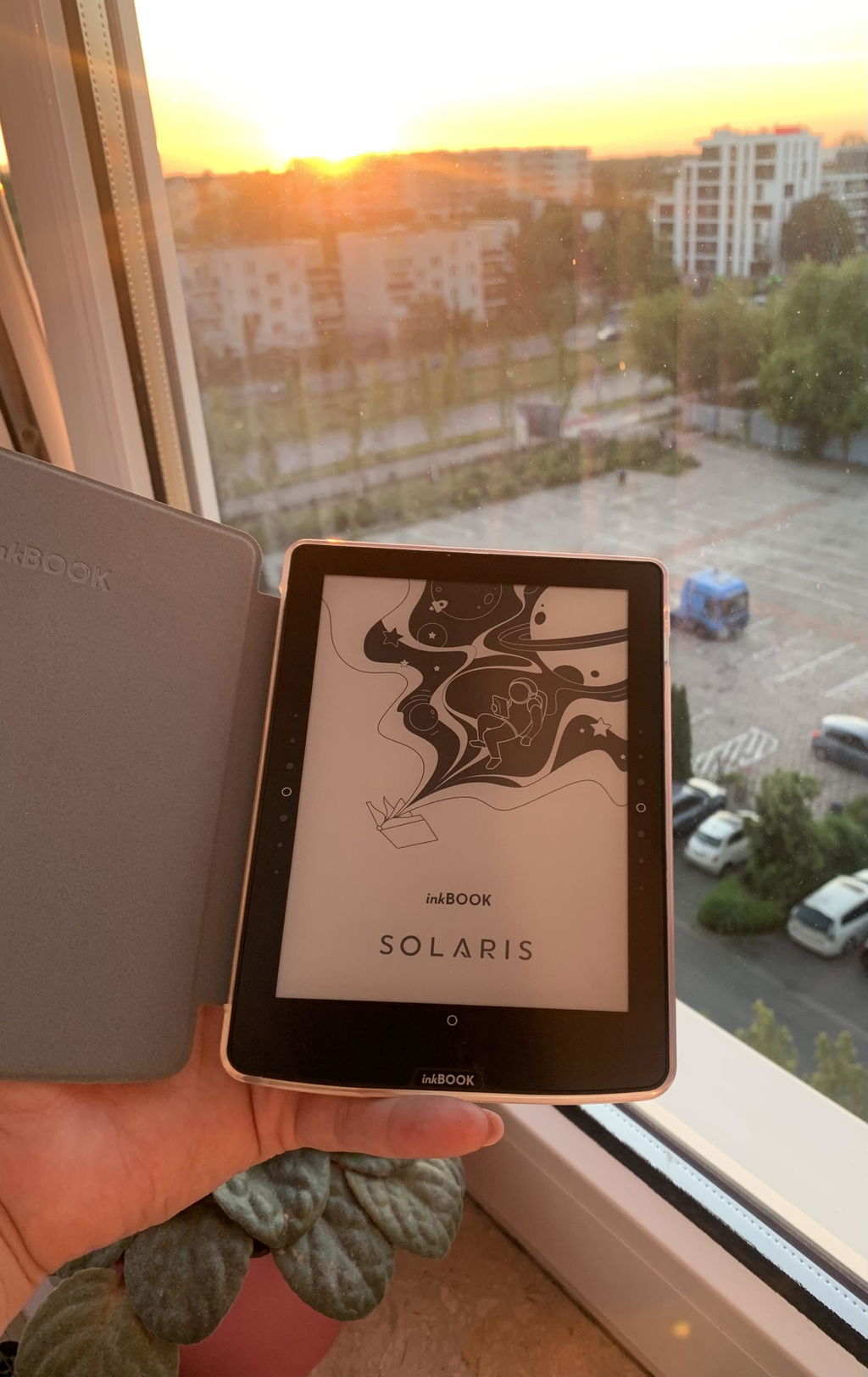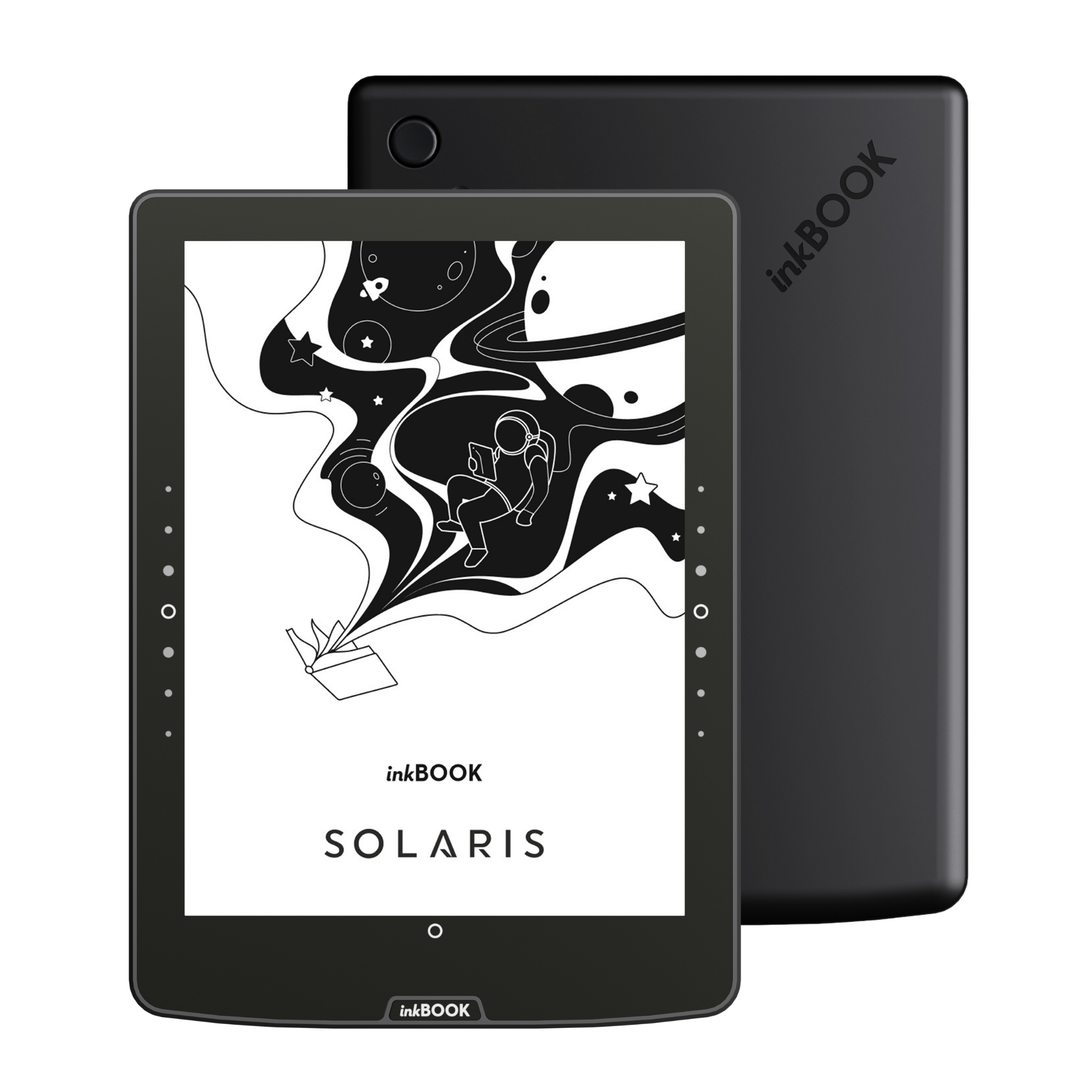





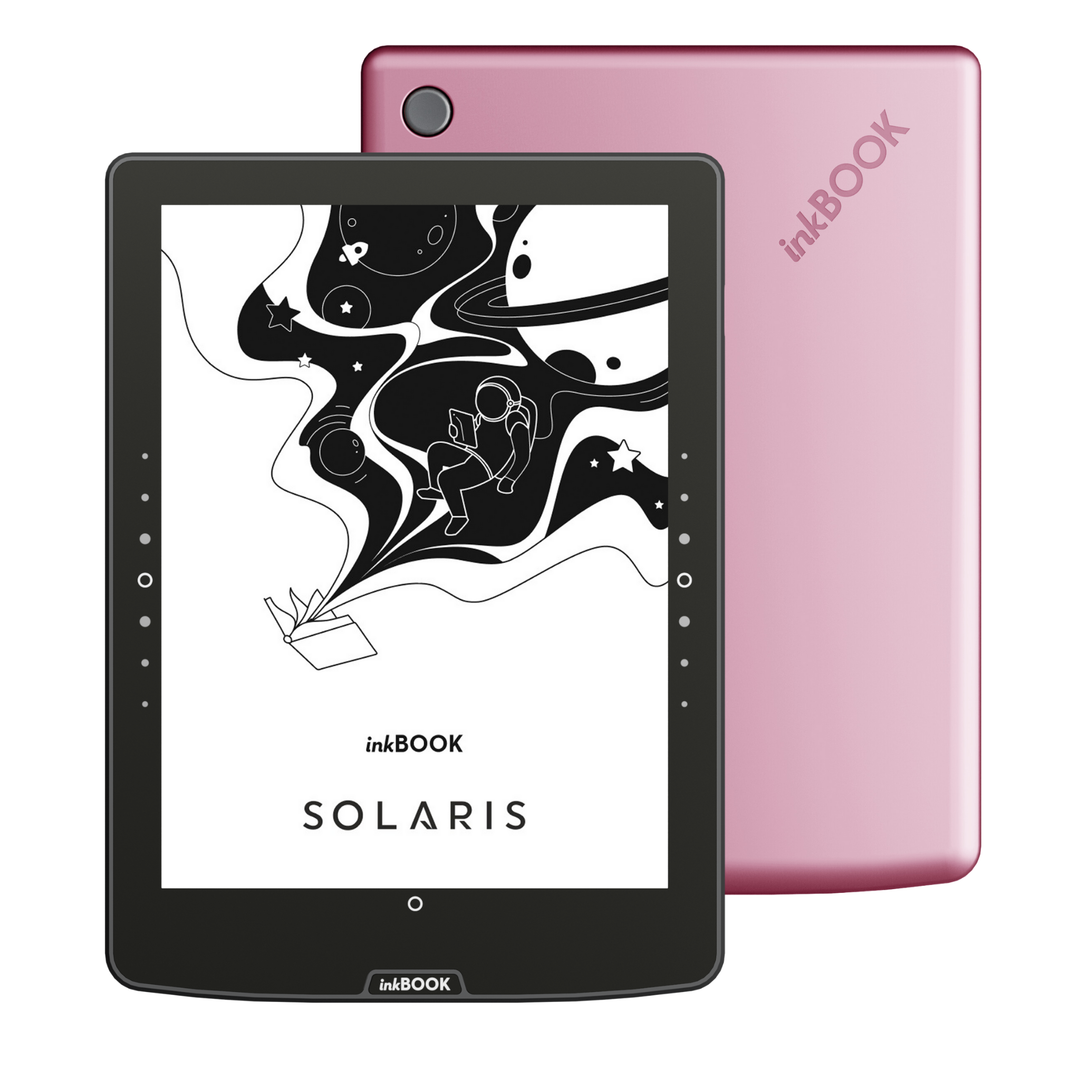


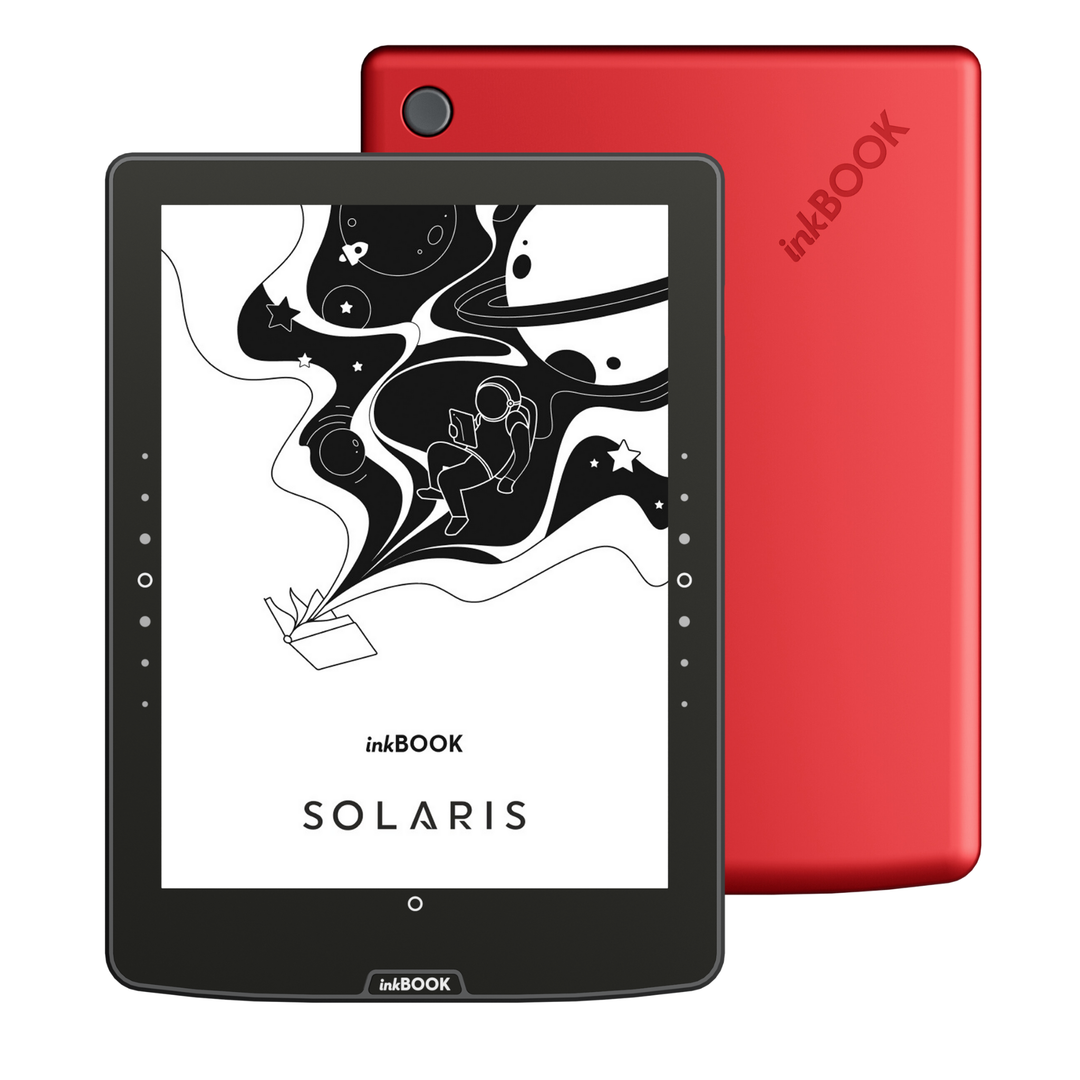
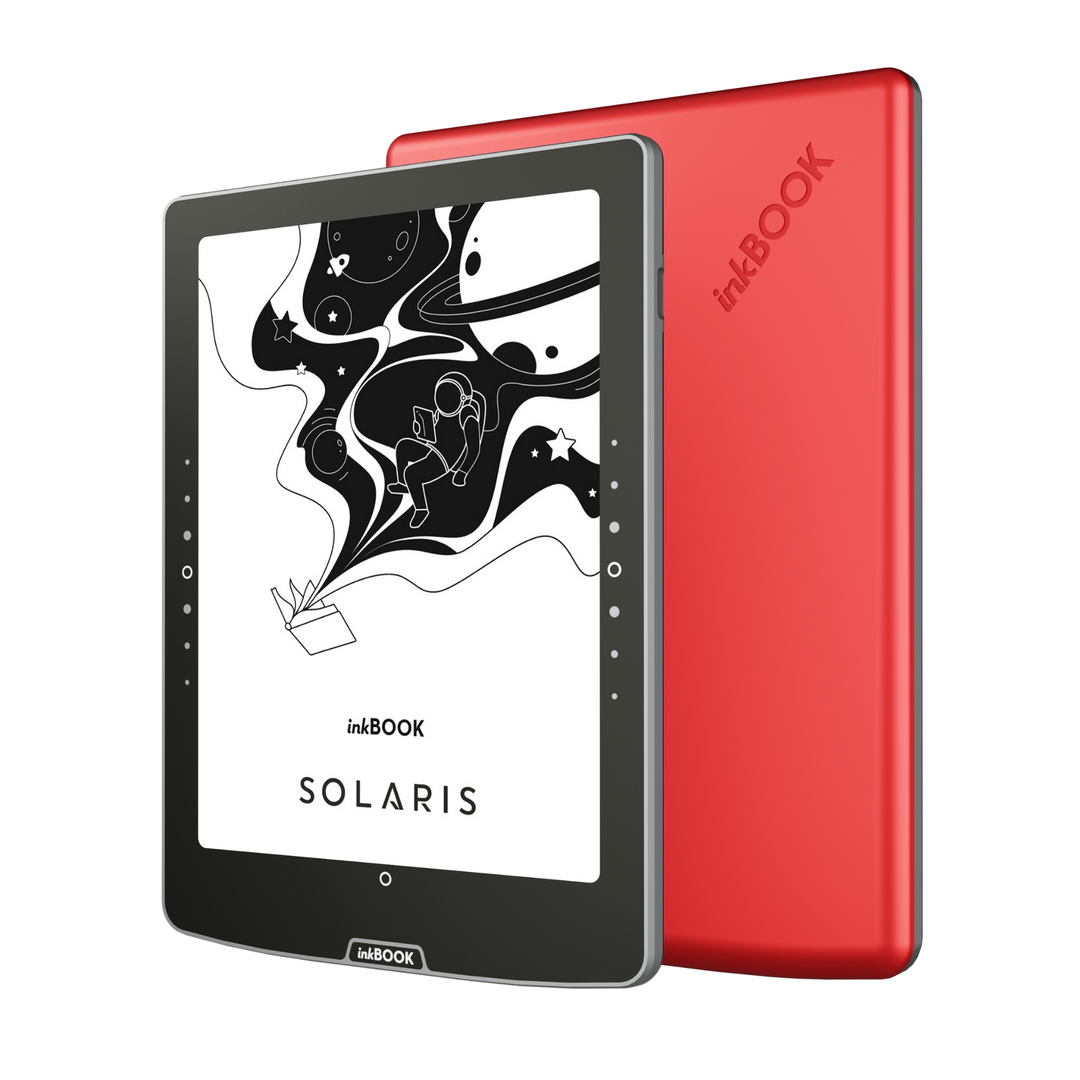

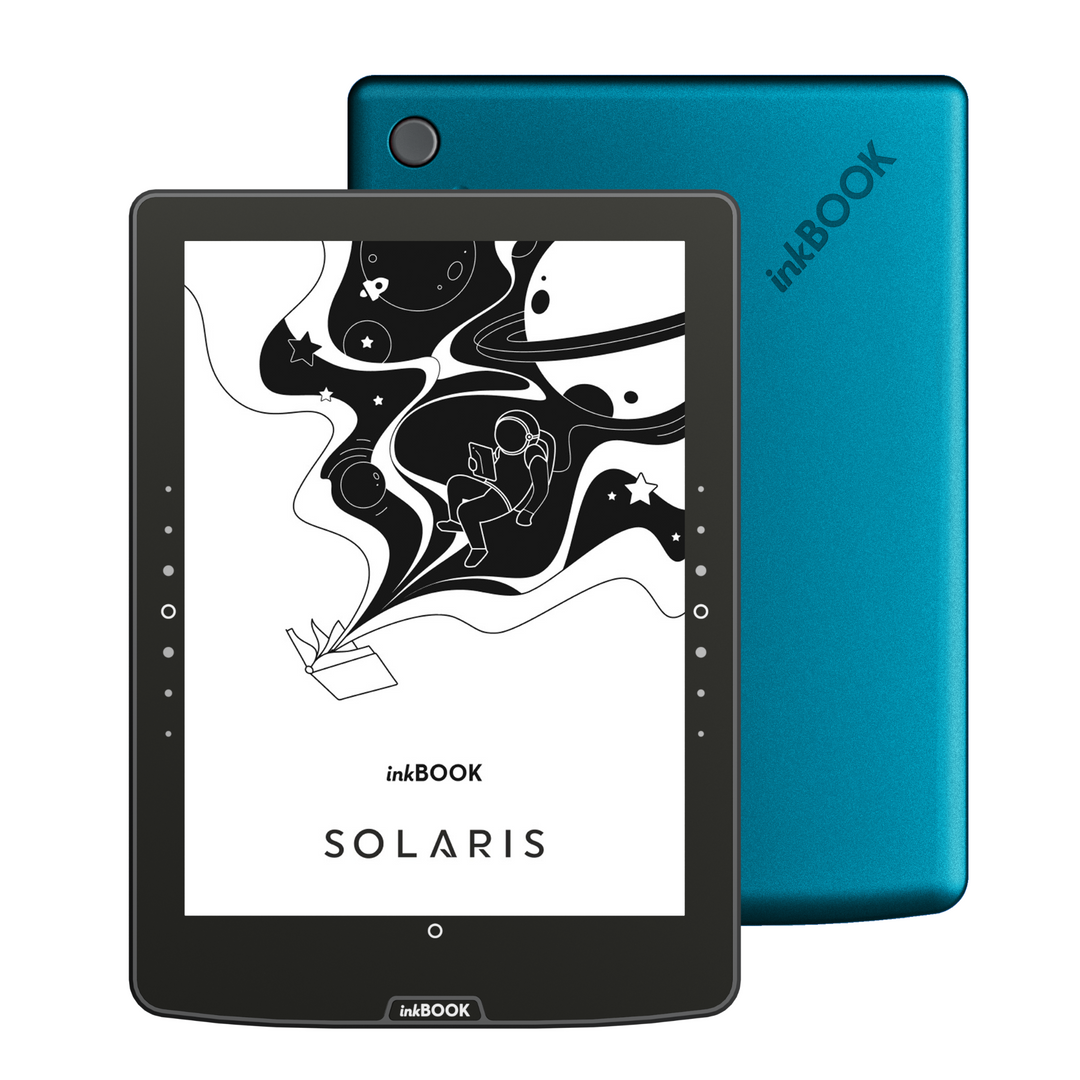




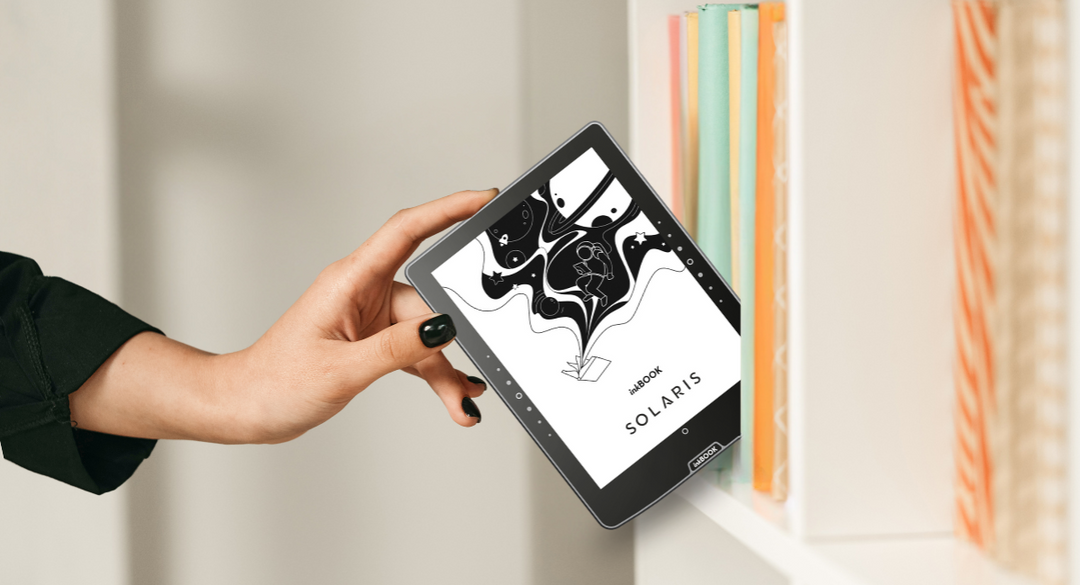
Commencez votre prochaine grande aventure littéraire

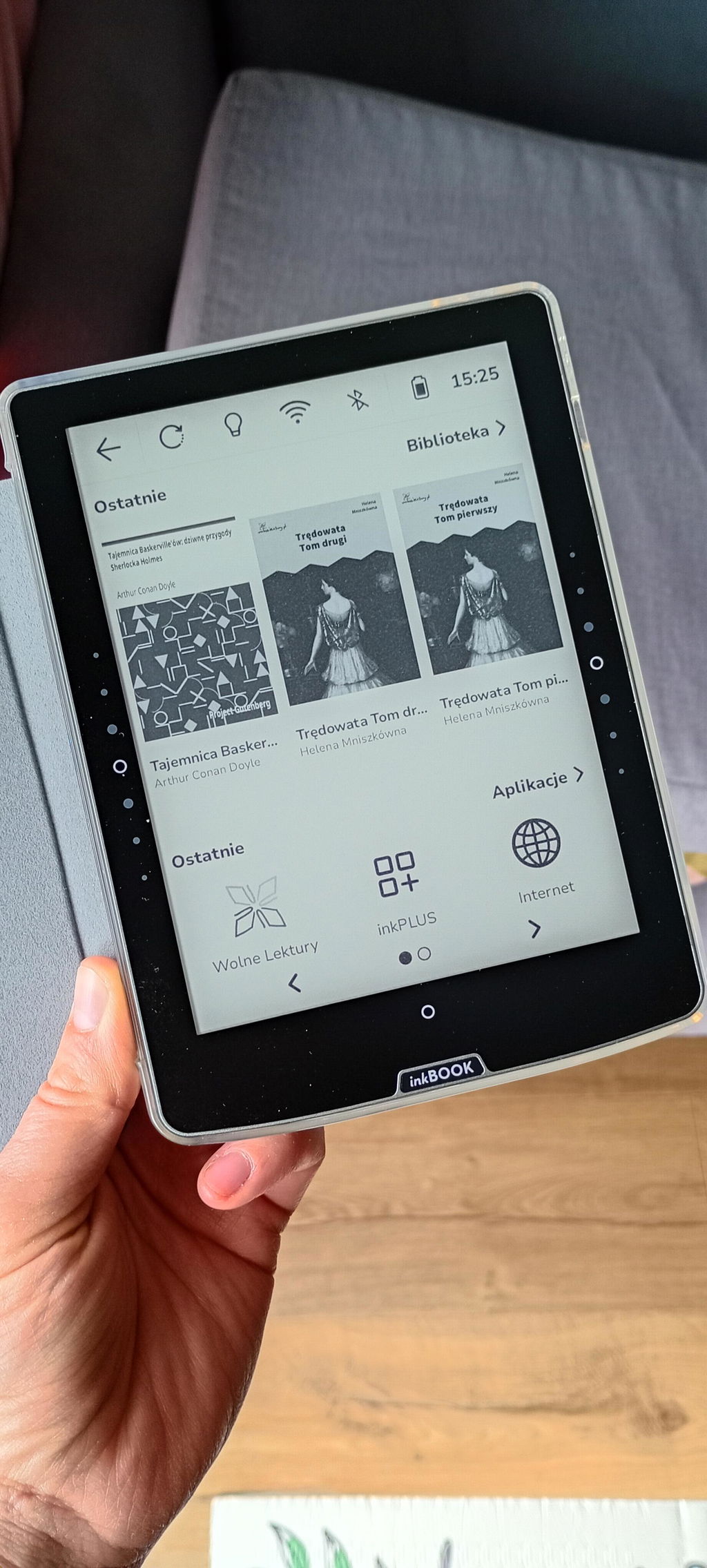
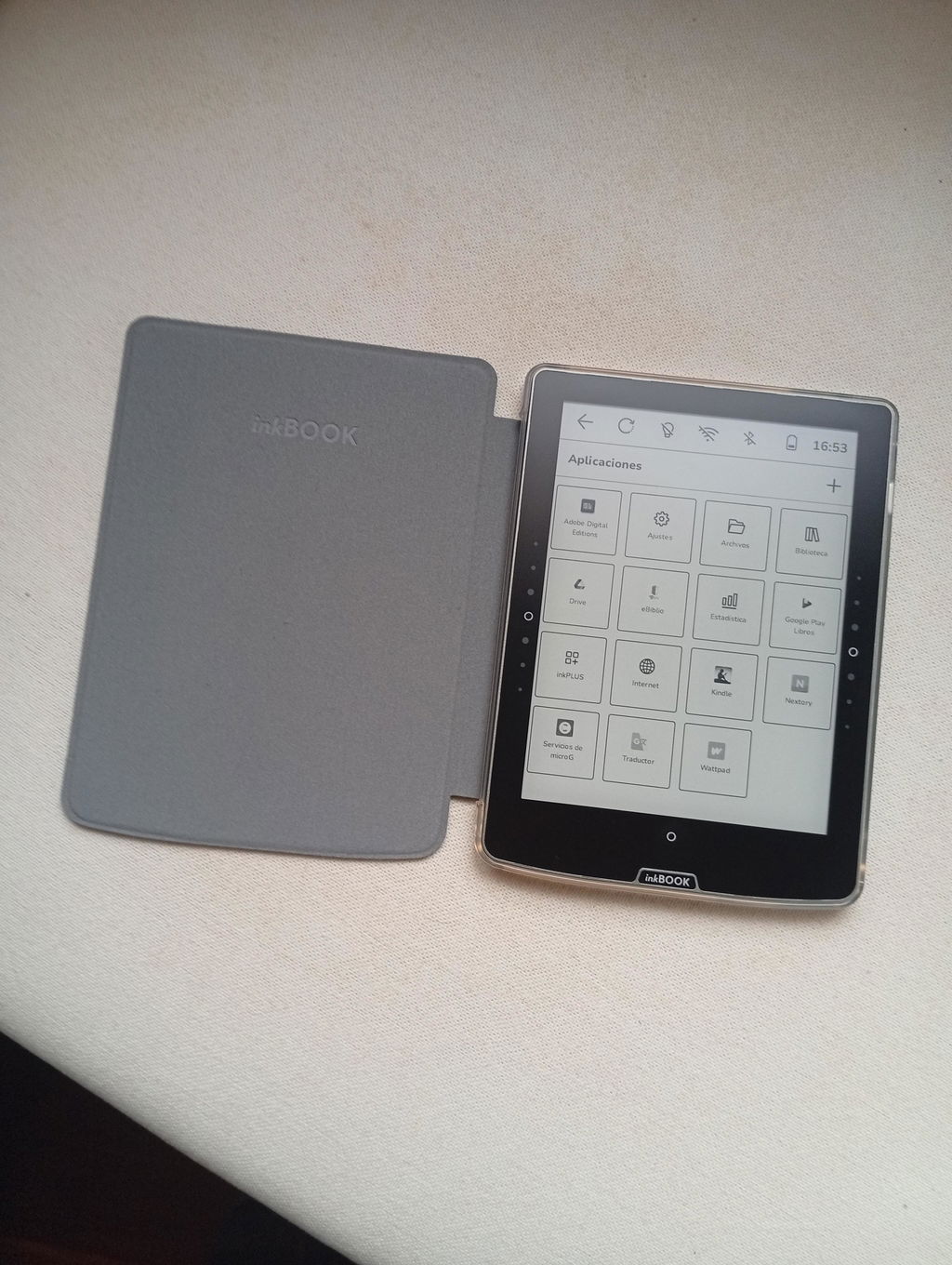
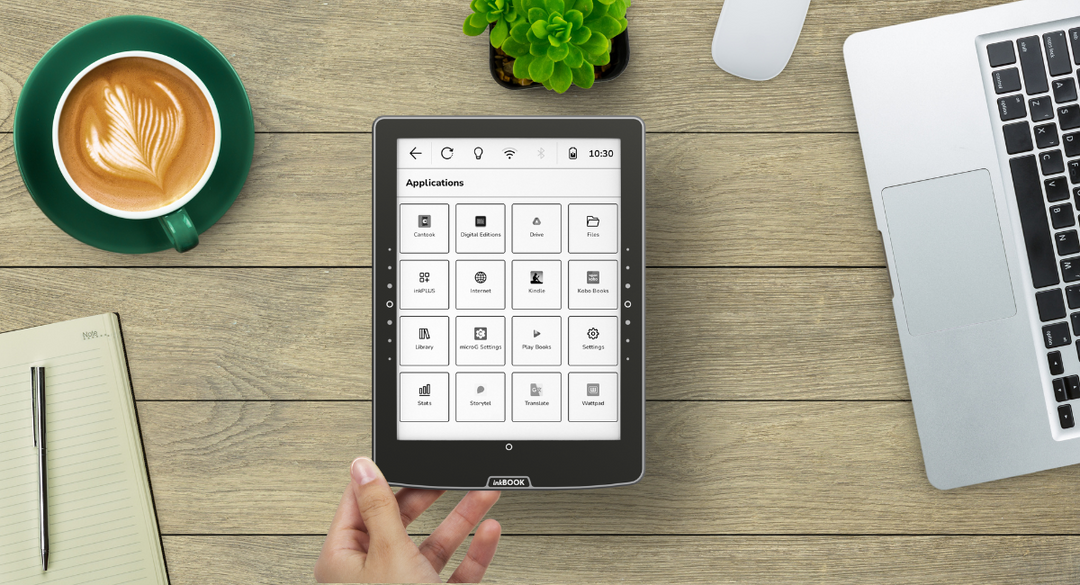
Une liseuse universelle

À portée de clic

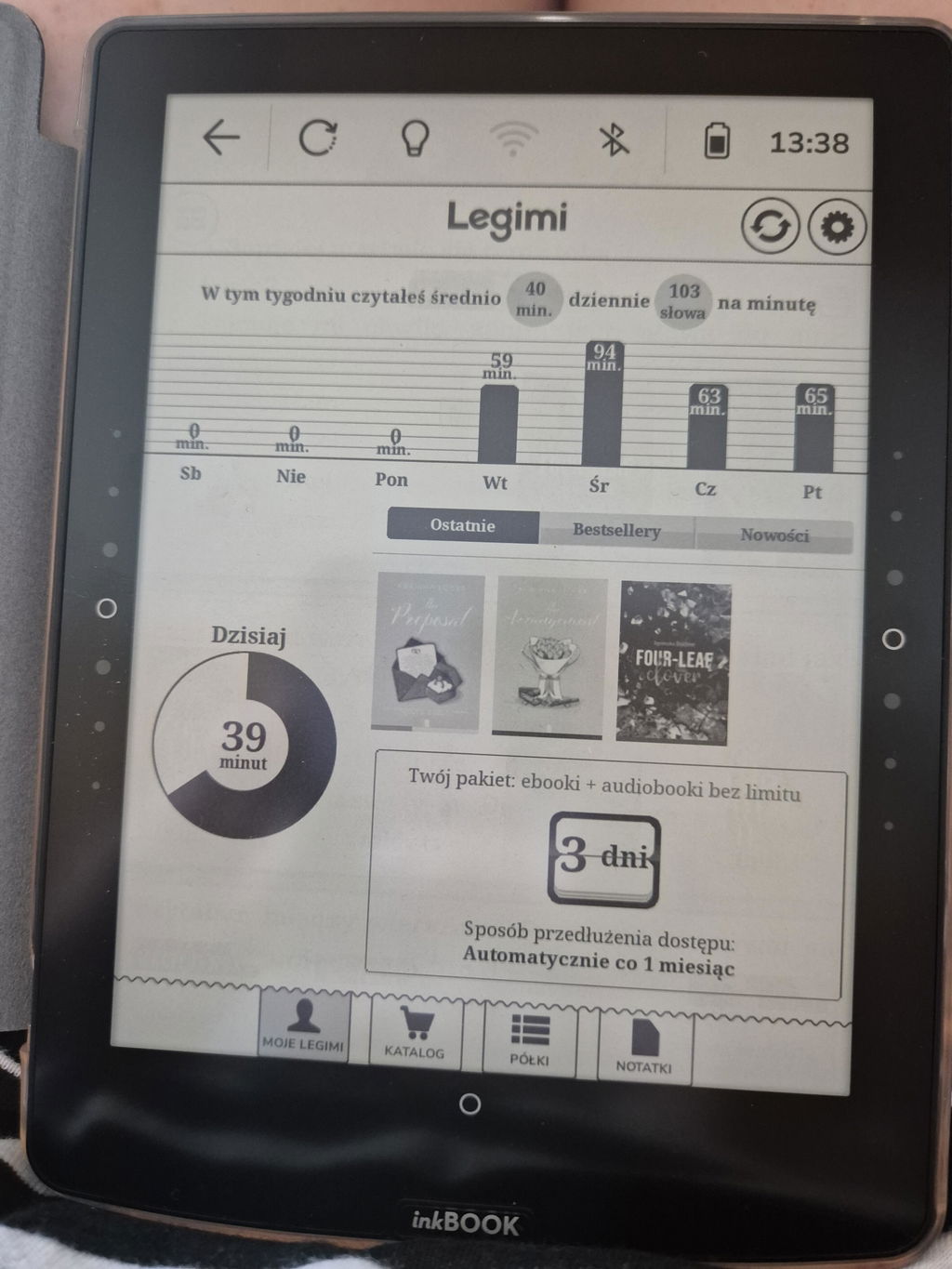
Des services d'abonnement
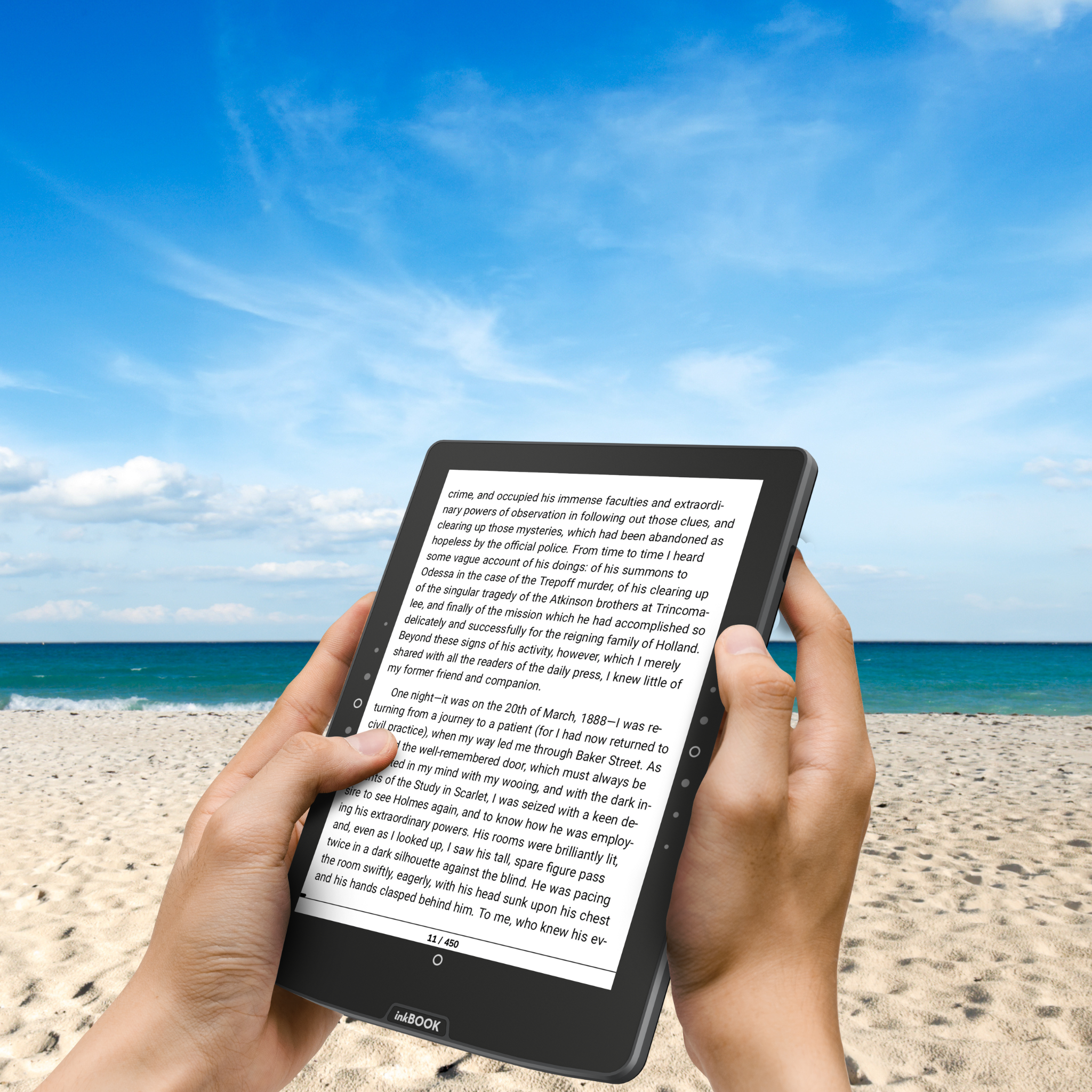
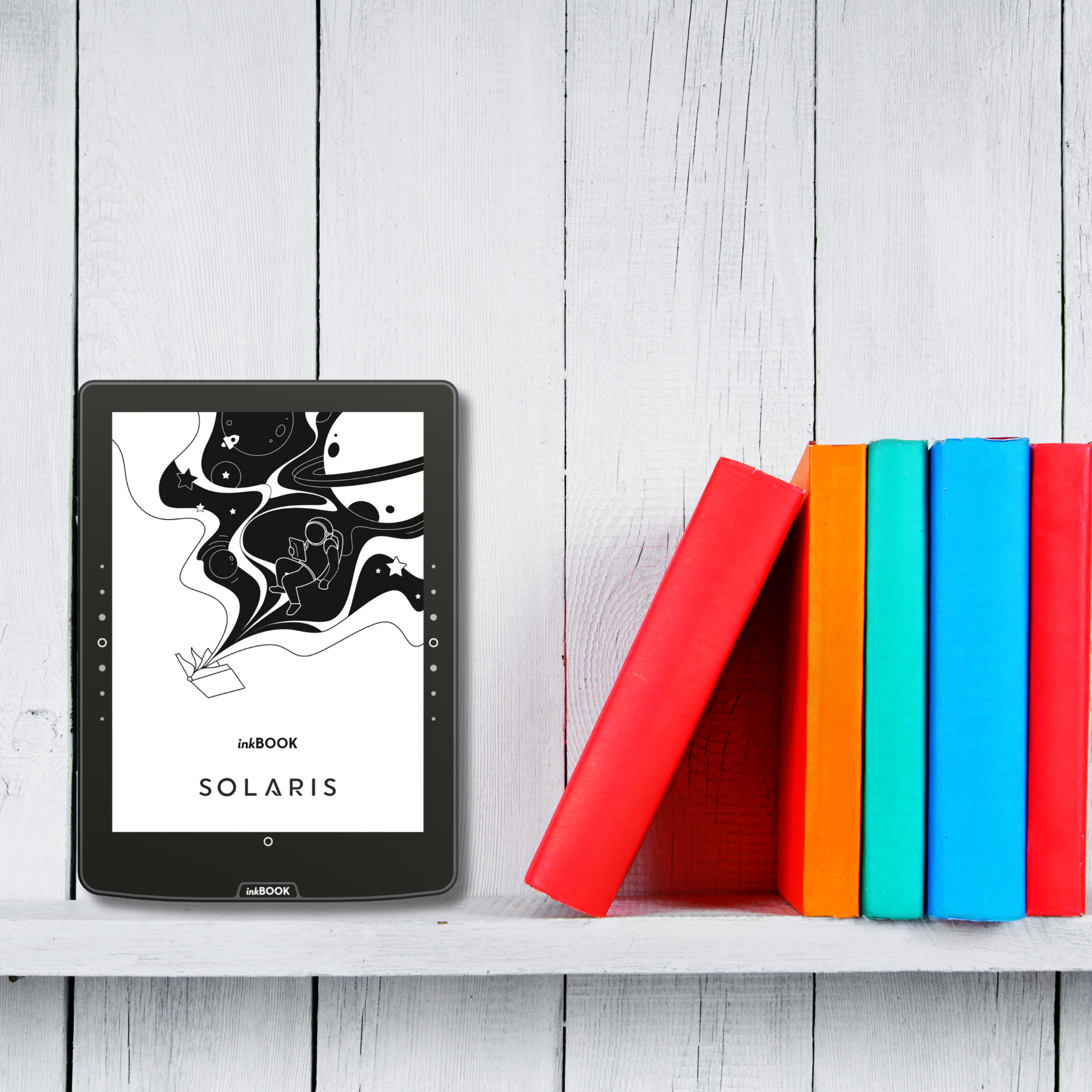
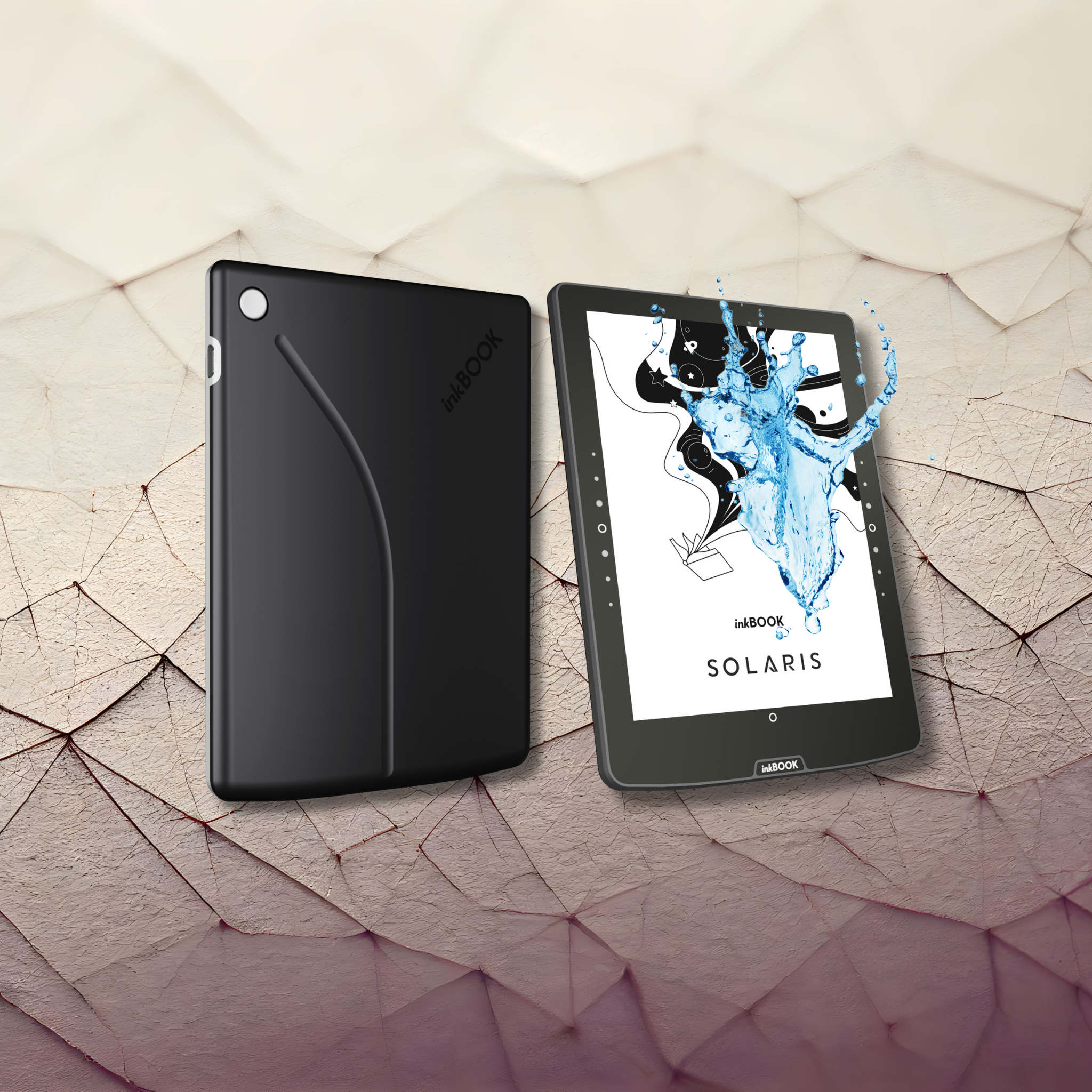
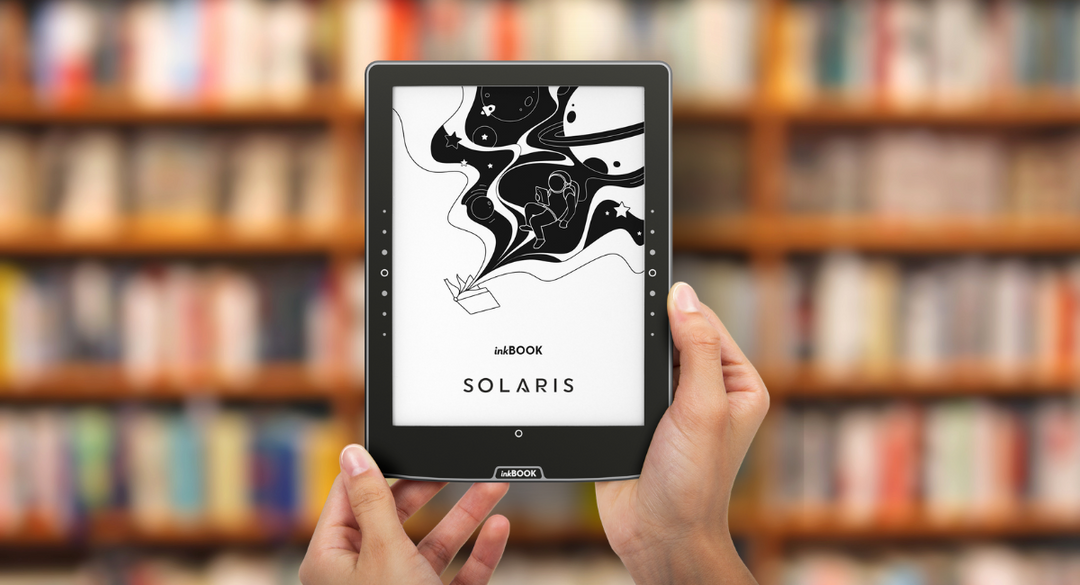
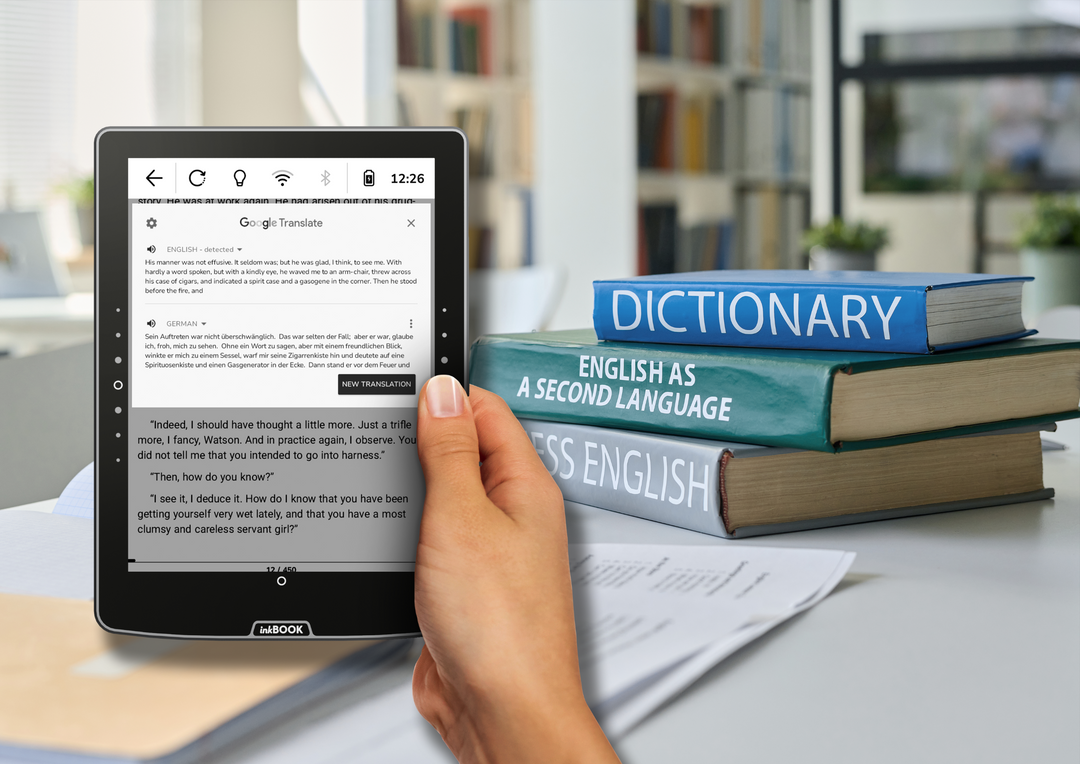
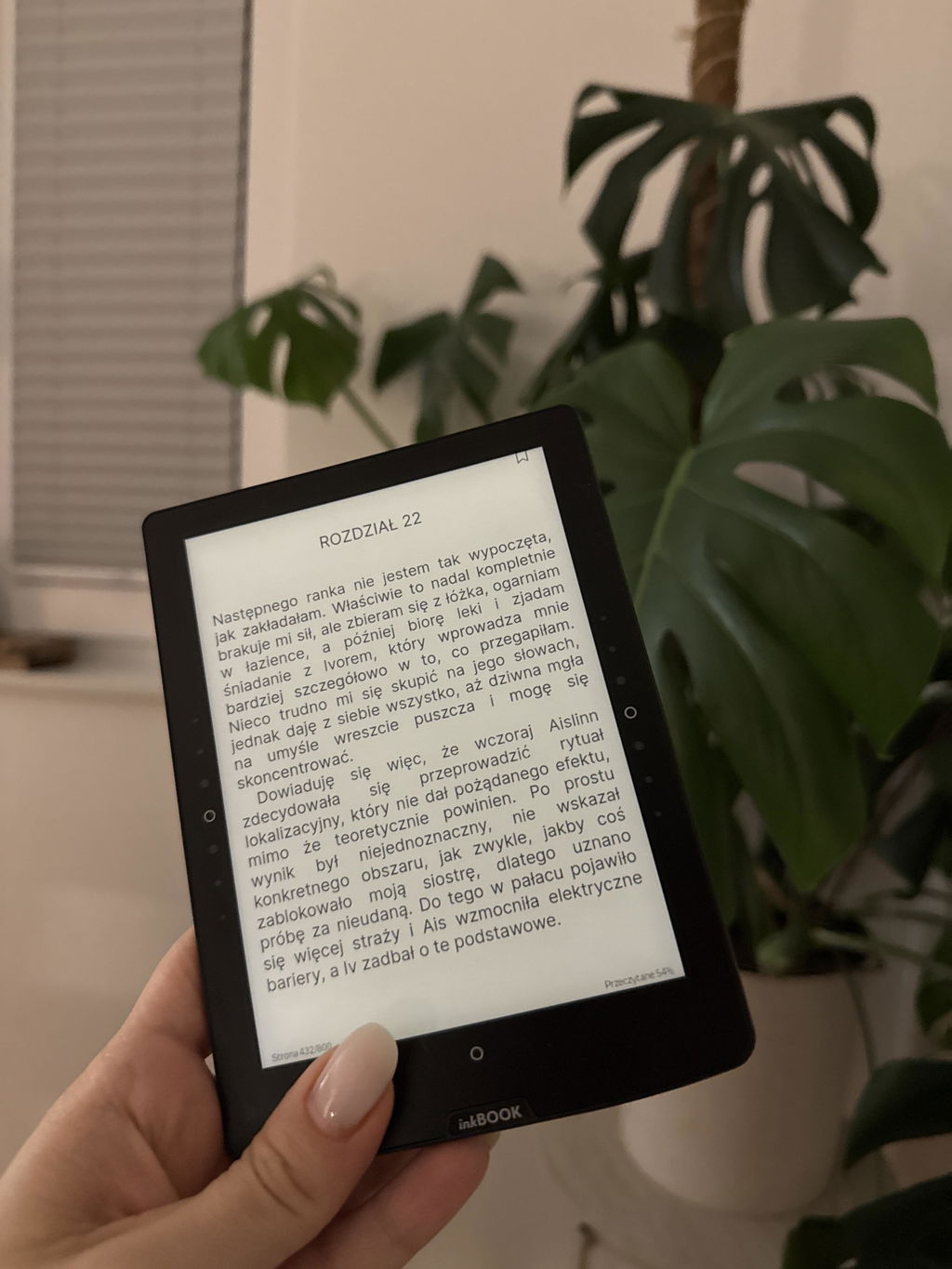
L'éclairage de l'écran est spécialement conçu pour rester concentré sur la page, garantissant une expérience de lecture confortable, sans distraction et sans fatigue oculaire - parfaite pour les longues soirées de détente.
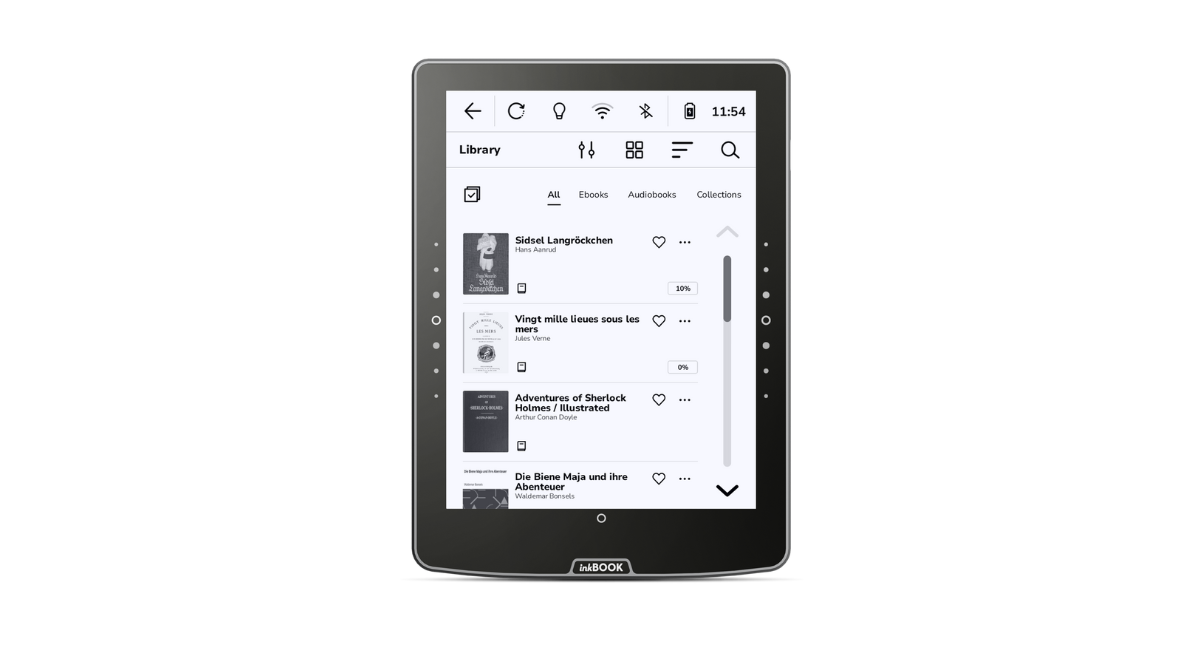
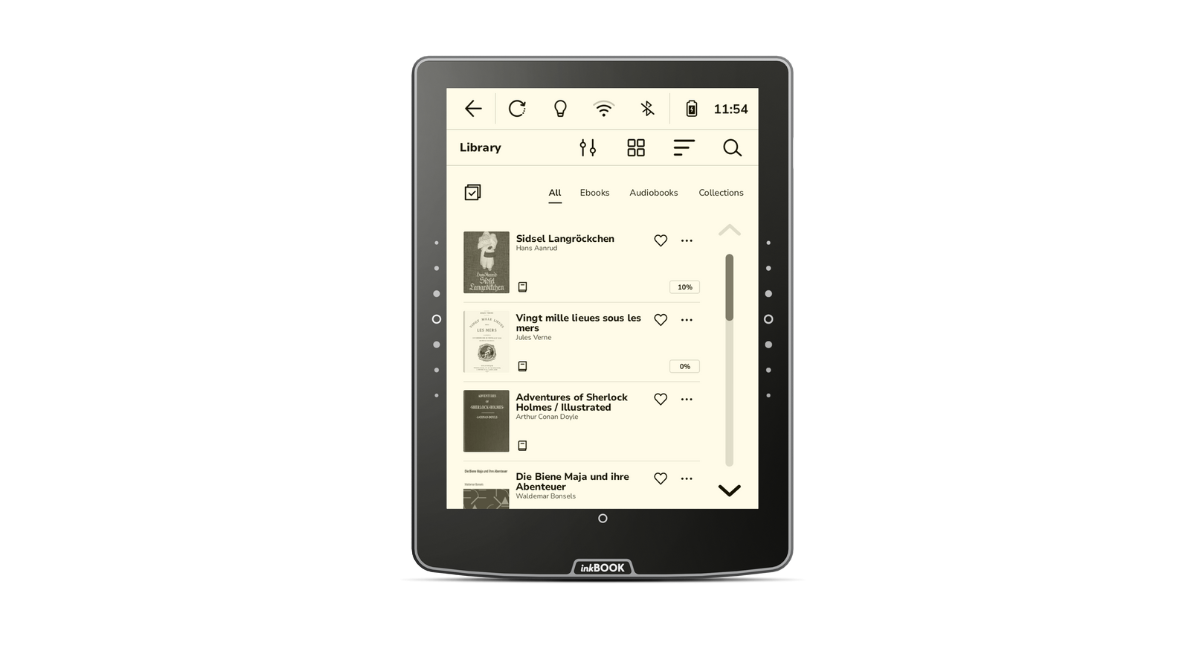
NAVIGATION ÉLÉGANTE ET INTUITIVE
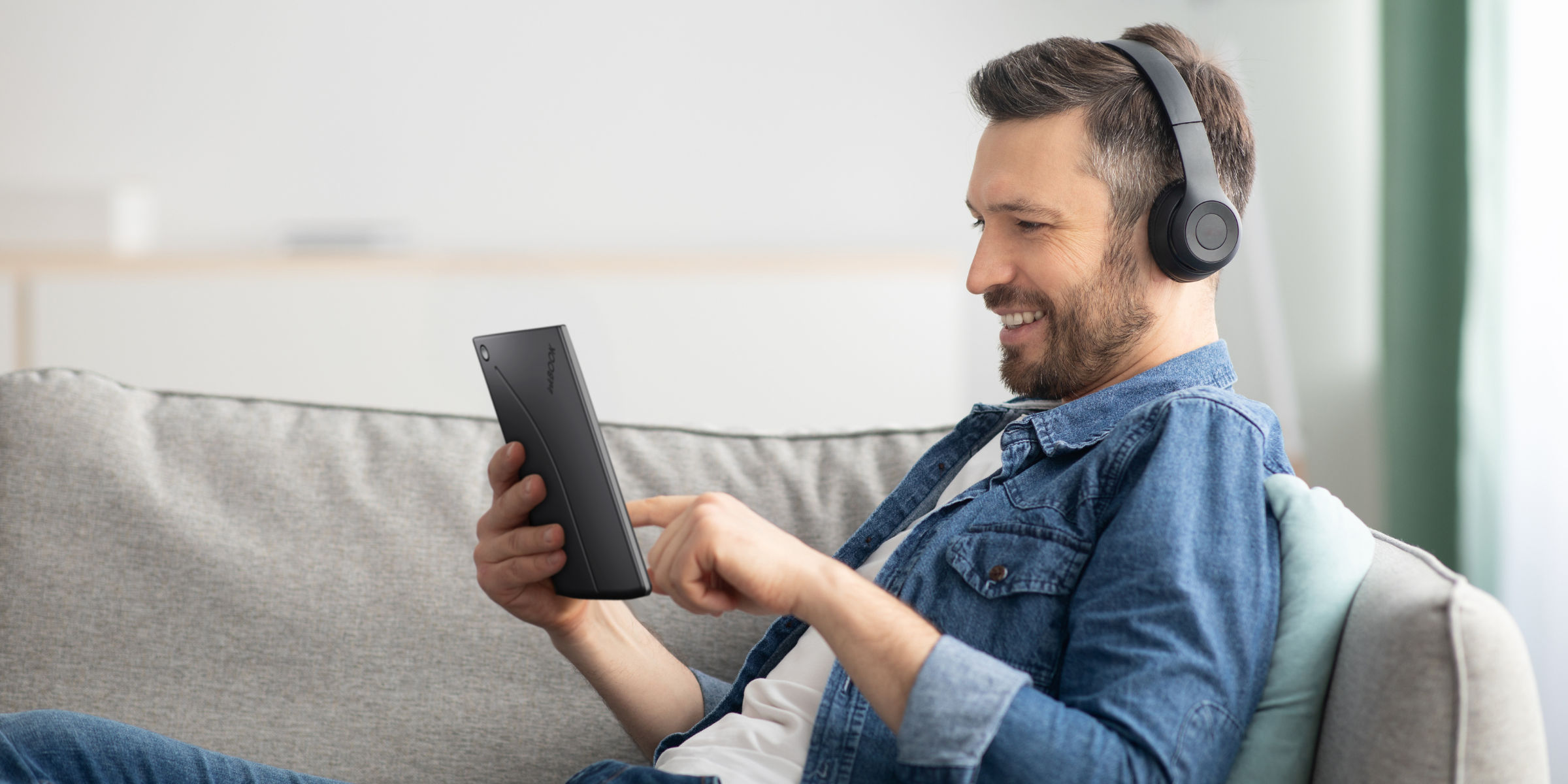
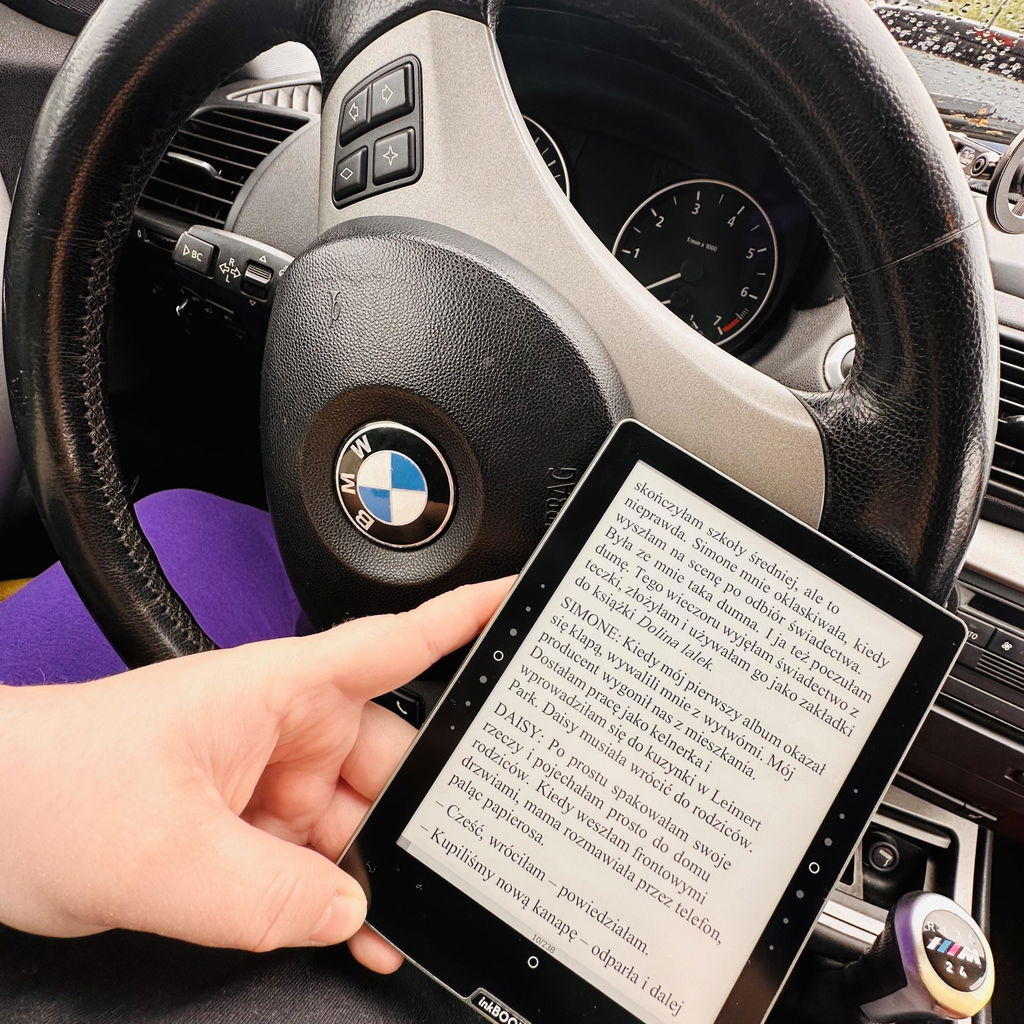
Vous êtes trop occupé pour lire ? Branchez vos écouteurs et laissez l'inkBOOK Solaris lire pour vous ! Grâce à la prise en charge des livres audio et à la fonctionnalité de synthèse vocale (s.vocale), vous n'aurez jamais à interrompre votre lecture.
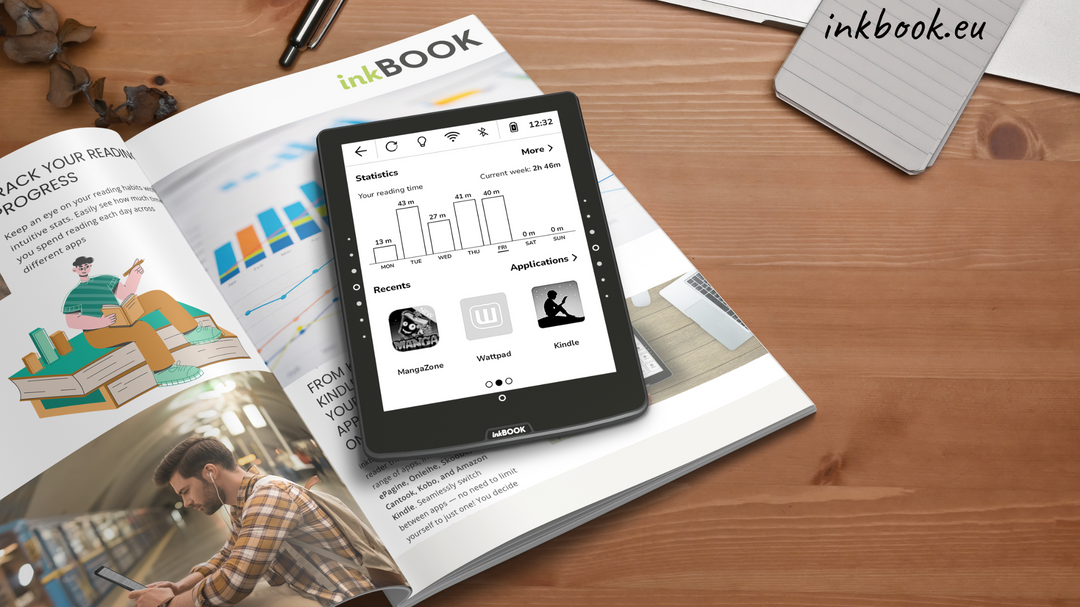
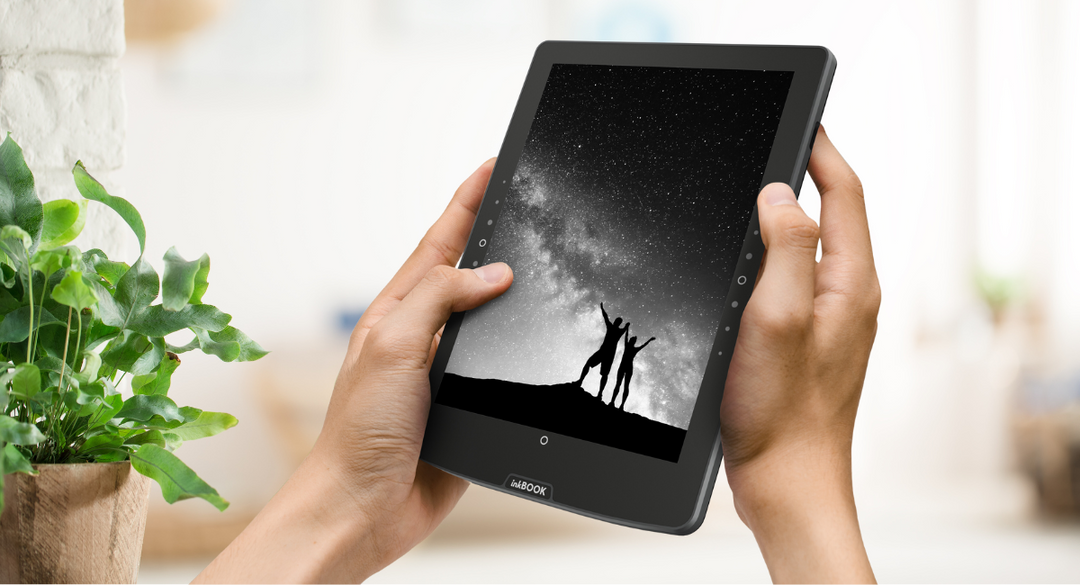
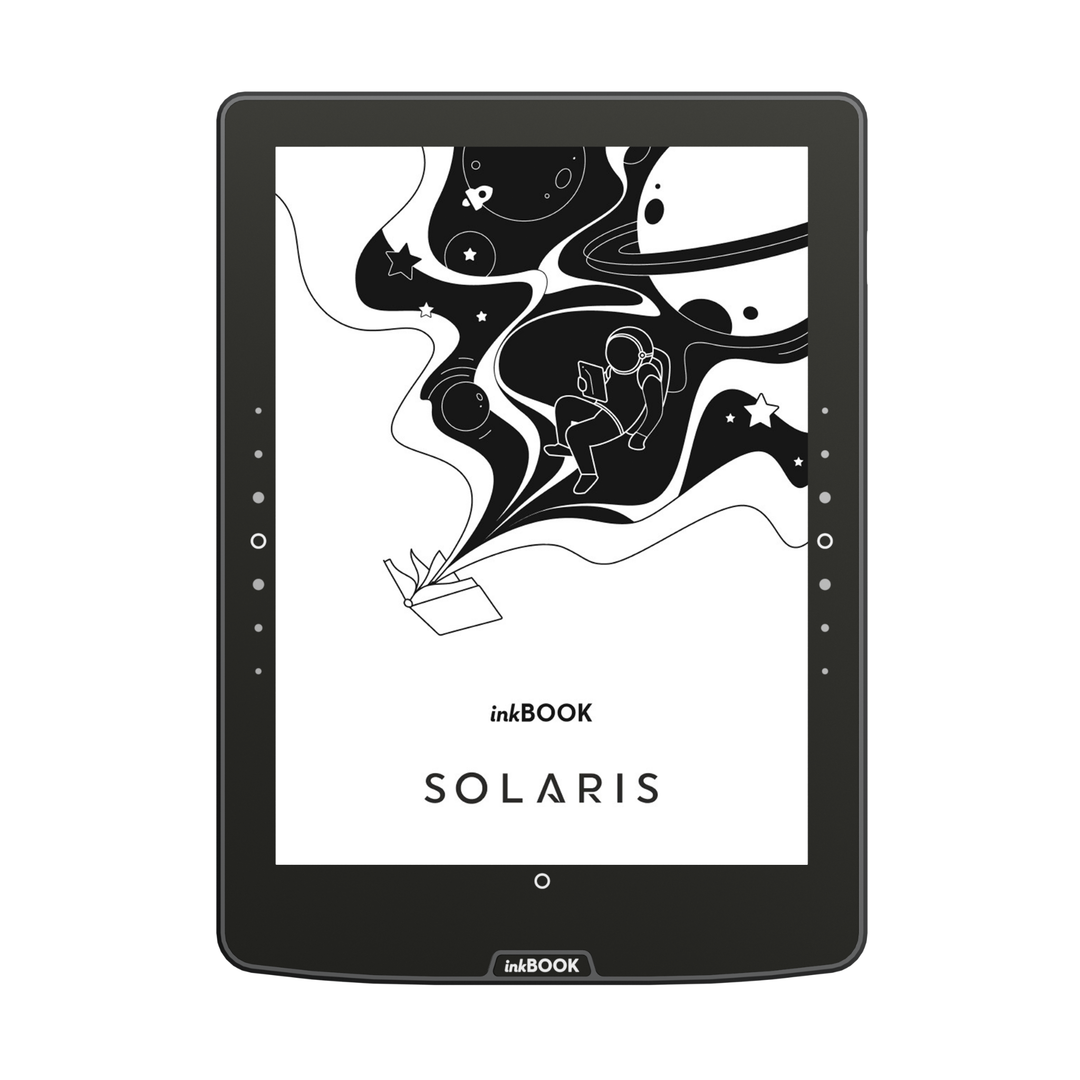
Plus de pages tournées accidentellement ou de lecture interrompue : contrairement à un écran, les boutons ne sont pas tactiles et doivent être pressés délibérément.
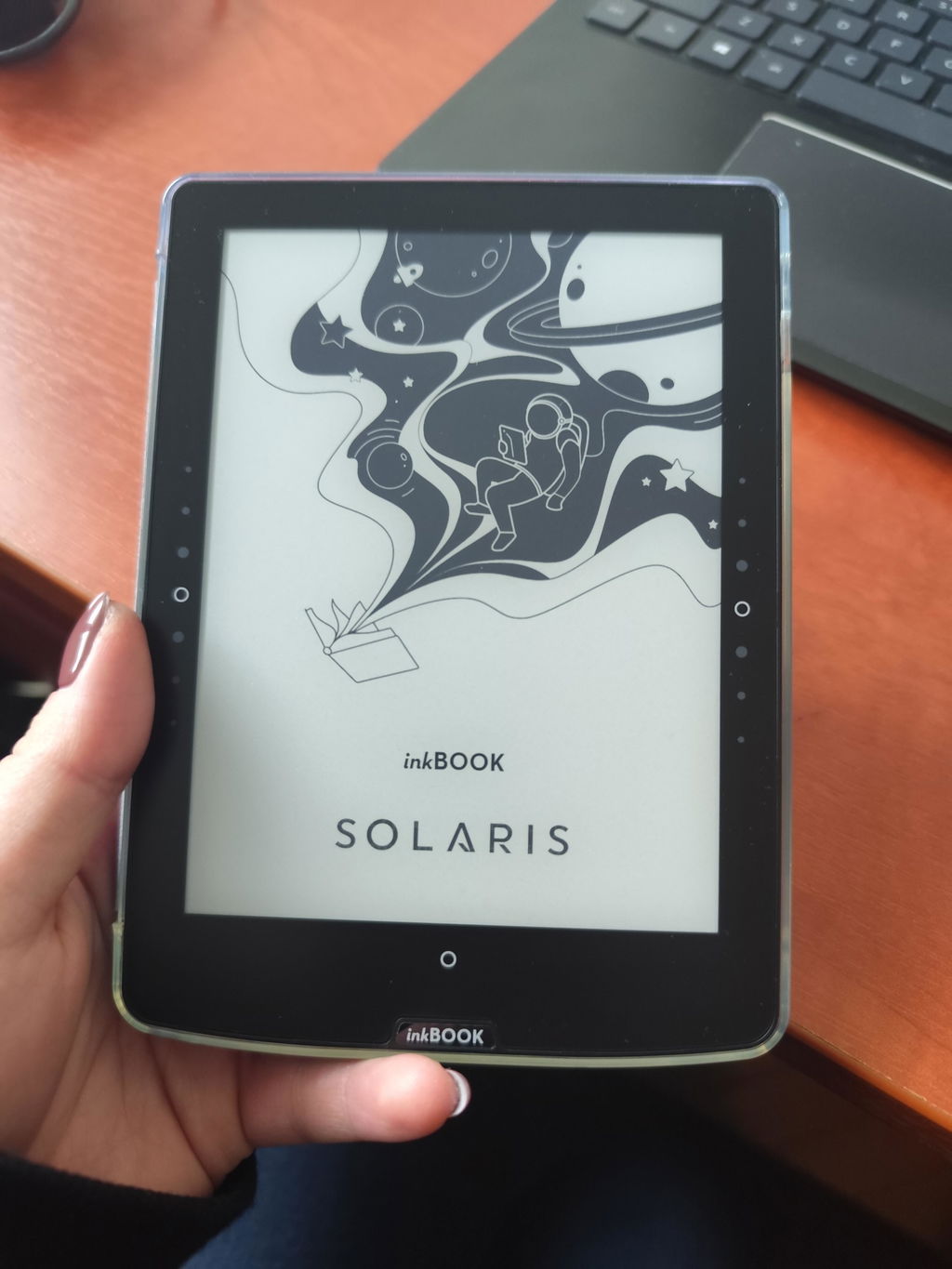
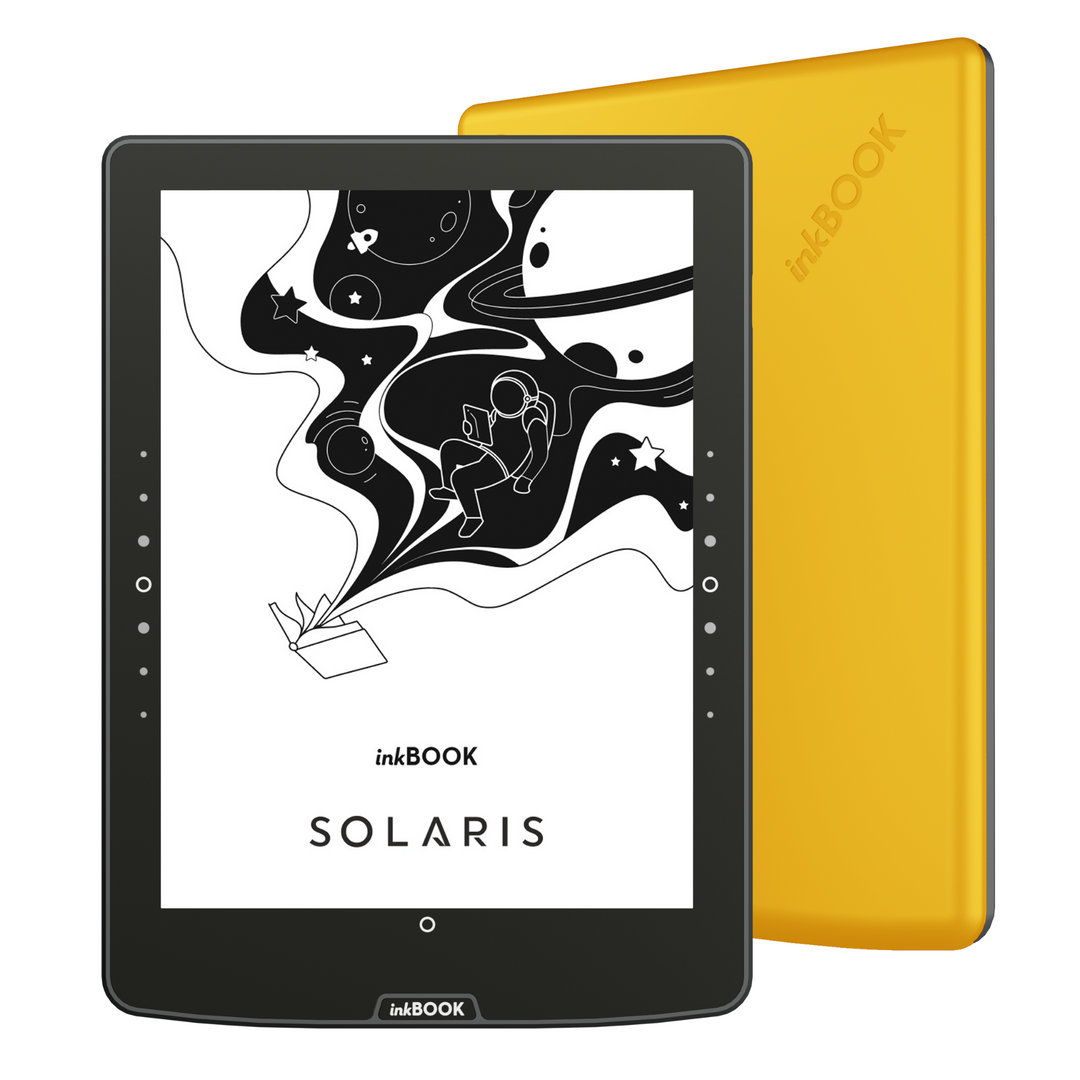
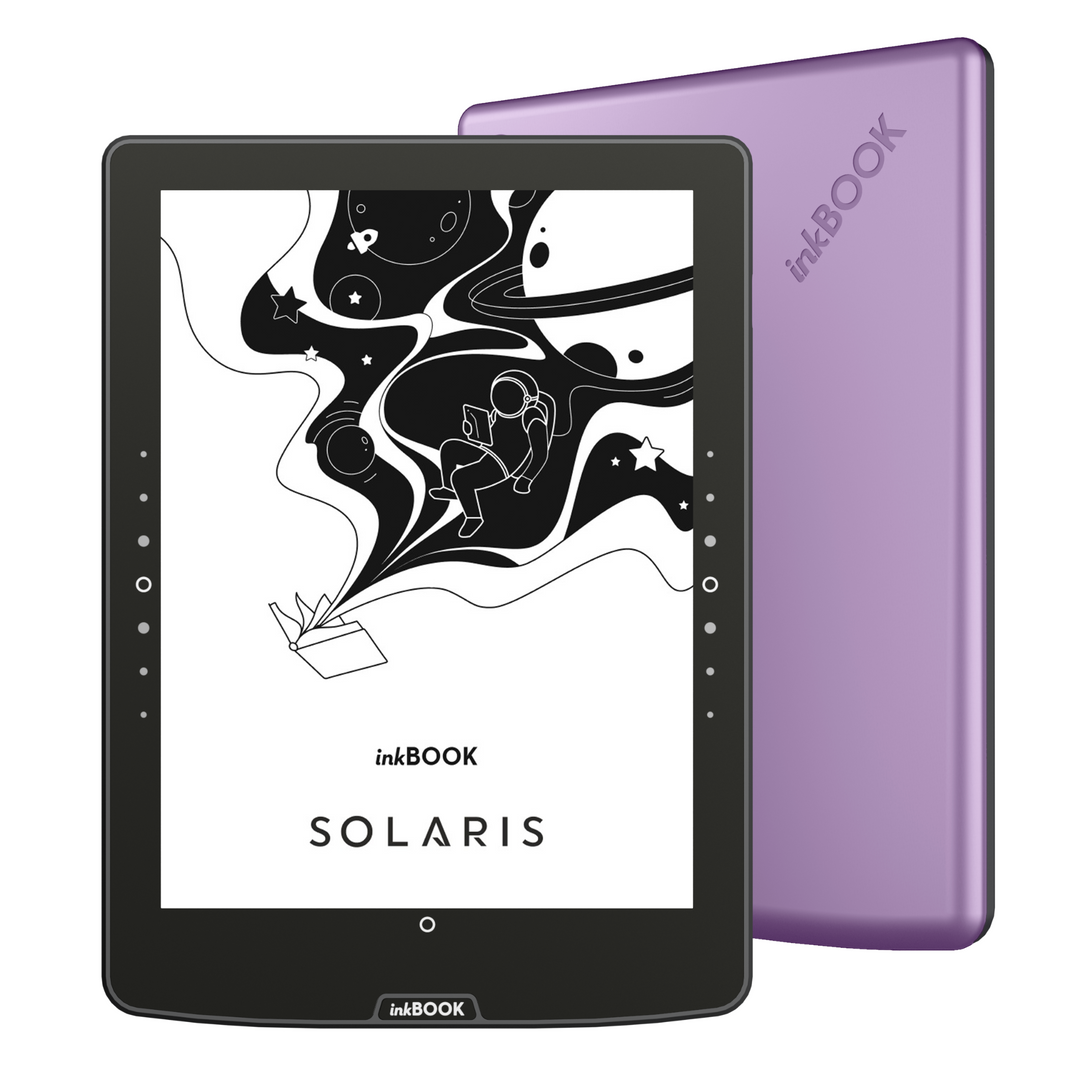
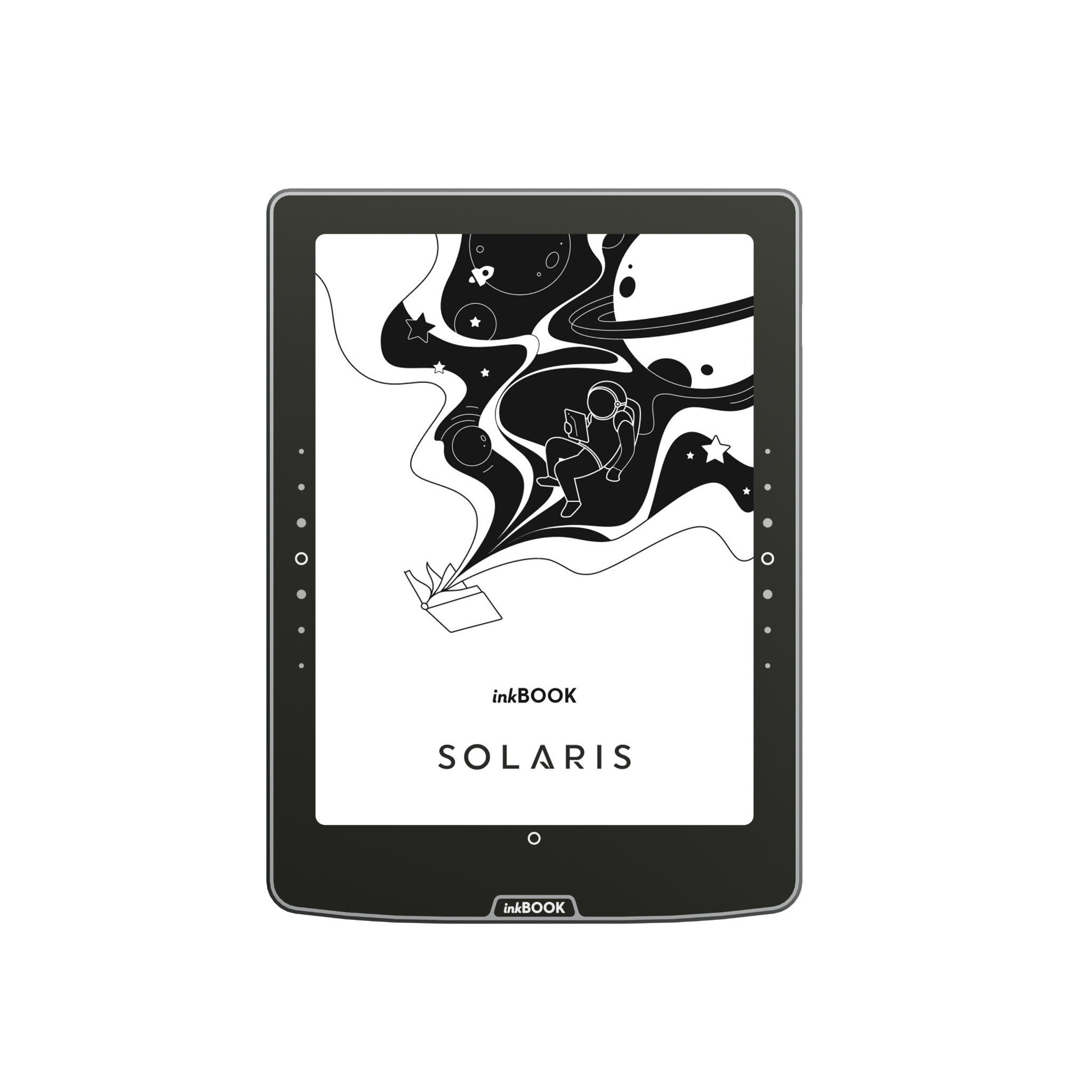
Dans l'inkBOOK Solaris, les boutons physiques ont été intégrés dans le panneau avant pour un aspect plus épuré et un fonctionnement plus fluide.
Nous avons également agrandi leur espace de travail, afin que vous puissiez tourner les pages confortablement, quelle que soit la façon dont vous tenez le lecteur.
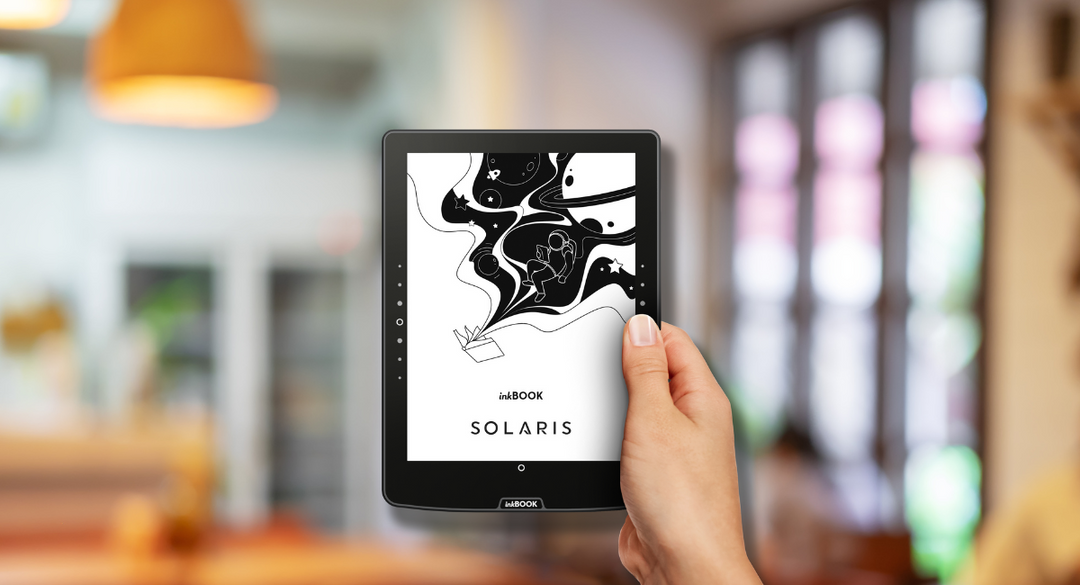
The inkBOOK Solaris battery lasts up to 4 weeks, based on 30 minutes of daily reading with Wi-Fi and Bluetooth turned off, the frontlight set to minimum, and using light mode.Please note that using third-party applications can significantly affect battery life.
Yes, inkBOOK Solaris handles PDF files perfectly and features an advanced PDF Reflow function. This feature intelligently "extracts" plain text from a PDF document and fits it to the screen as if it were a standard e-book. As a result, reading articles or academic papers no longer requires tedious zooming and panning.
Yes, the inkBOOK Solaris supports TTS (Text-to-Speech), which allows you to convert e-book text into speech. This is one of the accessibility features provided alongside Voice Over UI and TalkBack. You can use the built-in narrator option or install external speech synthesis apps. Once headphones or a speaker are connected via Bluetooth, the reader can read your favorite e-books aloud: perfect for driving, cooking, or for individuals with visual impairments.
Yes, inkBOOK Solaris user interface supports multiple languages. You can easily set the system menu to English, German, Spanish, French, Italian, Portuguese, Dutch, Polish, and several other languages during the initial setup or anytime in the device settings.
Yes, inkBOOK Solaris supports both audiobooks and Bluetooth headphones. You can easily connect wireless headphones or a speakers to the e-reader via Bluetooth. Audiobooks can be played by manually transferring them to the device's internal memory in ZIP format (containing MP3 files) or by streaming directly through popular apps like Audible or Storytel.
Yes, inkBOOK Solaris is an excellent gift choice for any book lover. Its incredible versatility stems from its support for popular reading apps (like Wattpad, Audible, or Storytel), a user-friendly menu, and an elegant design. It is an ideal gift for seniors, thanks to the adjustable font enlargement feature, as well as for school children and students who need lightweight access to thousands of textbooks and required school readings.
Yes, inkBOOK Solaris allows for wireless file transfers via the "send2inkBOOK" feature. Each reader has a dedicated email address to which you can send e-books (e.g., in EPUB or PDF format), and they will appear in your library shortly after via Wi-Fi. Additionally, you can use cloud storage services such as Google Drive.
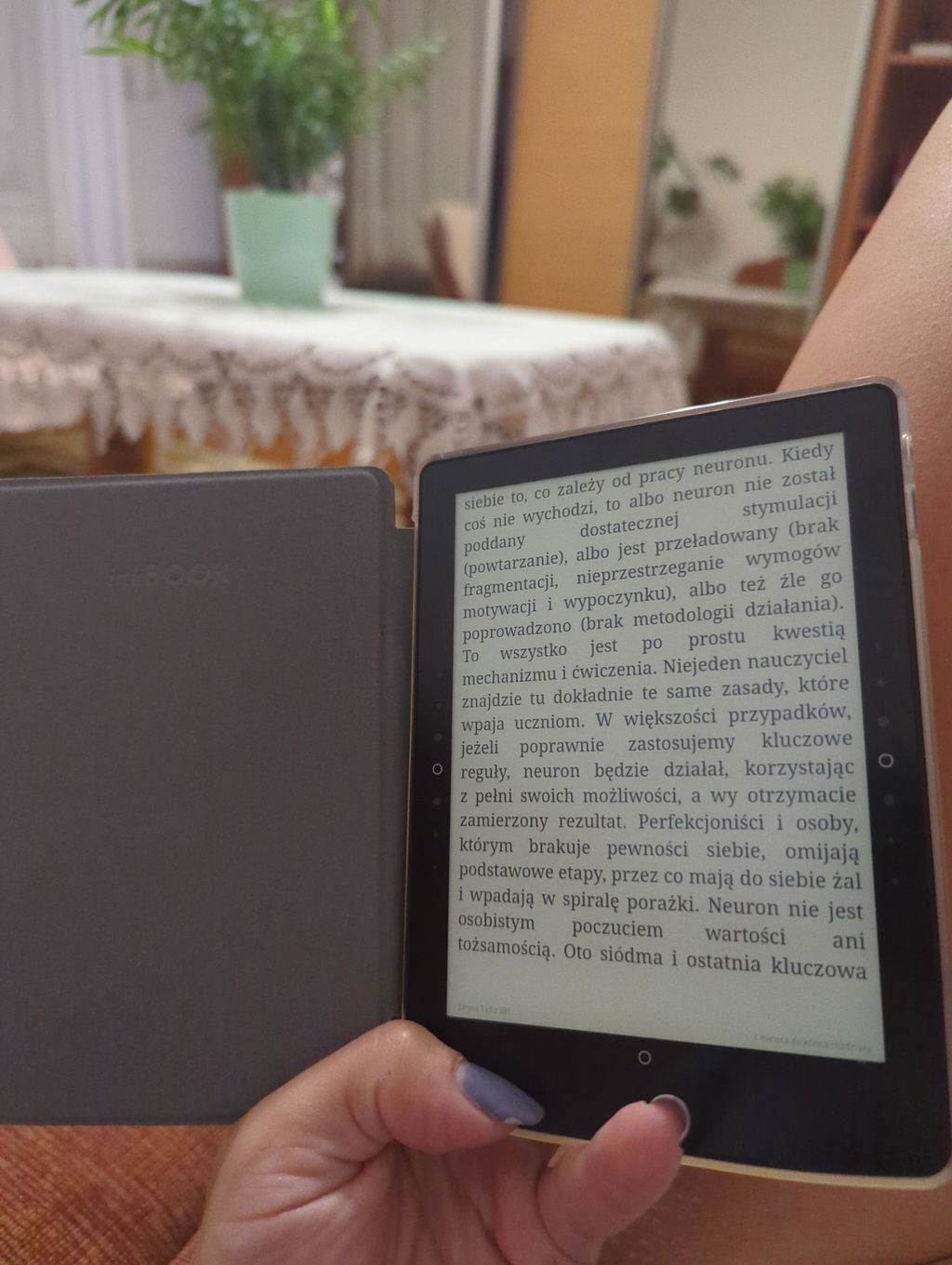
Yes, the physical side buttons on the inkBOOK Solaris are fully customizable to suit your reading preferences. In the device settings, you can adjust their button sensitivity and vibration feedback, as well as change their specific actions for turning pages. This ergonomic design makes the e-reader exceptionally comfortable for both right- and left-handed users, offering complete navigation personalization without needing to touch the screen.
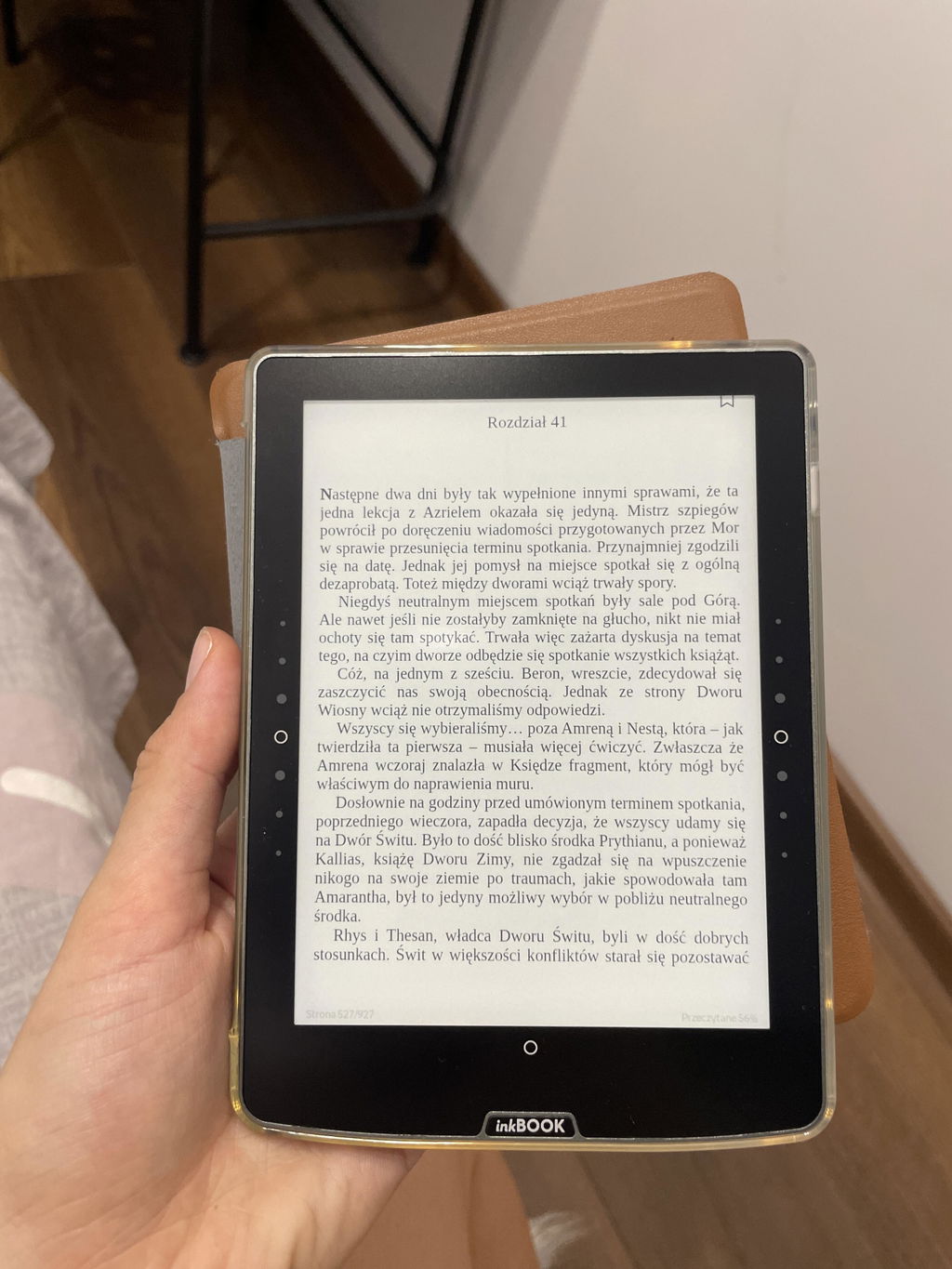
Długo zastanawiałam się nad zakupem czytnika inkBOOK Solaris, dziś wiem, że niepotrzebnie zwlekałam. Po prawie trzech tygodniach użytkowania muszę przyznać, że jestem nim OCZAROWANA! Przede wszystkim bateria trzyma długo, a często czytam nocą, używając podświetlenia. Jeszcze ani razu nie musiałam ładować czytnika! Litery są bardzo czytelne, a odświeżanie stron szybkie. InkBook oferuje to, na czym mi zależało, czyli system kompatybilny z Androidem i wieloma aplikacjami. To wspaniałe urządzenie świetnie leży w dłoni, a dokupiłam do niego etui Duo. Na koniec najważniejsze: jestem bardzo zabieganą osobą, kochającą czytanie. Dzięki temu urządzeniu, swoje książki mam prawie zawsze przy sobie, co ułatwia mi częstsze i szybsze czytanie ulubionych historii.
Justo lo que quería: un dispositivo para leer toda clase de e-books, gracias a las aplicaciones de terceros preinstaladas (Google Play Libros y Kindle). La batería es más limitada que un lector "en exclusiva", pero con los 4-5 días de duración en lectura intensa, me sirve perfectamente. Por último, el proceso de compra y el envío han ido muy bien. La empresa no es muy conocida en España y me generaba un poco de duda, pero son muy profesionales.
Genialny czytnik!
Tempo w jakim pochłaniam książki korzystając z nowego czytnika jest niesamowite. Wygoda obsługi, szybkość działania aplikacji, kontrast, podświetlenie i kolory są dla mnie idealne. Uwielbiam nowe przyciski, ktore są gładkie i bardzo dobrze wykonane. Czytnik jest lekki i wygodny do czytania w każdej pozycji, a dla mnie jako osoby w ciągłym ruchu każda chwila z książką jest nieoceniona. Bateria trzyma bardzo fajnie, a ja mogę się cieszyć każdą historią na wyciągnięcie ręki. Jestem ogromną fanką InkBooka, wcześniej korzystałam z Calypso Plus i niezmiernie się cieszę, ze moglam skorzystać z opcji utylizacji starego urządzenia odsyłając go do InkBooka z powrotem.
Muszę przyznać, że długo szukałam czytnika, który będzie miał możliwość ściągnięcia aplikacji i bezpośredniego korzystania z nich. Chyba nie mogłam trafić lepiej. Lekki, świetnie się z niego czyta, poręczny i na dodatek cena przystępna. Dla początkującego czytającego na czytniku będzie aż nadto! Mam w domu czytnik kindle paperbook i mój solaris go zmiata z półek 😏
Myślałam,że moja miłość do kolekcjonowania książek nigdy nie pozwoli mi na korzystanie z czytnika. Przekonałam sie przypadkiem pożyczając czytnik od siostry.
Aktualnie uważam, że to najlepszy zakup jaki zrobiłam na przestrzeni lat.
Mała przenośna biblioteka pod ręką, jest intuicyjny, wygodny, ma wiele ciekawych funkcji (pamietajcie to moj 1 czytnik ;) ), nie sądziłam, że urządzenie skradnie mi serce a jednak tak sie stało, od zakupu nie rozstaje sie z nim, strony lecą jak szalone. Polecam każdemu, kto chce w domowym zaciszu poczytać wygodnie w łóżku,nie musząc rozpalać do tego lampki, każdemu kto wyjeżdżając zawsze zabiera że sobą książkę lub dwie bo nie wie którą z nich wybrać... każdemu, kto już nie może sie doczekac, aż wróci do domu i przełoży kolejne stronice swojej powieści. Teraz nie musicie czekać, możecie mieć go zawsze ze soba bo jest niewiele większy od telefonu, możecie czytać w dzień, w nocy, a wyjeżdżając zabieracie nie jedna czy dwie, a setki książek...
Jestem zachwycona Inkbook solaris, dzięki wam wróciłam do codzienniego czytania
Dzięki czytnikowi ebook inkBOOK Solaris wróciłam do regularnego czytania. Przed pójściem na studia czytałam ogrom książek, jednak później się to zmieniło... brak czasu, dojazdy, ciężar książek (często czytałam grube "cegły"), a później praca i dziecko sprawiły że czytałam coraz mniej... Po zakupie czytnika ilość przeczytanych książek gwałtownie wzrosła :) Jestem bardzo zadowolona z czytnika, stał się dla mnie totalnym game changerem :) polecam każdemu zabieganemu, bo mieści się nawet w kieszeni kurtki czy płaszcza :)
Jestem molem książkowym i do zakupu czytnika zachęciła mnie wygoda związana z tym że moge go mieć przy sobie i jest taki leciutki. Dodatkowo brakowało mi już miejsca na półkach na książki! Inkbook Solaris to świetny czytnik – lekki, wygodny i bardzo szybki. Ekran jest wyraźny i nie męczy oczu, a podświetlenie sprawdza się i w słońcu, i wieczorem. Bałam się, że będę tęskniła za papierem ale w zestawie z dedykowanym etui naprawdę dobrze zastępuje książkę. Zachęciło mnie to, że można korzystać z dedykowanych aplikacji bez problemu i dokładnie tak jest. Bateria trzyma długo, naprawdę jestem bardzo zadowolona z zakupu!
Od kiedy zakupiłam czytnik Inkbook, nasze wakacyjne podróże z dziećmi zmieniły się nie do poznania. To nie tylko oszczędność miejsca w samochodzie (lżejszy i poręczniejszy niż stos papierowych książek!), lecz także komfort i elastyczność. Dzięki abonamentowi na e-booki mogę w każdej chwili wybierać nowe tytuły – idealne, gdy jesteśmy kolejny dzień na campingu i pada deszcz.:) Inkbook to sprytne urządzenie, które niesamowicie usprawniło nasze wyjazdy i sprawiło, że poznajemy dużo nowych książek. :))
Jest świetny!!!! Kupiłam czytnik Solaris dla mojej mamy w prezencie - od zawsze kocha czytać, a niestety w naszym domu nie ma miejsca na fizyczne książki ….dlatego stwierdziłam, że może czytnik to rozwiązanie dla niej? Bałam się, ze to nie będzie to… oh myliłam się. Rozmiar jest idealny- bardzo kompaktowy, mieści się do każdej torebki i nie zajmuje dużo miejsca! Bateria trzyma naprawdę dobrze - a nawet jak zapomnisz wyłączyć wi-fi? To czytnik wysyła przypomnienie że może warto je wyłączyć!!! Poruszanie się po aplikacjach jest bardzo intuicyjne- moja mama nie ma problemów z odnalezieniem tego, czego szuka - a często nie jest to łatwe dla osób starszych :) Już nie narzeka na za małe literki- powiększa i pomniejsza czcionkę, dostosowuje podświetlenie do swoich potrzeb… StoryTell I EmpikGo ma zasięgu ręki- wystarczy kilka kliknięć i gotowe. Moja mama jest zachwycona - a ja zaczynam jej go zazdrościć :) zdecydowanie polecamy bo warto!
Korzystając z czytników inkBook czuję się jak Zenodot z Efezu, który był pierwszym "dyrektorem" Biblioteki Aleksandryjskiej, która gromadziła całą wiedze świata. Mój czytnik także mieści ogrom wiedzy i książek z całego świata. Czytnik inkBook można też porównać z takim wynalazkiem jak radio tranzystorowe – kiedyś umożliwiło przenośne słuchanie treści, tak jak dziś czytnik umożliwia przenośne czytanie.
Solaris to już mój kolejny czytnik od inkBOOK. Wcześniej korzystałam z Calipso Plus. Myślałam, że nic nie jest w stanie przebić mojego ukochanego Calipso, z którego korzystałam 3 lata. Kiedy wzięłam do ręki Solaris po raz kolejny zakochałam się. Teraz w domu mamy 2 zachwyconych moli książkowych. Starszy model wciąż służy synowi, który nie wypuszcza go praktycznie z rąk i mnie zakochaną po uszy użytkowiczniczkę Solarisa.
Producent utrzymuje wysoki standard wykonania, nowy model przynosi realne ulepszenia – zarówno w komforcie użytkowania, jak i w funkcjonalności.
Nowy czytnik jest jeszcze lżejszy, szybciej reaguje na dotyk, a podświetlenie jest przyjazne dla oczu – co jest szczególnie ważne podczas czytania wieczorem. Doceniam również dłuższy czas pracy na baterii oraz jeszcze większe możliwości personalizacji wyglądu tekstu. Bardzo szybko ładuje się bateria.
Kiedyś myślałam, że nic nie zastąpi zapachu papierowej książki, jednak ten czytnik daje niesamowitą wygodę – zwłaszcza w podróży lub wtedy, gdy nie chcę nosić ze sobą ciężkich tomów. To rozwiązanie ekologiczne, praktyczne i już nieodłączne w moim codziennym życiu.
Z czystym sumieniem mogę polecić ten model każdemu miłośnikowi książek – zwłaszcza tym, którzy szukają sprawdzonego i niezawodnego sprzętu.
To już mój trzeci czytnik InkBook i jest najlepszy.
Mamy się ku sobie z tym czytnikiem :). Bardzo dobrze się czyta, w porównaniu do calypso jest dużo szybszy i wygodniejszy. to był dobry wybór 🩷
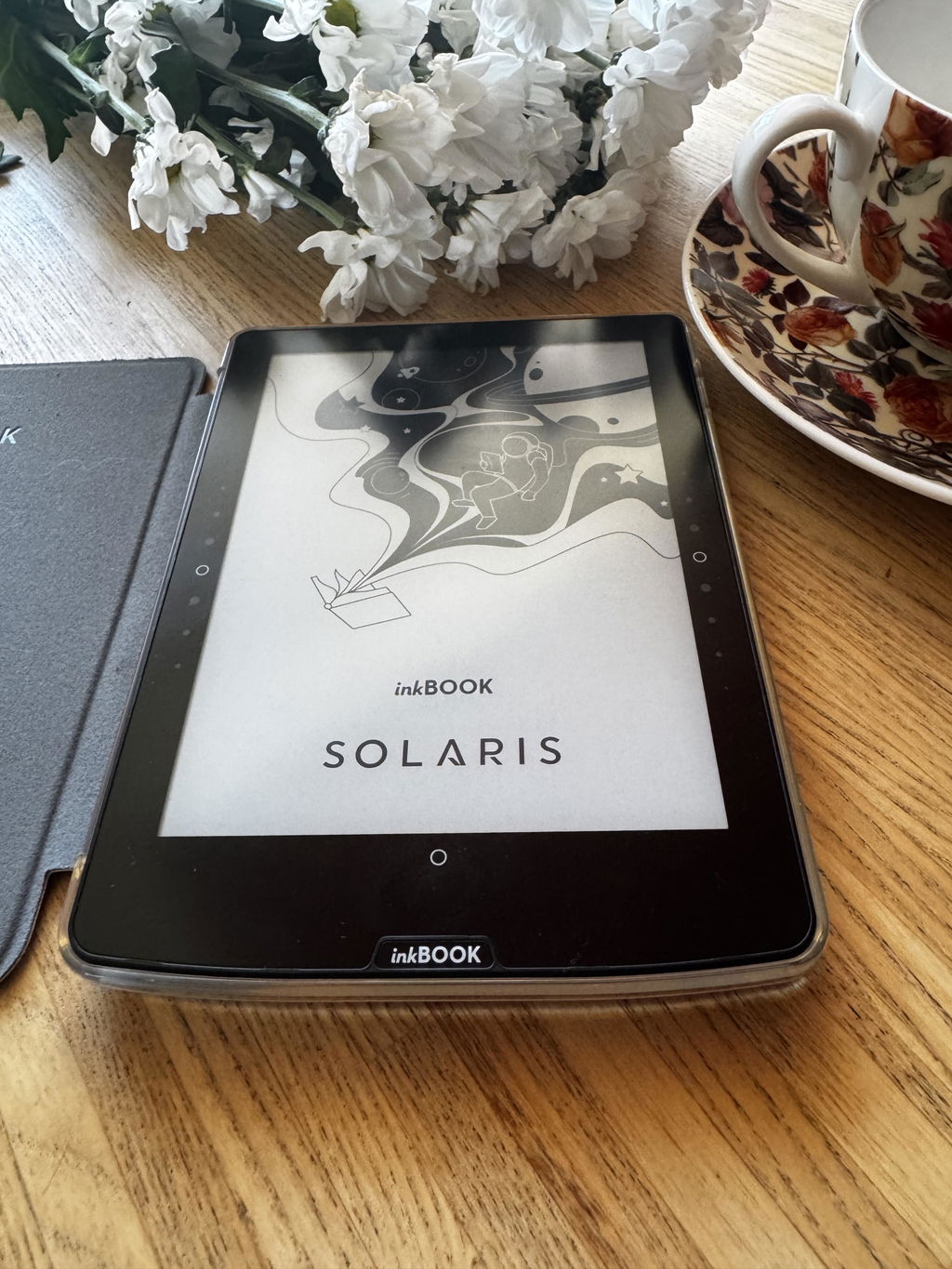
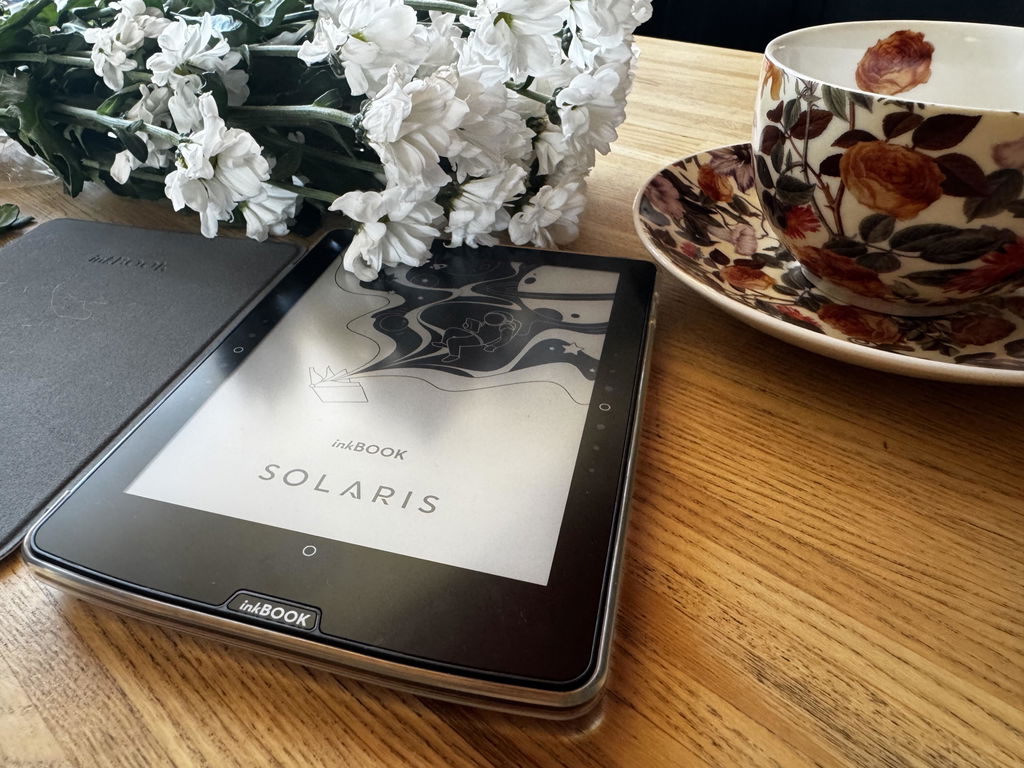
Das Gerät ist sehr gut zu handhaben und komfortabel. Endlich habe ich alle Bücher auf einem eReader. Außerdem sieht er in seiner Hülle auch noch sehr schön aus. Kauf war problemlos und zügig.
bardzo dobrze sie sprawuje jak na urzadzenie za te pieniadze
Czytnik lepszy od poprzedniego, który używałem tj. Calypso. Działa szybciej, bardzo wygodny port usb C i dużo szybszy czas ładowania baterii.
I’m really enjoying my inkBook, though I missed that it wasn’t with Colour.
It doesn’t matter when reading but it would be nice when looking at new books.
Bon ebook, le fait de pouvoir mettre Nextory est un gros plus. Un peu lent qd même a charger les pages et les boutons suivant ne sont pas top . Le tactile fonctionne mieux. Le rétro éclairage est super et le rapport qualité prix bon
Hallo
Alles bestens
Gerne wieder
Très satisfait
Mega wyraźny obraz, dobre podświetlenie nocą, lekki, wygodny, trzeba tylko się przestawić, ze strony przewijają się "wolno". Generalnie super, bateria długo trzyma, muszę jeszcze przetestować słuchanie audiobooków. Polecam
Das Gerät funktioniert jetzt gut, das Einrichten der Apps Skoobe und Onleihe war sehr gut im Untermenue versteckt!!
Ein Hinweis im Quick Start Guide wäre sehr hilfreich gewesen
Love my new inkbook, got this one after I accidentally stepped on my Calypso. I like it’s sleek design and the touch screen responds well, the buttons baffle me a bit as their response can be so so. The charger input has been changed to usb-c which is great and easier to find a right plug for. All in all I’m really hapoyvwoth it and will continue buying Inkbook if I step on it again 😁
Czytnik zakupiony z myślą o młodym i obiecującym pożeraczu książek. Siostrzenica widząc prezent, była najszczęśliwszą osobą na świecie. Dzięki inkbookowi Solaris świat stał się dla nas radośniejszy i wspanialszy
👍
Safety Information
Manufacturer
inkBOOK EUROPE SP. Z O.O.
ul. Ostrowskiego 7, 53-238 Wrocław, Poland