











Starten Sie Ihr nächstes großes Leseabenteuer
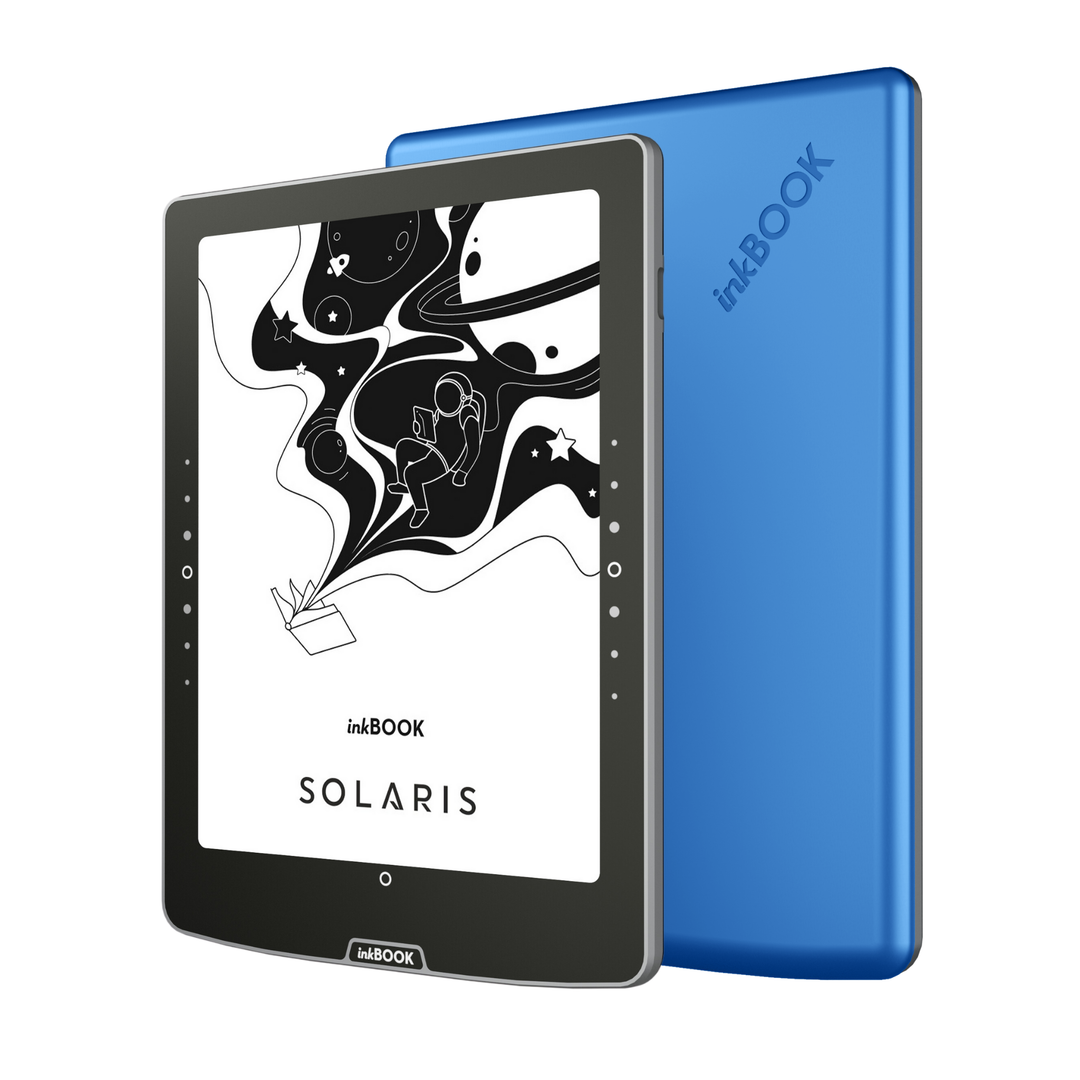
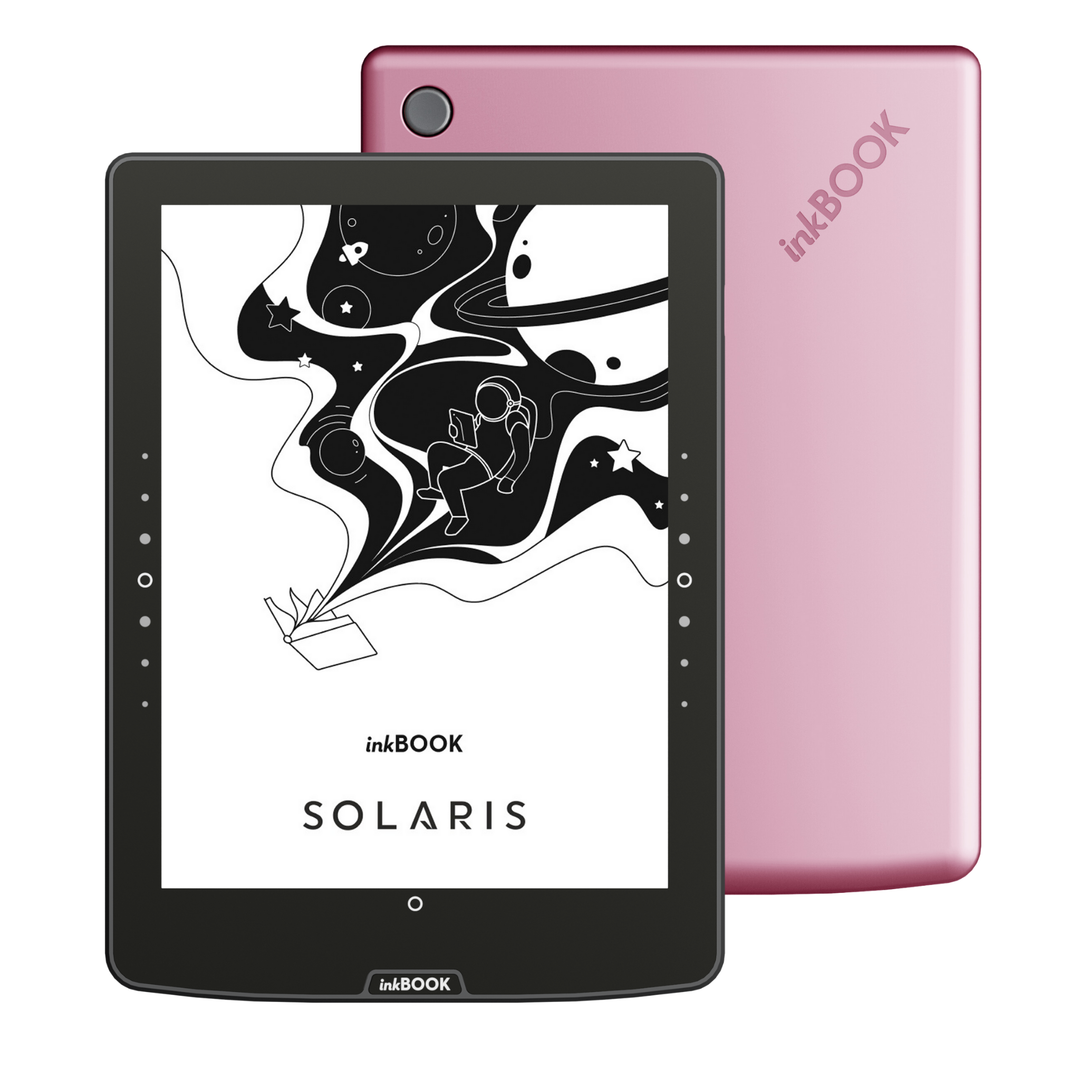
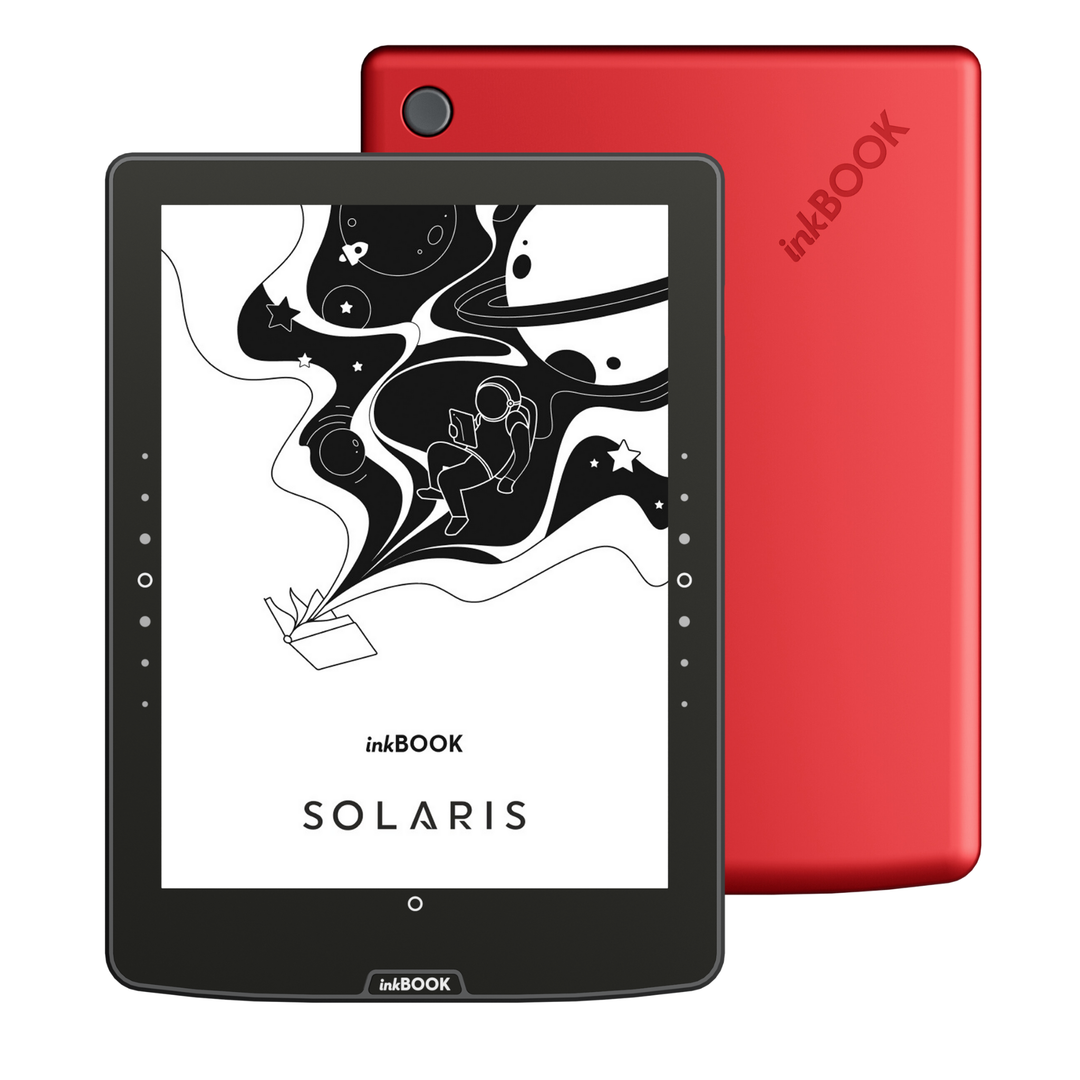
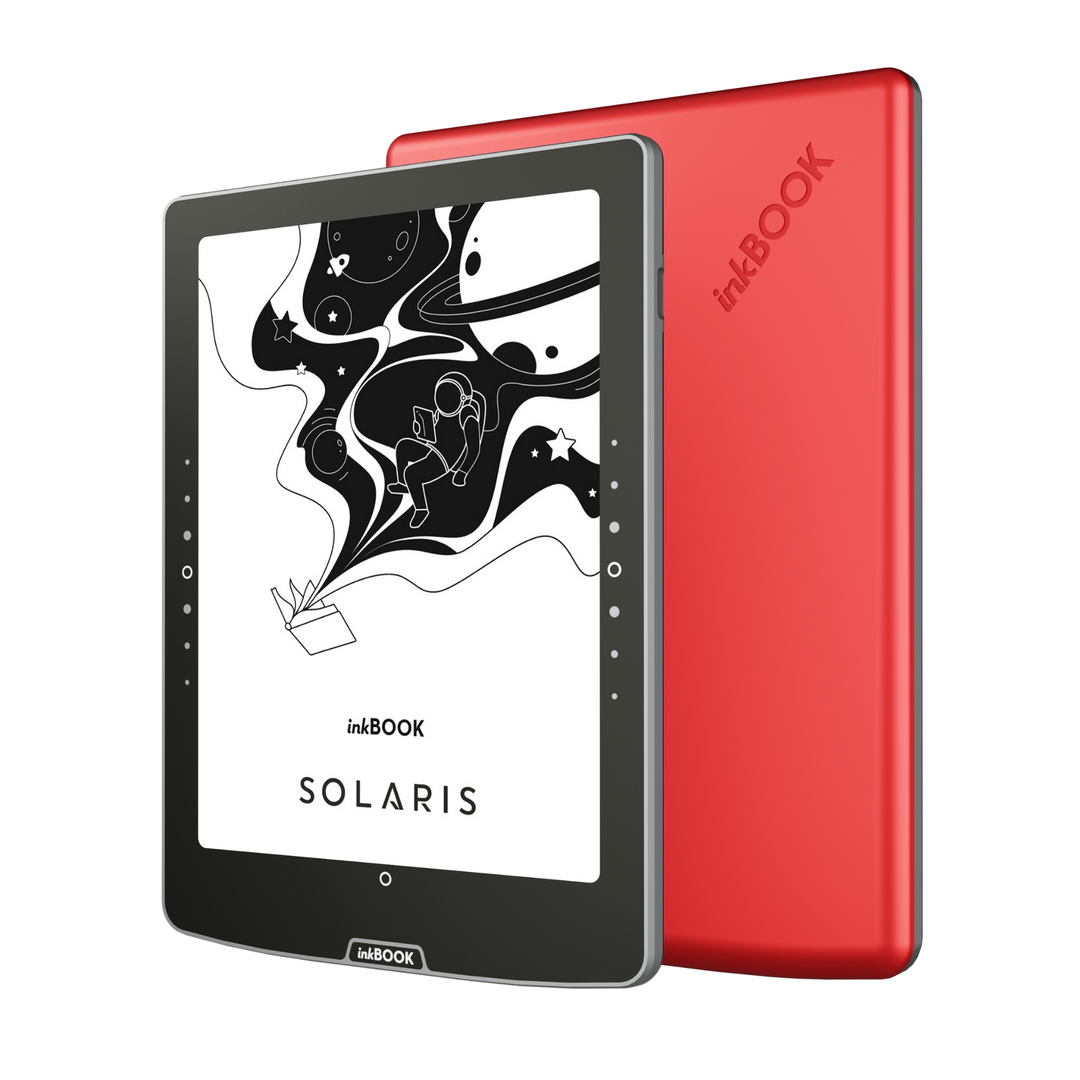
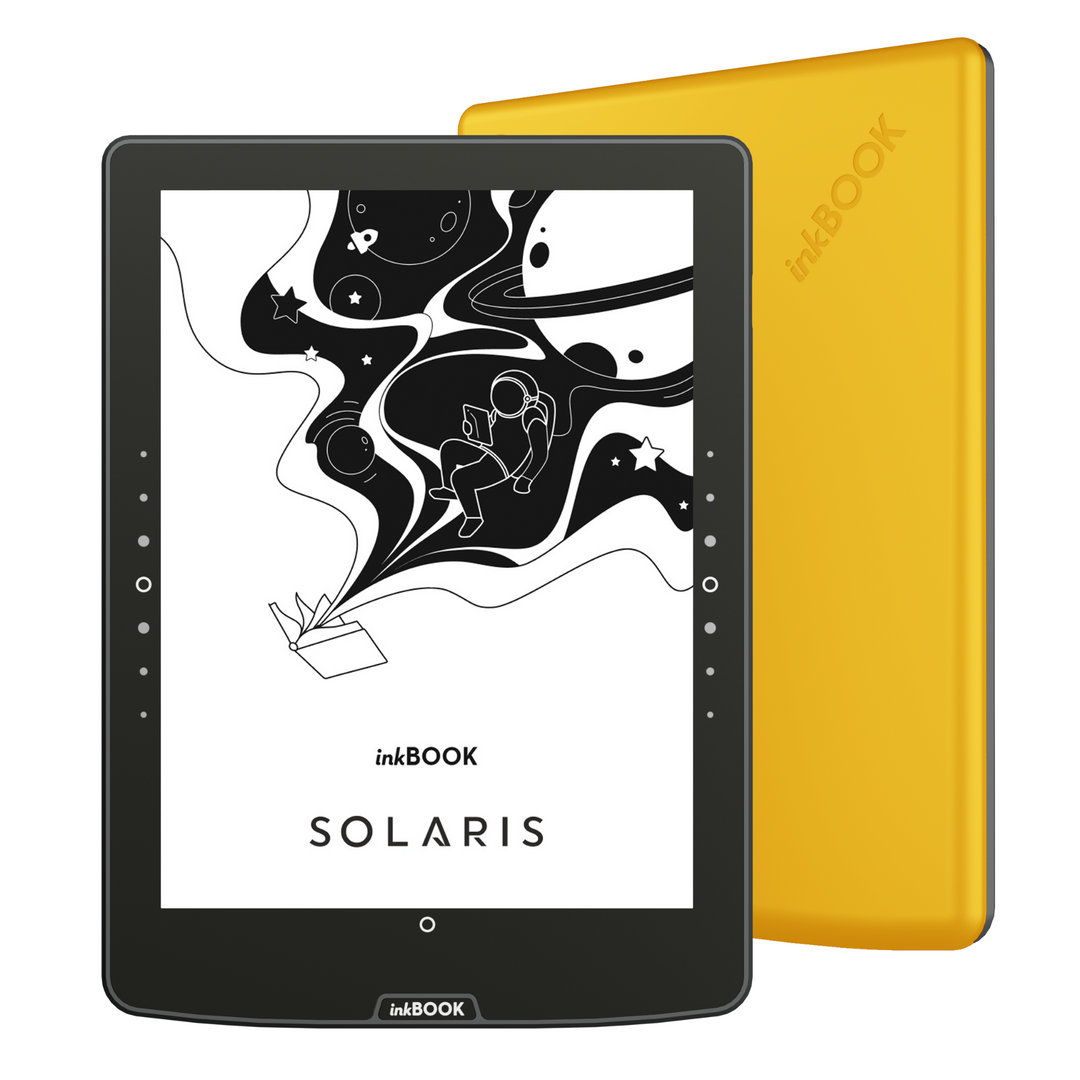
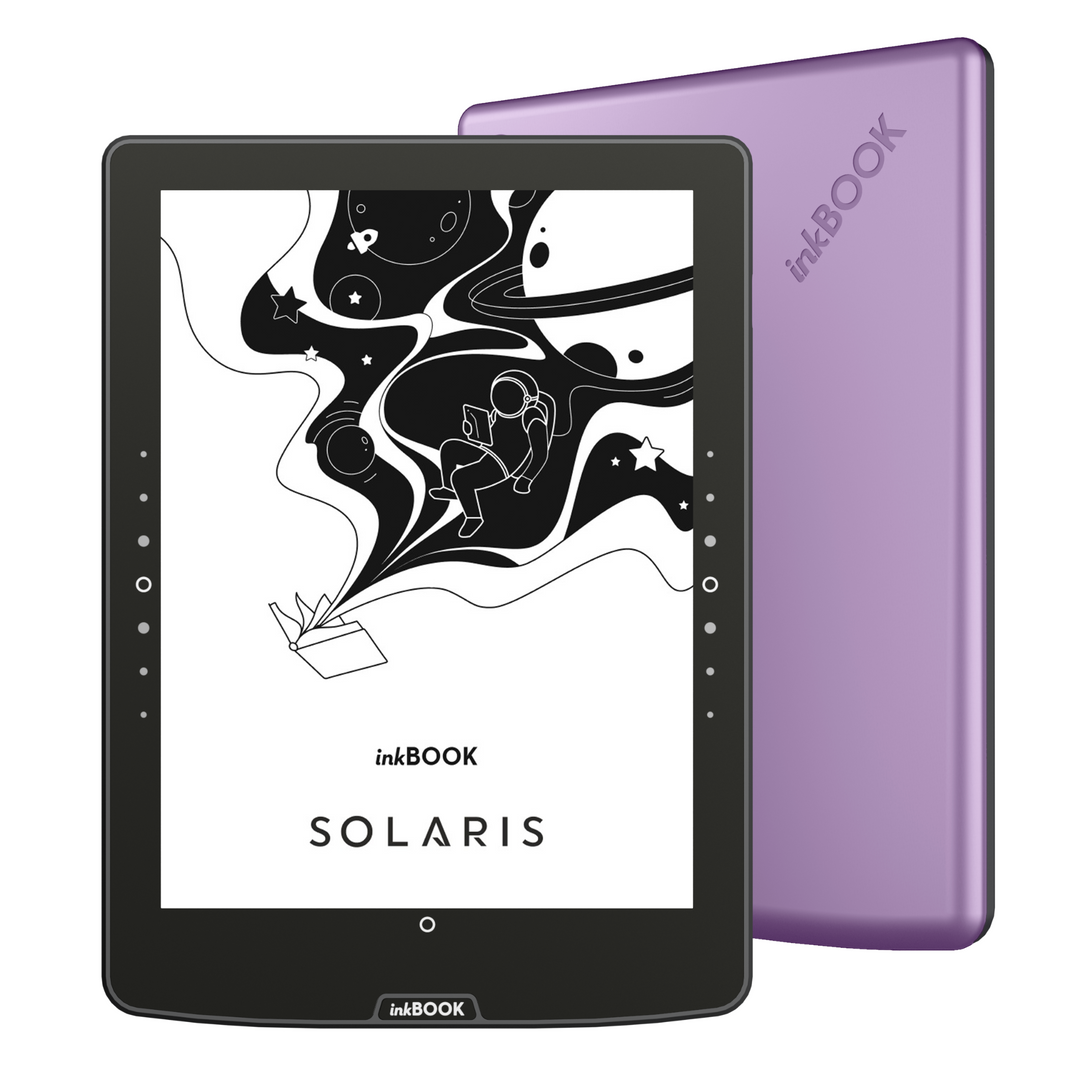
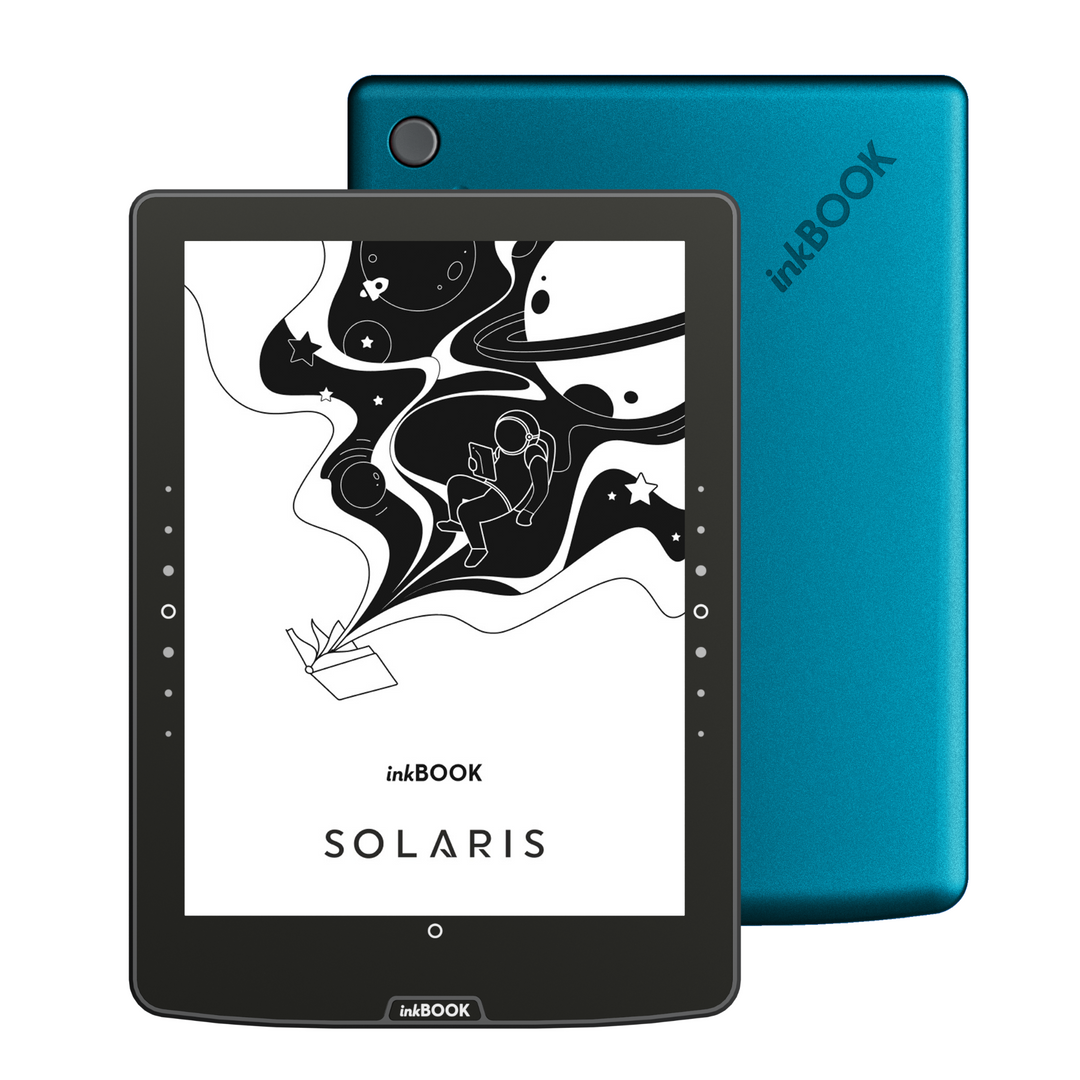
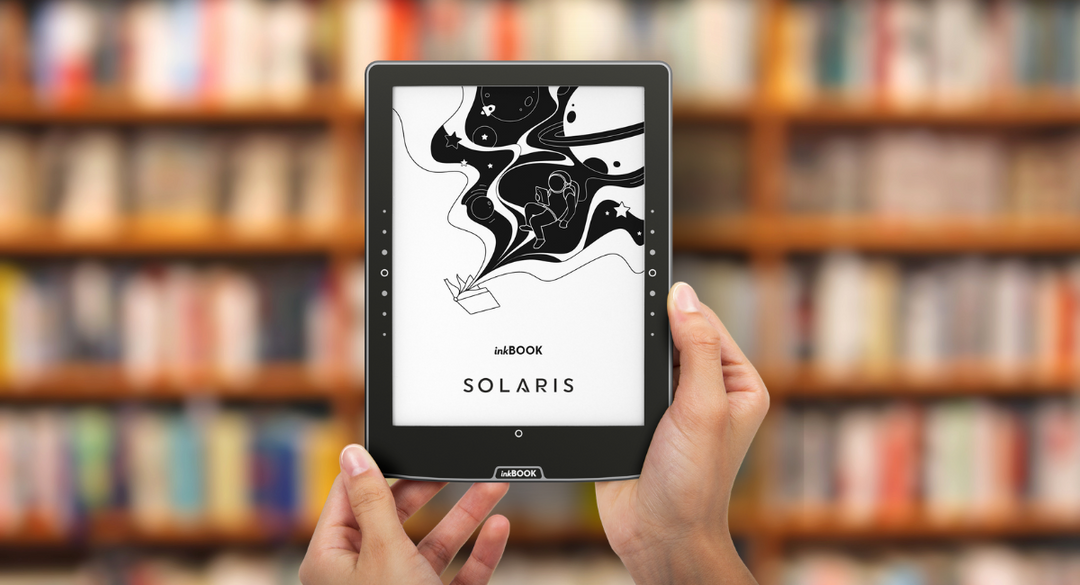
Nehmen Sie Ihren inkBOOK Solaris eReader mit und erleben Sie, wie selbst die kürzeste Reise zu einem literarischen Abenteuer wird. Bestseller, Neuerscheinungen und Klassiker sind direkt neben Ihnen - wann immer Sie sie brauchen.
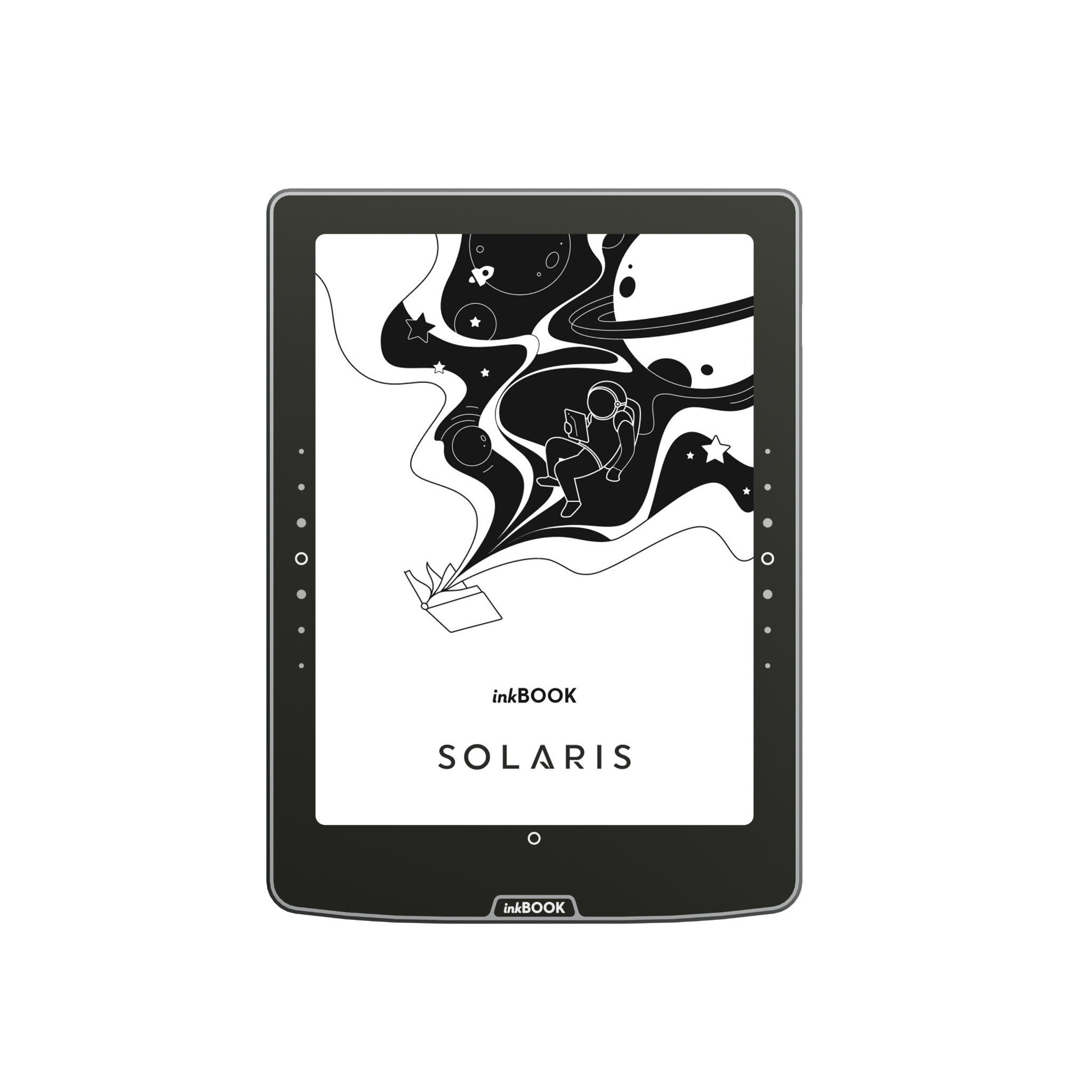

Bequemes Lesen für viele Stunden

Alles mit einem Klick

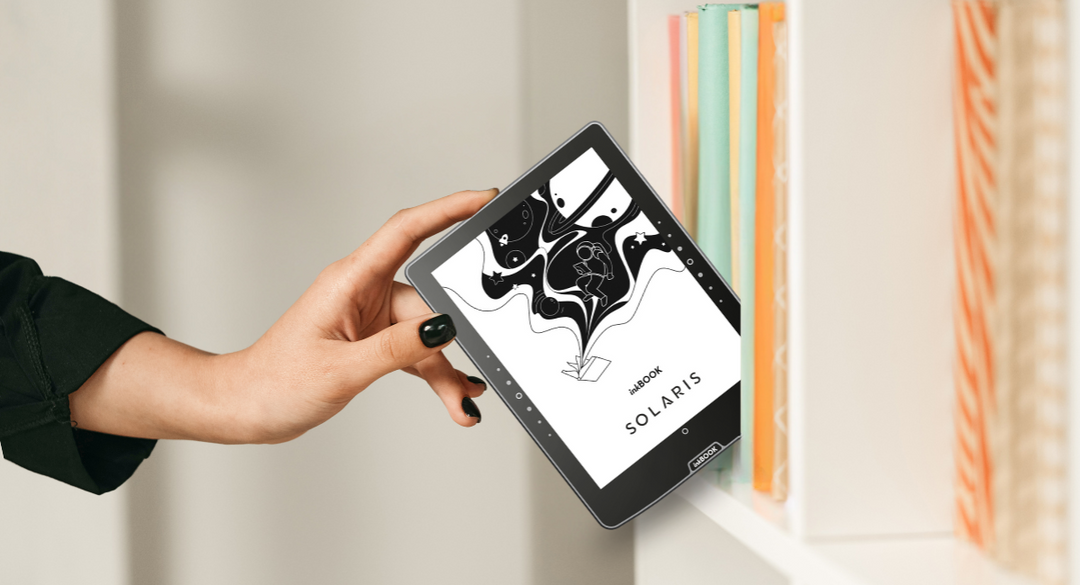
Perfekt für jede Reise
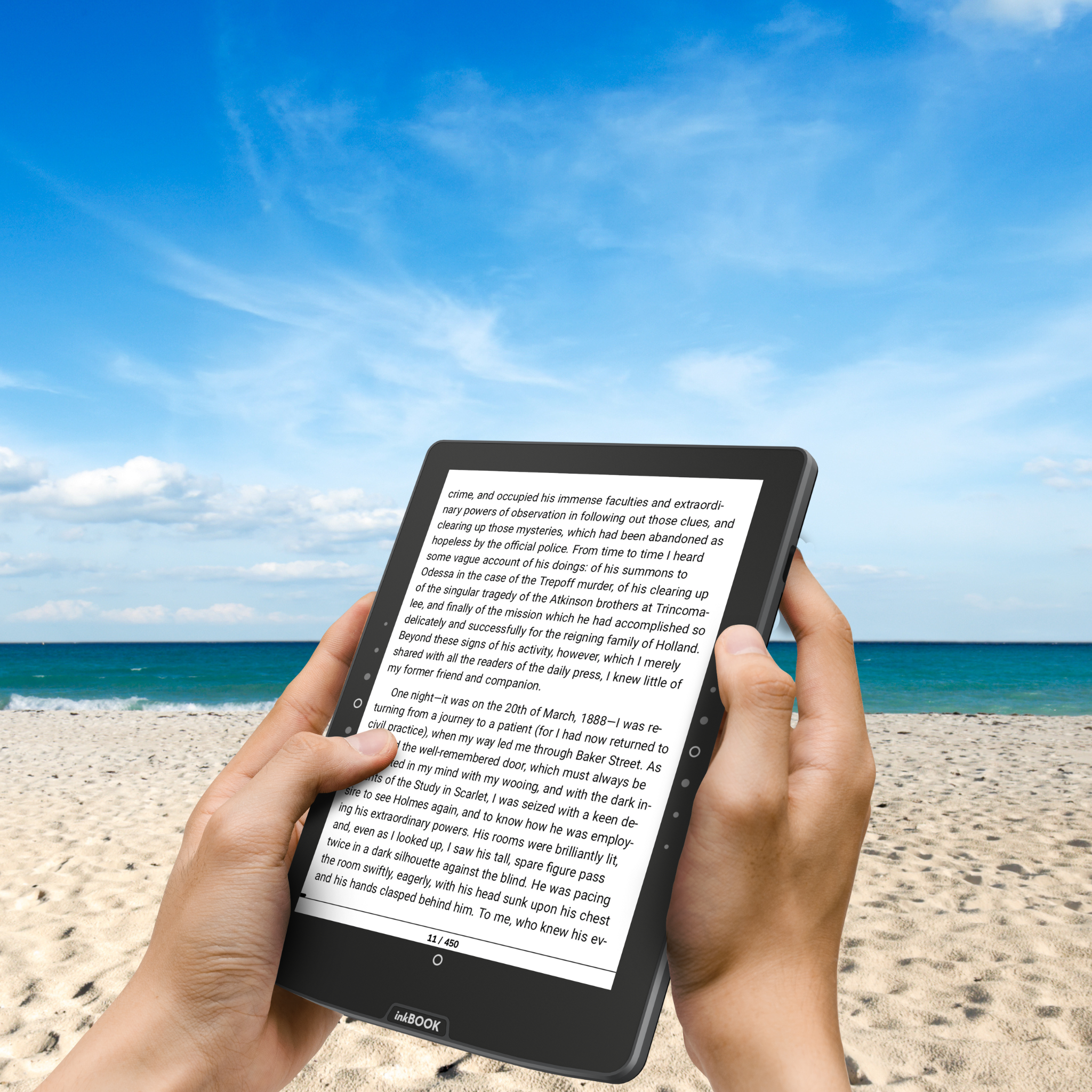
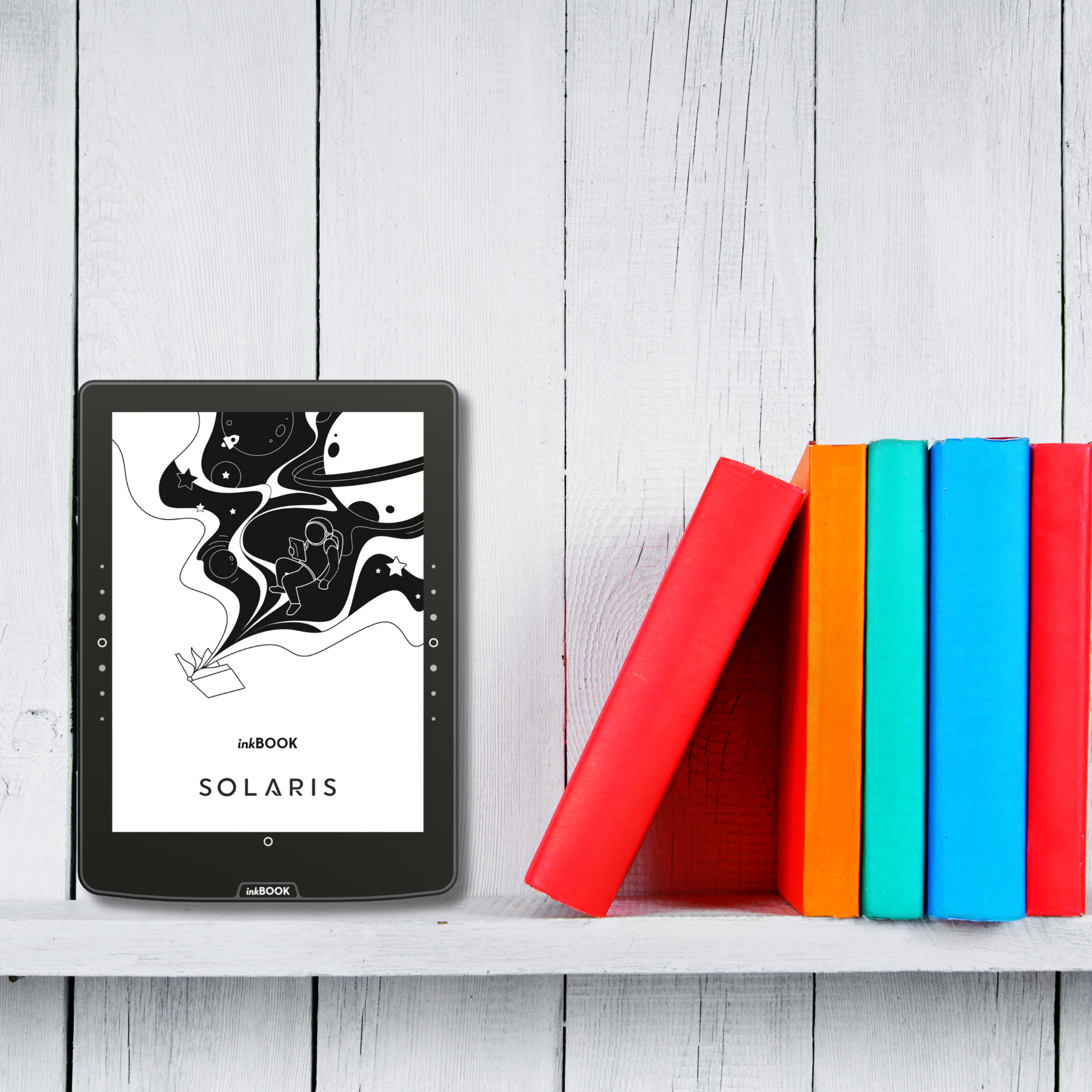
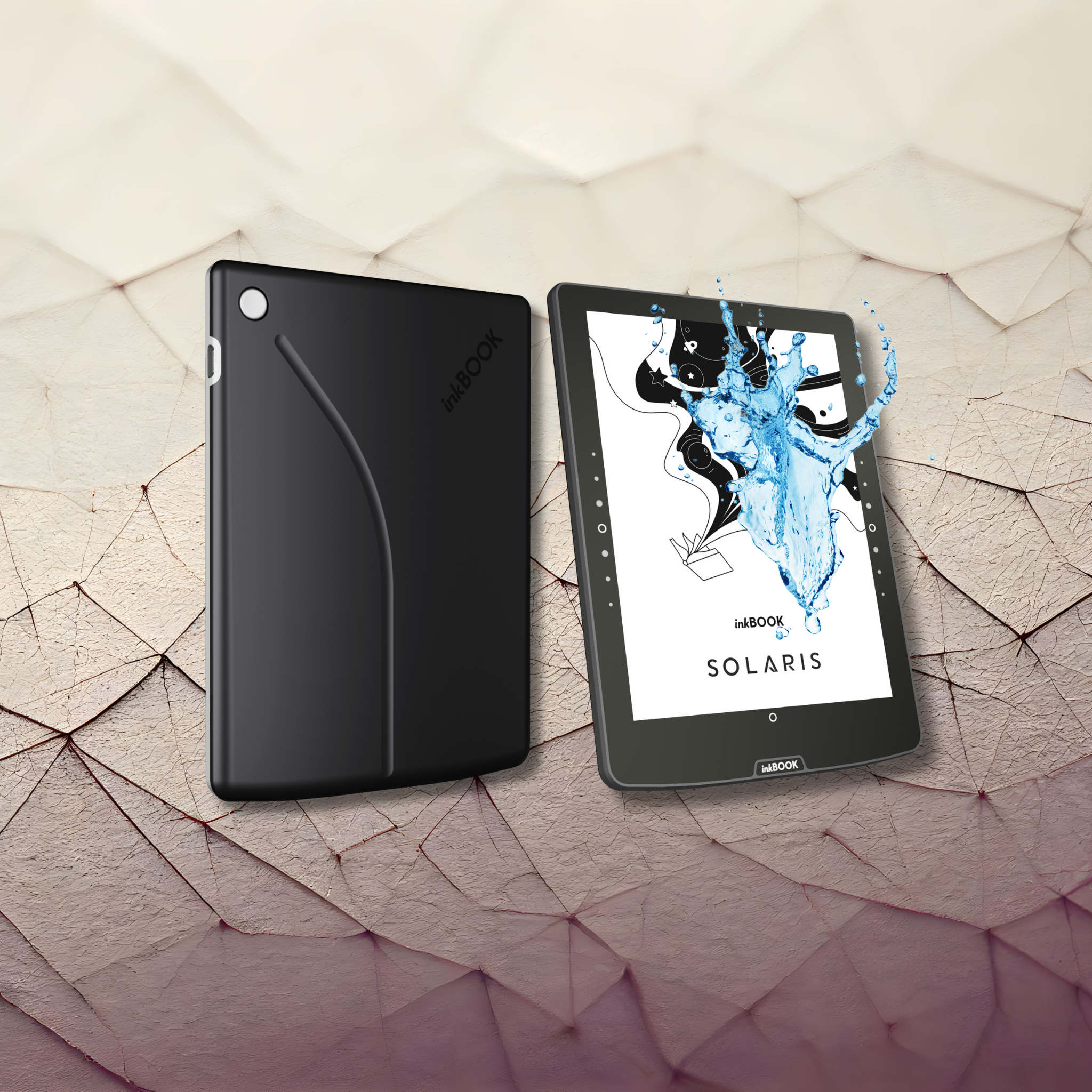
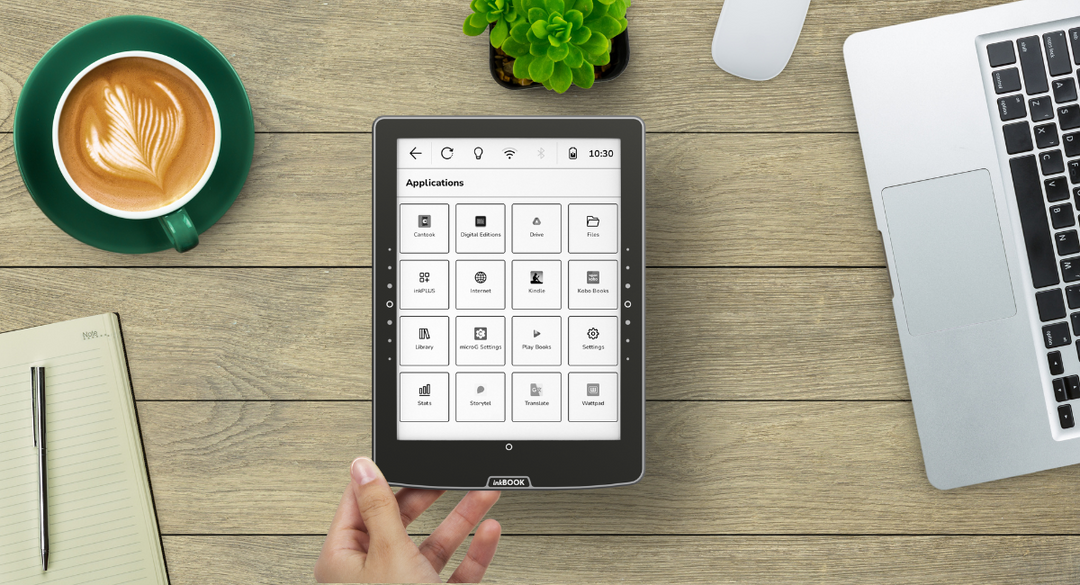
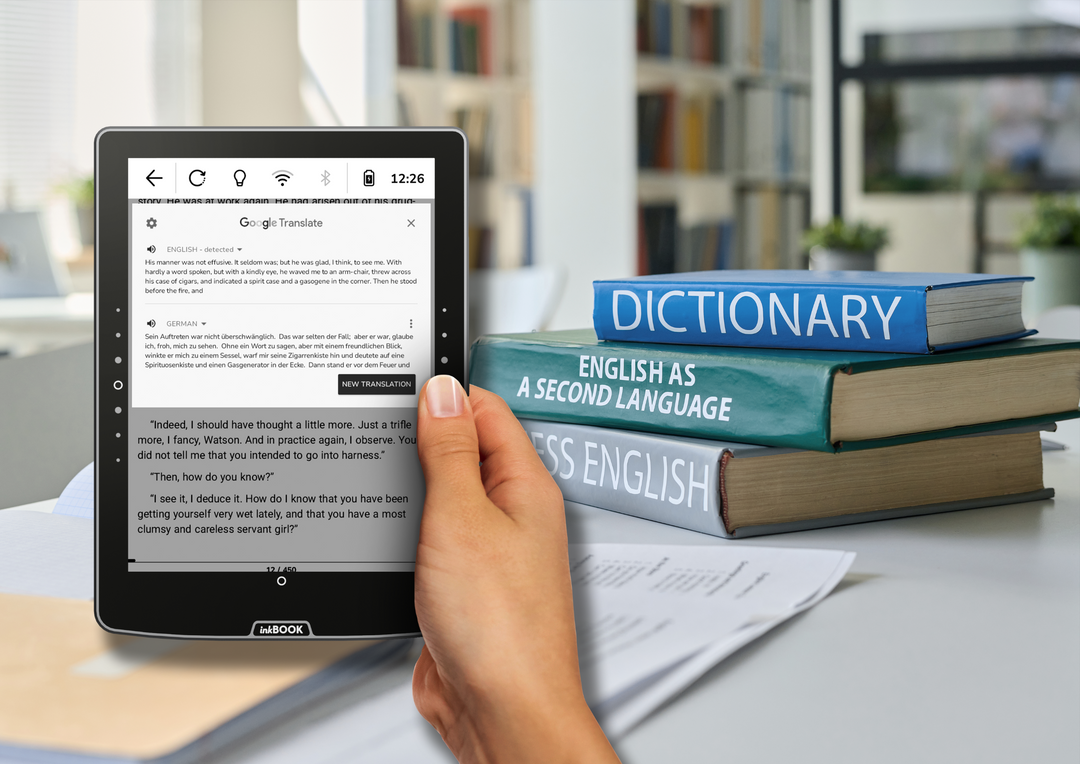
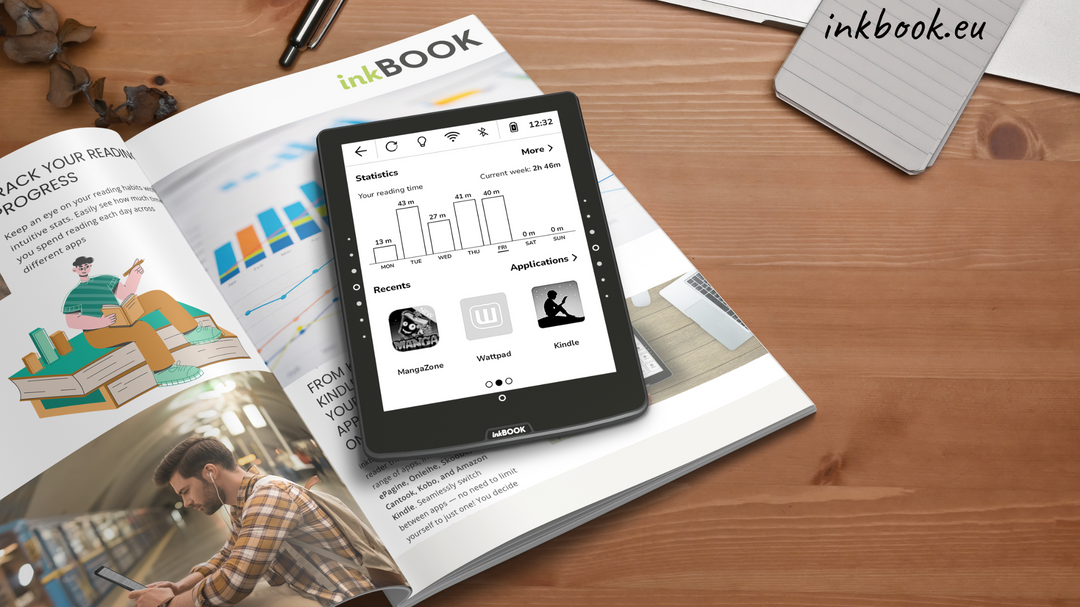
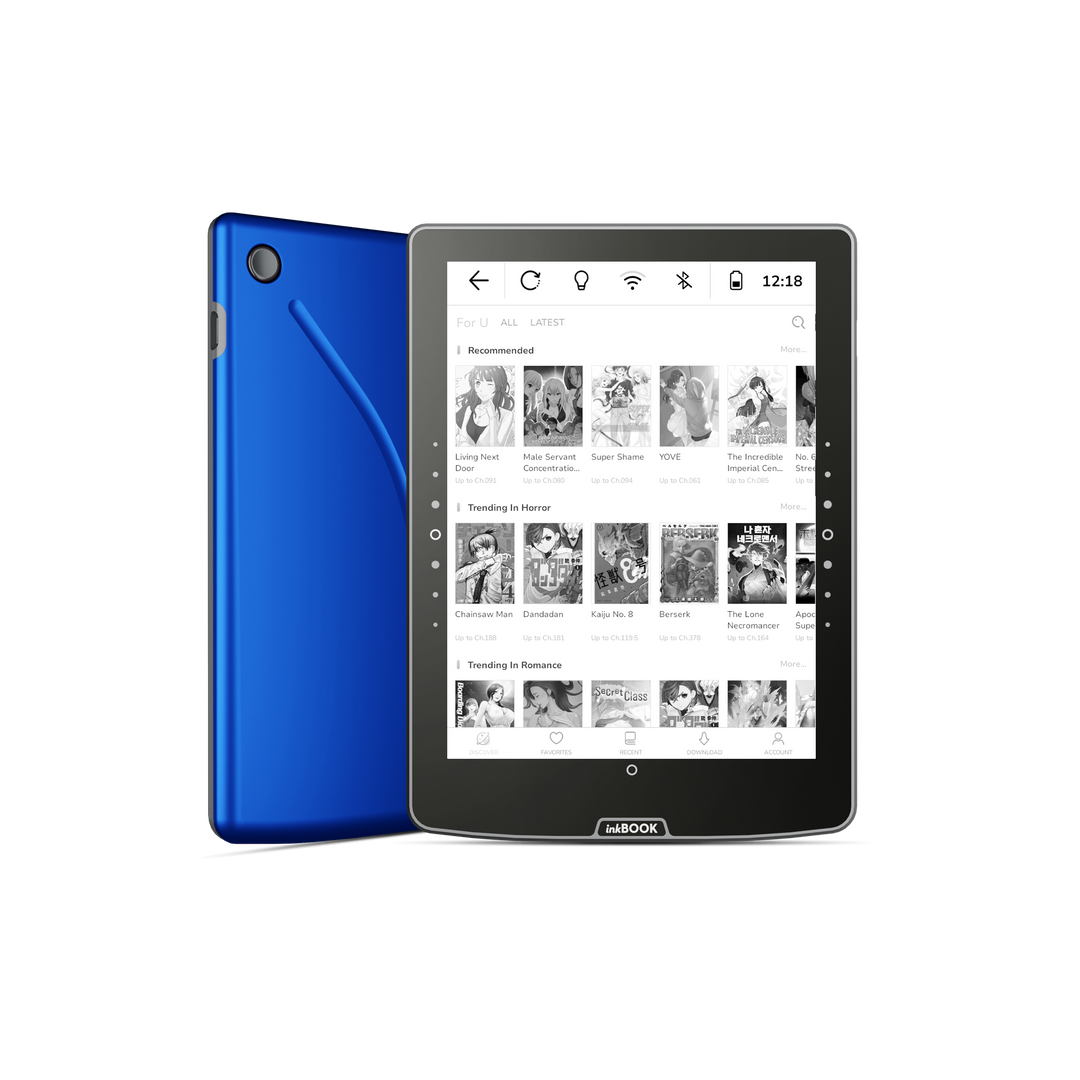
Sind Sie ein Fan von Skoobe? Oder kaufen Sie digitale Bücher bei Thalia? Mit inkBOOK Solaris gibt es keine Einschränkungen - nutzen Sie Ihre Lieblings-Apps und lesen Sie, was und wann Sie wollen!
Die Bildschirmbeleuchtung wurde speziell entwickelt, um sich ausschließlich auf die Seite zu konzentrieren und ein gemütliches, ablenkungsfreies und augenschonendes Leseerlebnis zu gewährleisten - perfekt für lange, entspannte Abende.
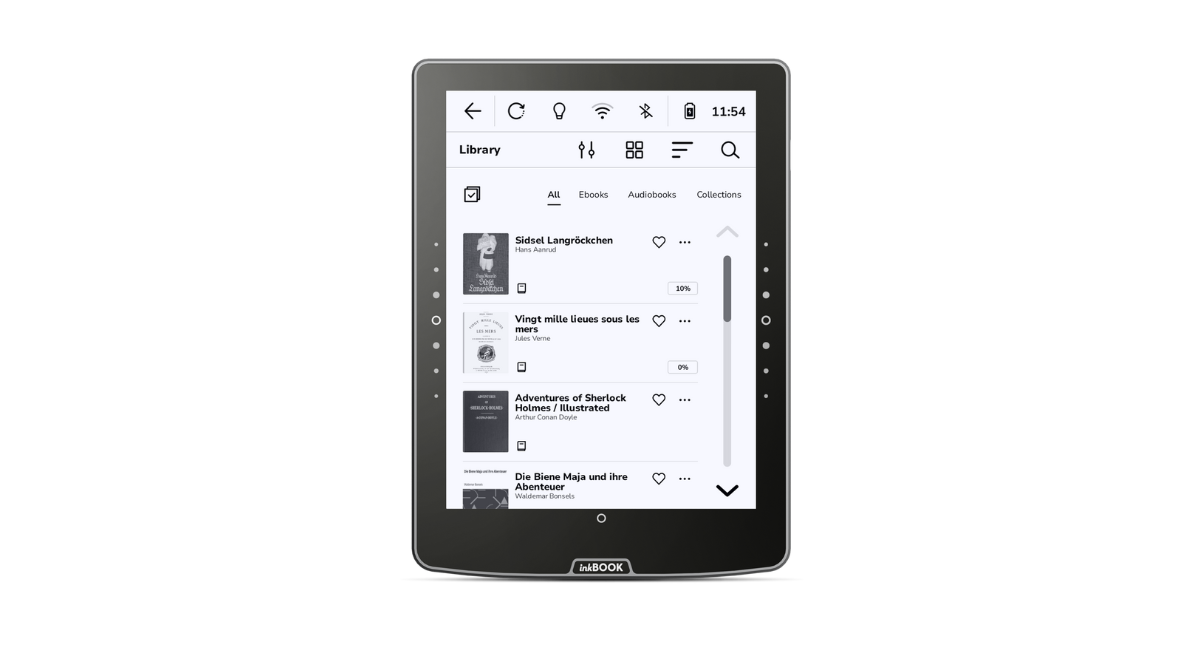
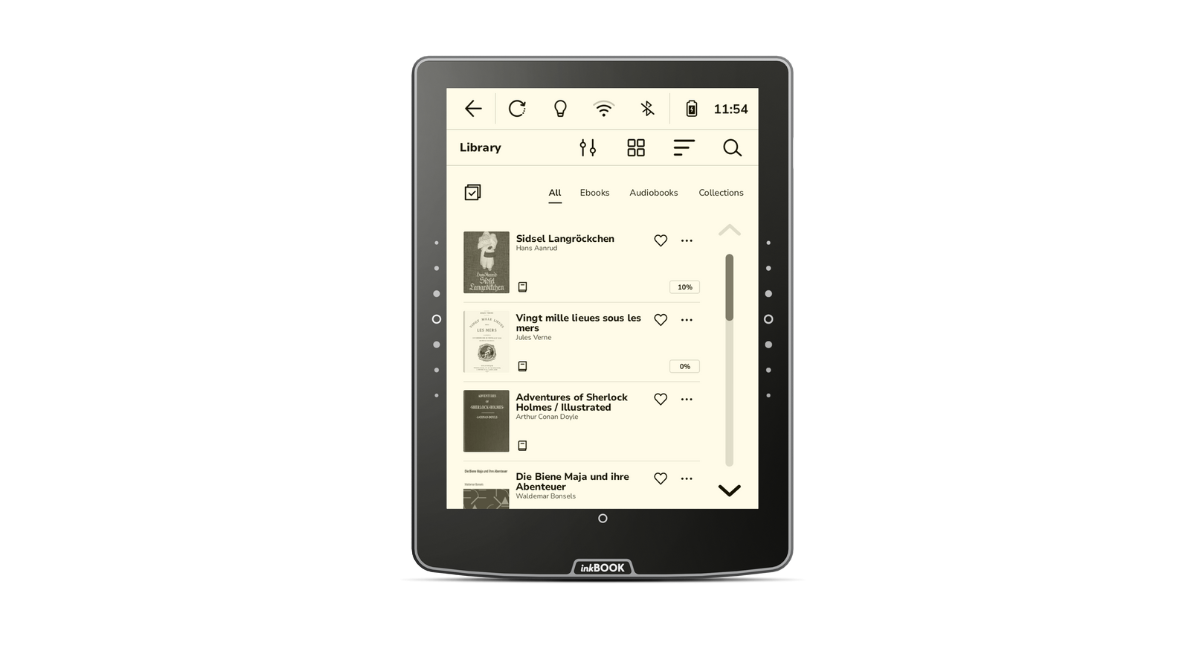
BÜCHER AN IHREN FINGERSPITZEN
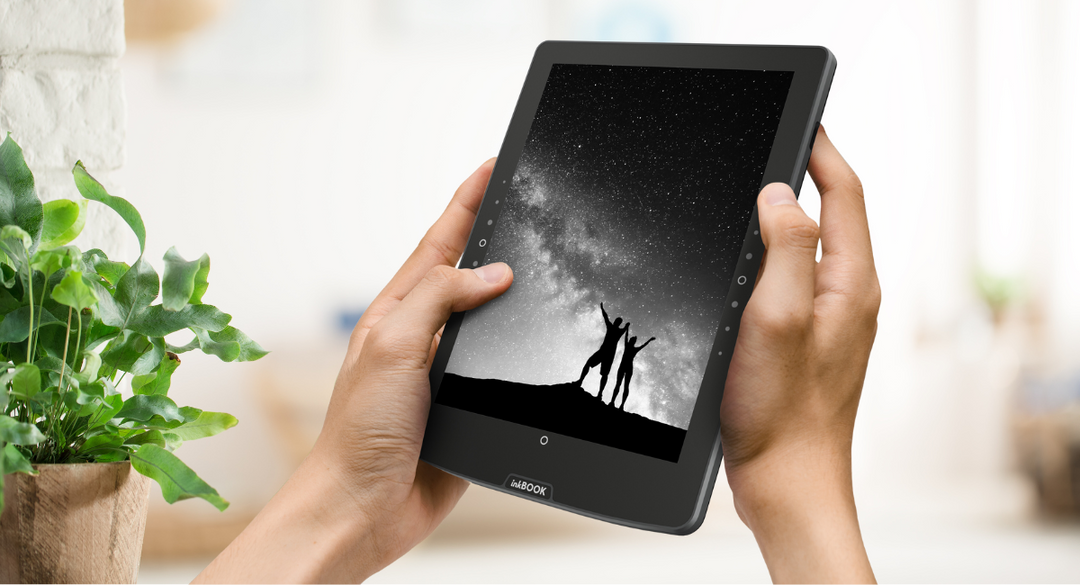
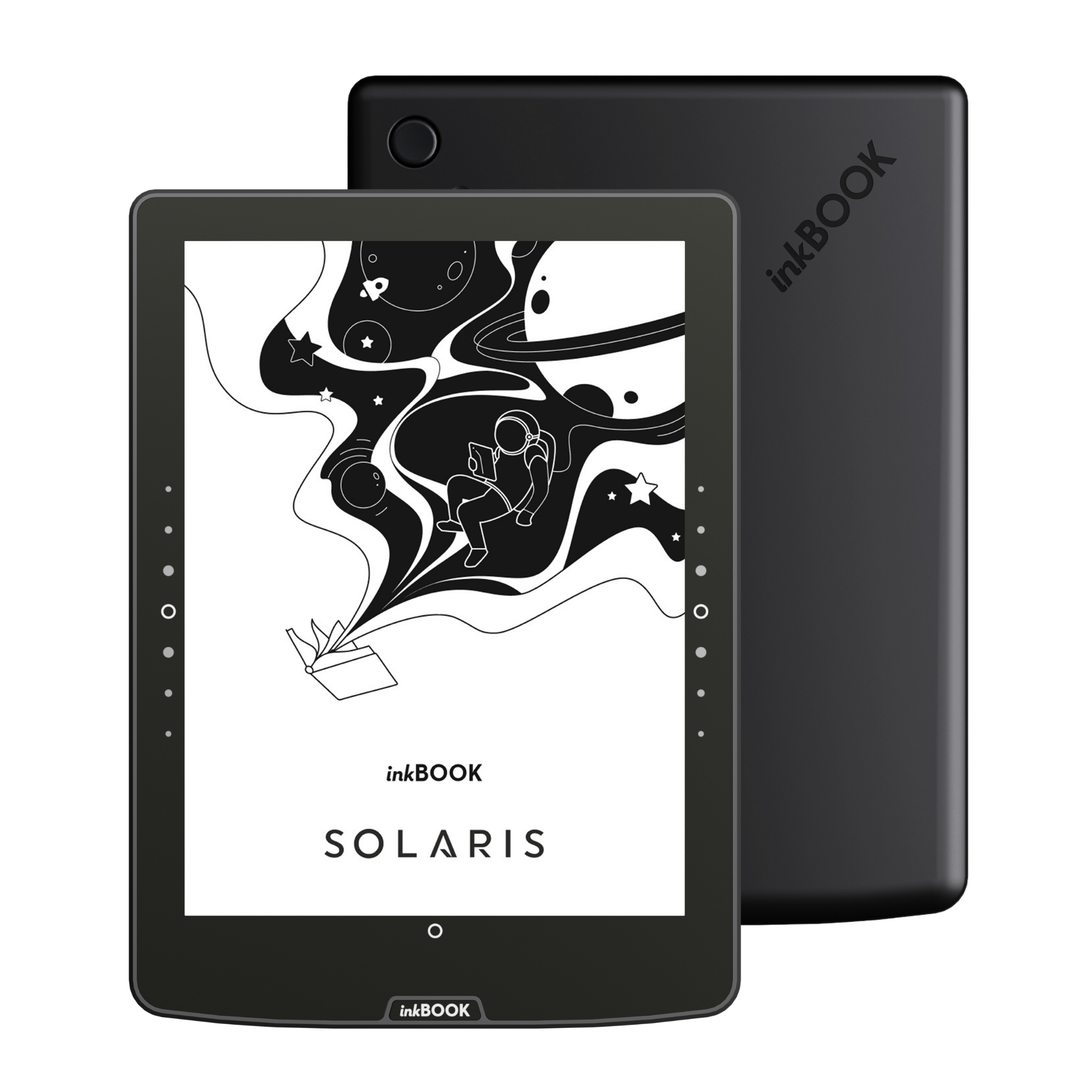
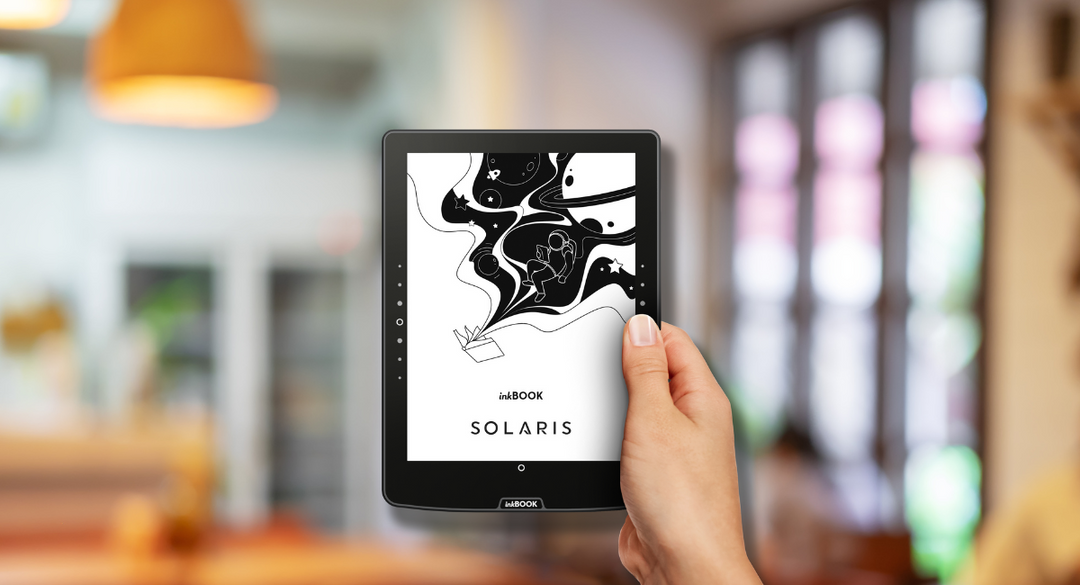
Kein versehentliches Umblättern oder Unterbrechen des Lesens mehr – im Gegensatz zu einem Bildschirm sind die Tasten nicht berührungsempfindlich und müssen bewusst gedrückt werden.
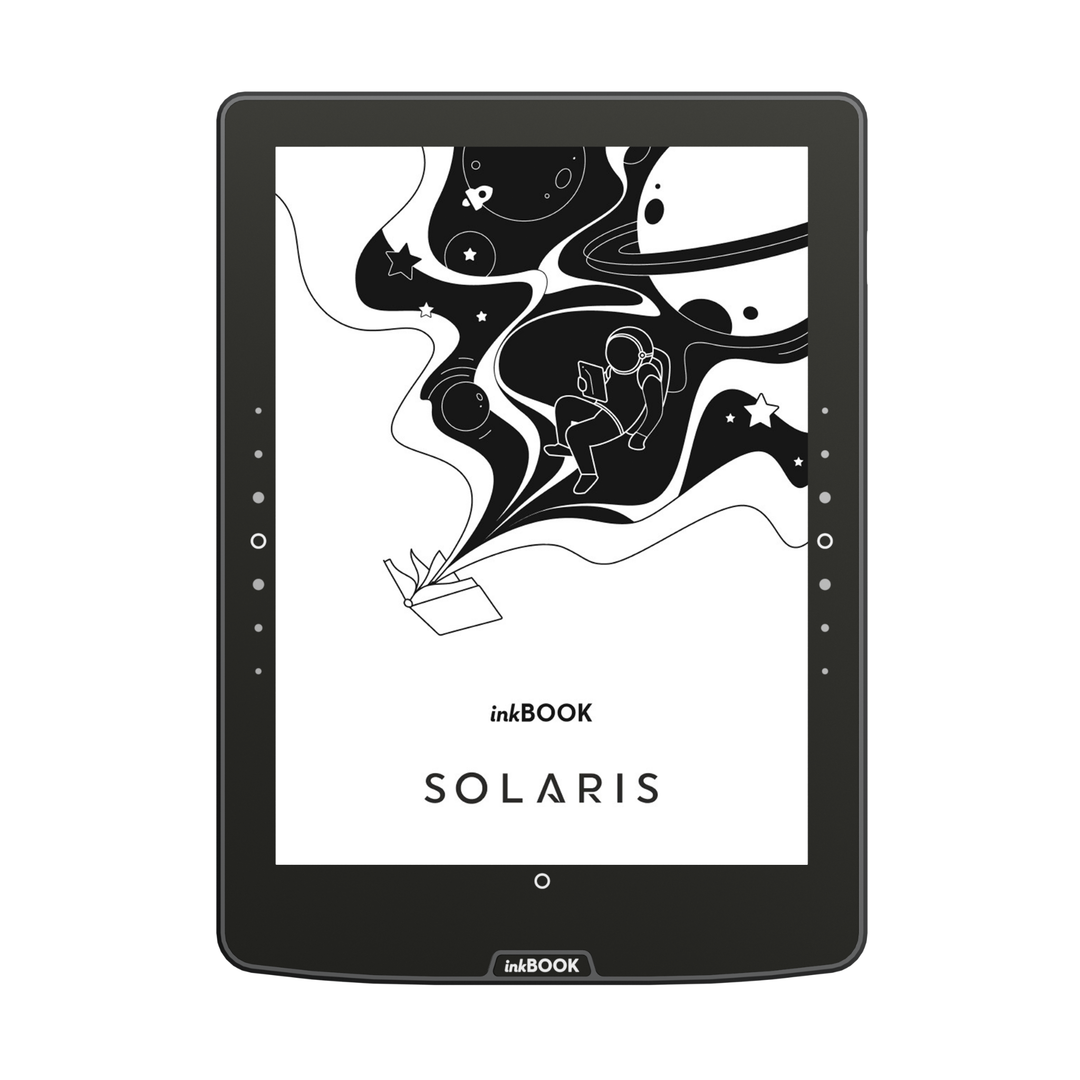
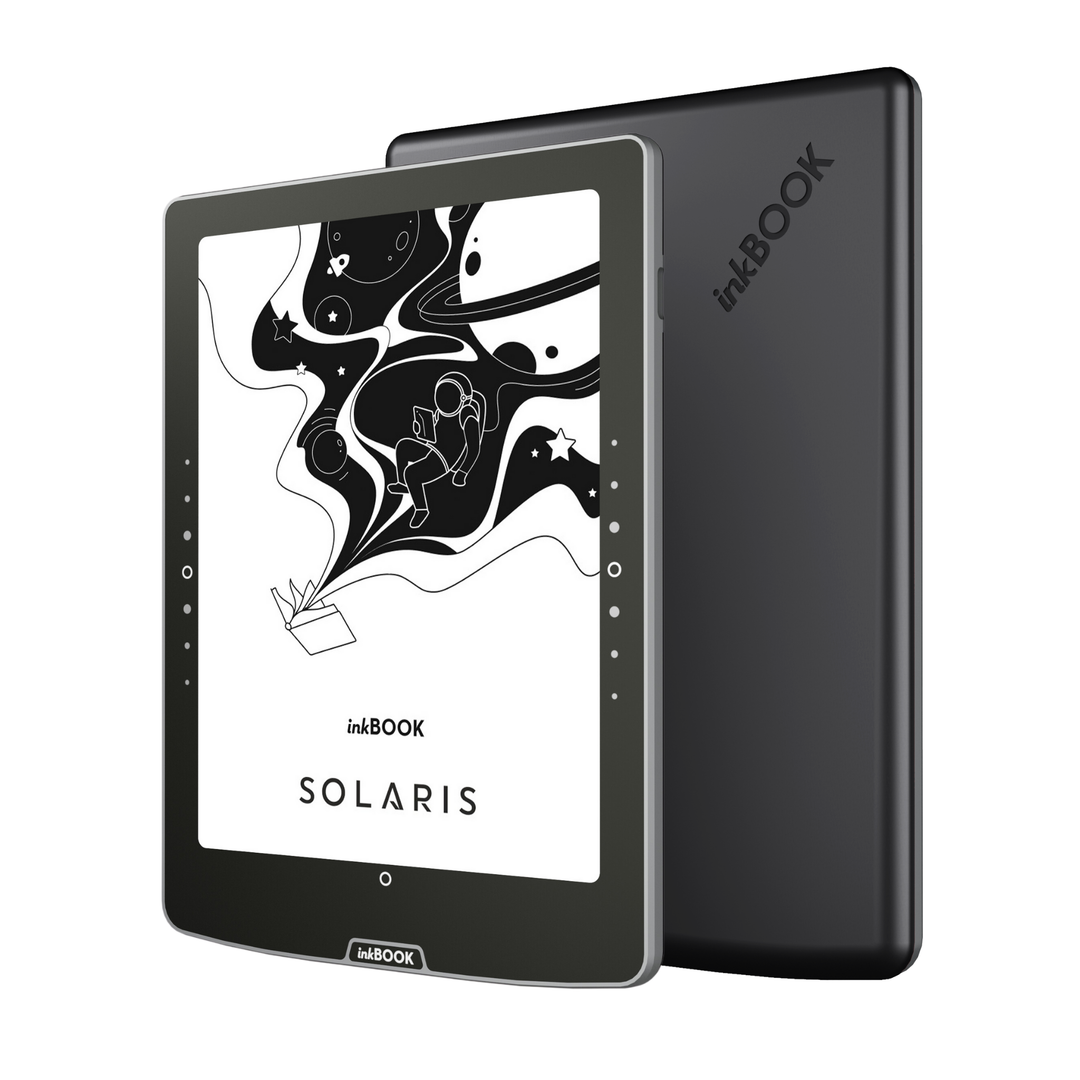
Beim inkBOOK Solaris wurden die physischen Tasten in die Frontplatte integriert, um ein saubereres Aussehen und eine reibungslosere Bedienung zu gewährleisten.
Wir haben auch den Arbeitsbereich erweitert, sodass Sie die Seiten bequem umblättern können, egal wie Sie das Lesegerät halten.
The inkBOOK Solaris battery lasts up to 4 weeks, based on 30 minutes of daily reading with Wi-Fi and Bluetooth turned off, the frontlight set to minimum, and using light mode.Please note that using third-party applications can significantly affect battery life.
Yes, inkBOOK Solaris handles PDF files perfectly and features an advanced PDF Reflow function. This feature intelligently "extracts" plain text from a PDF document and fits it to the screen as if it were a standard e-book. As a result, reading articles or academic papers no longer requires tedious zooming and panning.
Yes, the inkBOOK Solaris supports TTS (Text-to-Speech), which allows you to convert e-book text into speech. This is one of the accessibility features provided alongside Voice Over UI and TalkBack. You can use the built-in narrator option or install external speech synthesis apps. Once headphones or a speaker are connected via Bluetooth, the reader can read your favorite e-books aloud: perfect for driving, cooking, or for individuals with visual impairments.
Yes, inkBOOK Solaris user interface supports multiple languages. You can easily set the system menu to English, German, Spanish, French, Italian, Portuguese, Dutch, Polish, and several other languages during the initial setup or anytime in the device settings.
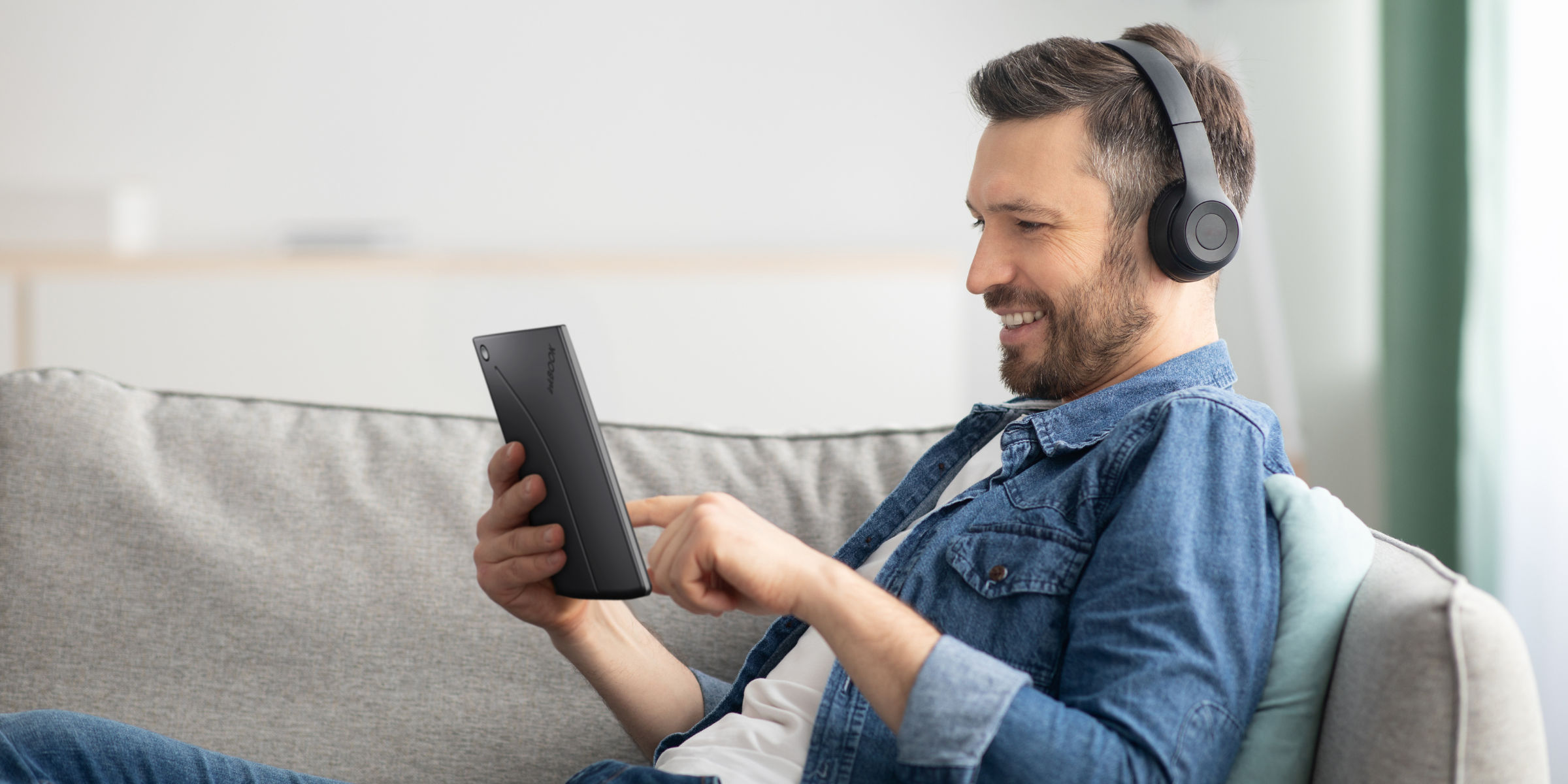
Yes, inkBOOK Solaris supports both audiobooks and Bluetooth headphones. You can easily connect wireless headphones or a speakers to the e-reader via Bluetooth. Audiobooks can be played by manually transferring them to the device's internal memory in ZIP format (containing MP3 files) or by streaming directly through popular apps like Audible or Storytel.
Yes, inkBOOK Solaris is an excellent gift choice for any book lover. Its incredible versatility stems from its support for popular reading apps (like Wattpad, Audible, or Storytel), a user-friendly menu, and an elegant design. It is an ideal gift for seniors, thanks to the adjustable font enlargement feature, as well as for school children and students who need lightweight access to thousands of textbooks and required school readings.
Yes, inkBOOK Solaris allows for wireless file transfers via the "send2inkBOOK" feature. Each reader has a dedicated email address to which you can send e-books (e.g., in EPUB or PDF format), and they will appear in your library shortly after via Wi-Fi. Additionally, you can use cloud storage services such as Google Drive.
Yes, the physical side buttons on the inkBOOK Solaris are fully customizable to suit your reading preferences. In the device settings, you can adjust their button sensitivity and vibration feedback, as well as change their specific actions for turning pages. This ergonomic design makes the e-reader exceptionally comfortable for both right- and left-handed users, offering complete navigation personalization without needing to touch the screen.
Safety Information
Manufacturer
inkBOOK EUROPE SP. Z O.O.
ul. Ostrowskiego 7, 53-238 Wrocław, Poland